
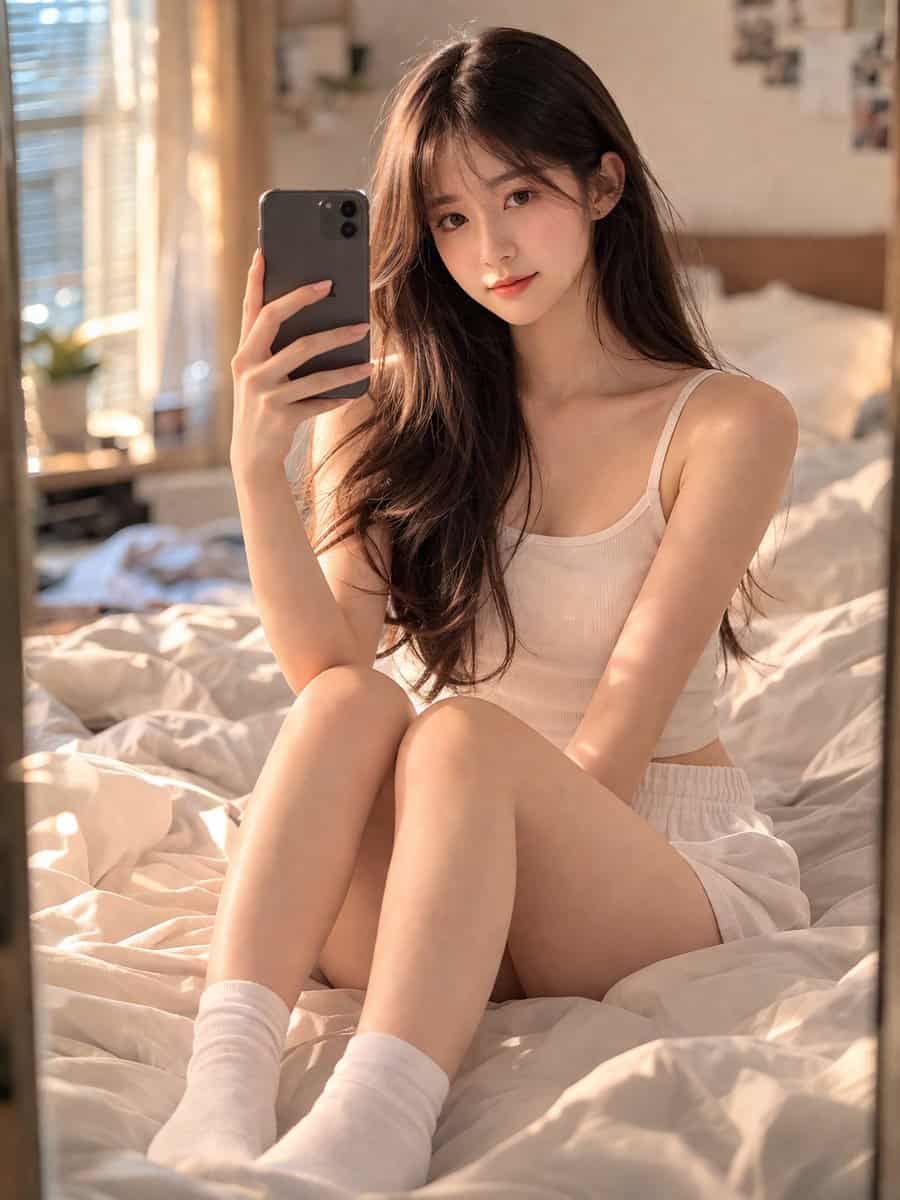
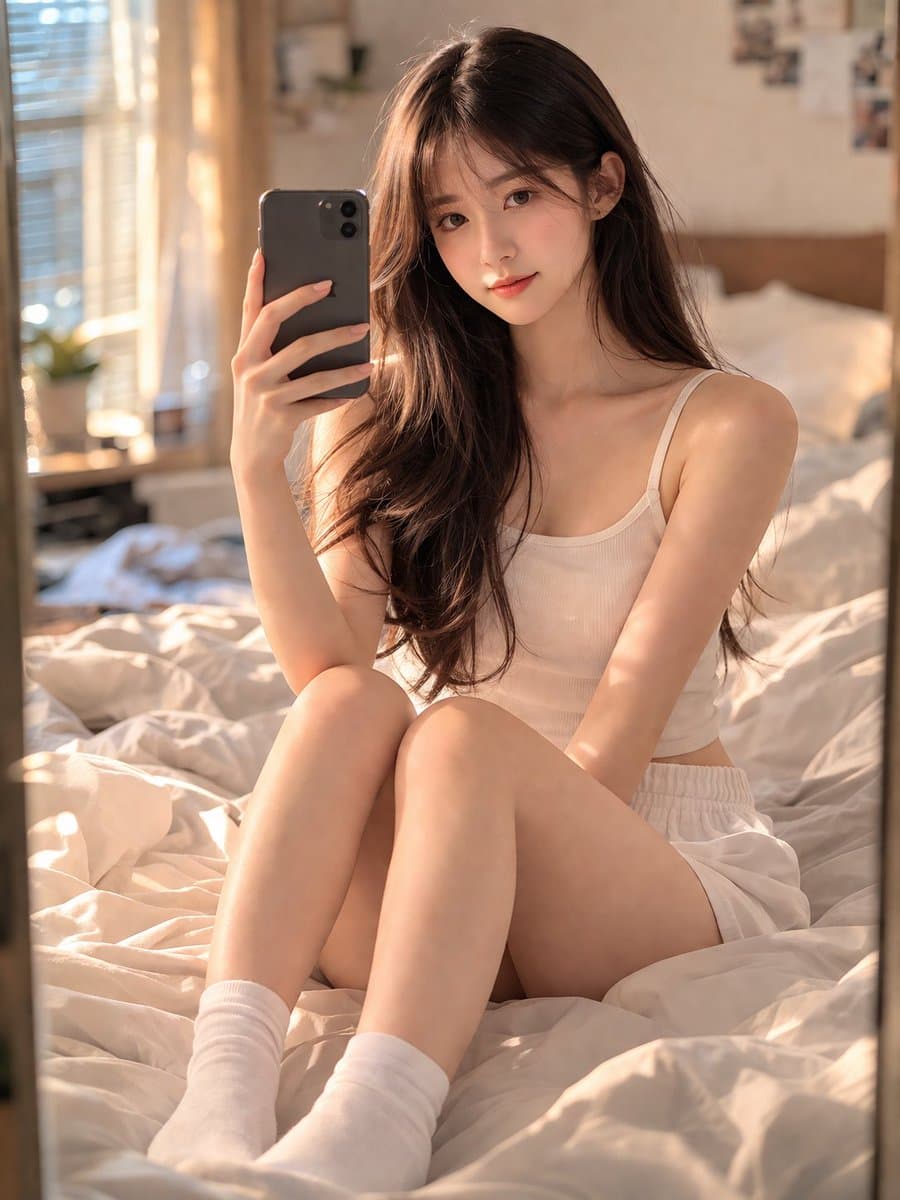
Potret Kamar Tidur Cermin Selfie
Seorang gadis Tionghoa berusia 18 tahun yang memukau dengan wajah muda, murni, dan tekstur kulit yang realistis, duduk di tempat tidur yang nyaman dan sedikit berantakan di kamar tidurnya. Dia mengambil selfie cermin de…
Cepat
Seorang gadis Tionghoa berusia 18 tahun yang memukau dengan wajah muda, murni, dan tekstur kulit yang realistis, duduk di tempat tidur yang nyaman dan sedikit berantakan di kamar tidurnya. Dia mengambil selfie cermin dengan smartphone, mengabadikan momen yang natural dan intim. Mengenakan pakaian santai berwarna abu-abu dan kaus kaki kru berwarna putih rapi. Cahaya alami yang lembut (golden hour) masuk dari jendela samping, menciptakan suasana hangat, murung, dan sinematik. Lensa 35mm, fokus tajam pada subjek di cermin, depth of field dengan latar belakang buram yang indah (bokeh). Fotorealistik, 8K, resolusi tinggi, kualitas studio, mahakarya. Anjuran Negatif: tidak ada anggota tubuh tambahan, tidak ada tangan yang cacat, tidak ada blur, tidak ada suara, tidak ada tanda air, tidak ada teks, tidak ada gaya kartun/anime. Rasio Aspek: 3:4.
Cara menggunakan perintah ini
Baca perintah Potret Kamar Tidur Cermin Selfie secara lengkap dan identifikasi persyaratan subjek, gaya, kamera, pencahayaan, dan komposisi sebelum membuatnya.
Ganti placeholder dalam tanda kurung atau gaya argumen dengan persyaratan produk, karakter, merek, adegan, palet warna, atau rasio aspek Anda.
Buka https://www.gptimagehub.com/id/generate?promptId=cmogwrblz000nzpdyj445l6rw, buat gambarnya, lalu sempurnakan perintah dengan subjek, teks, tata letak, atau batasan negatif yang lebih spesifik jika diperlukan.
Pertanyaan Umum yang cepat
Untuk apa perintah Potret Kamar Tidur Cermin Selfie paling baik digunakan?
Perintah ini paling baik digunakan untuk gambar potret dan fotografi yang menginginkan struktur yang dapat digunakan kembali, arah visual yang mendetail, dan kualitas keluaran yang konsisten.
Bisakah saya mengedit prompt sebelum membuat?
Ya. Teks perintah lengkap terlihat di halaman ini sehingga Anda dapat mengubah subjek, nama produk, warna, komposisi, istilah kamera, rasio aspek, dan catatan gaya sebelum pembuatan.
Model mana yang harus saya gunakan dengan perintah ini?
Gunakan model yang ditampilkan dalam metadata perintah sebagai titik awal default. Jika model gambar lain mendukung rasio aspek dan gaya instruksi yang sama, Anda dapat menyesuaikan perintah dan membandingkan hasilnya.