
Adegan Mitos Gelap Punggung Unta Singa
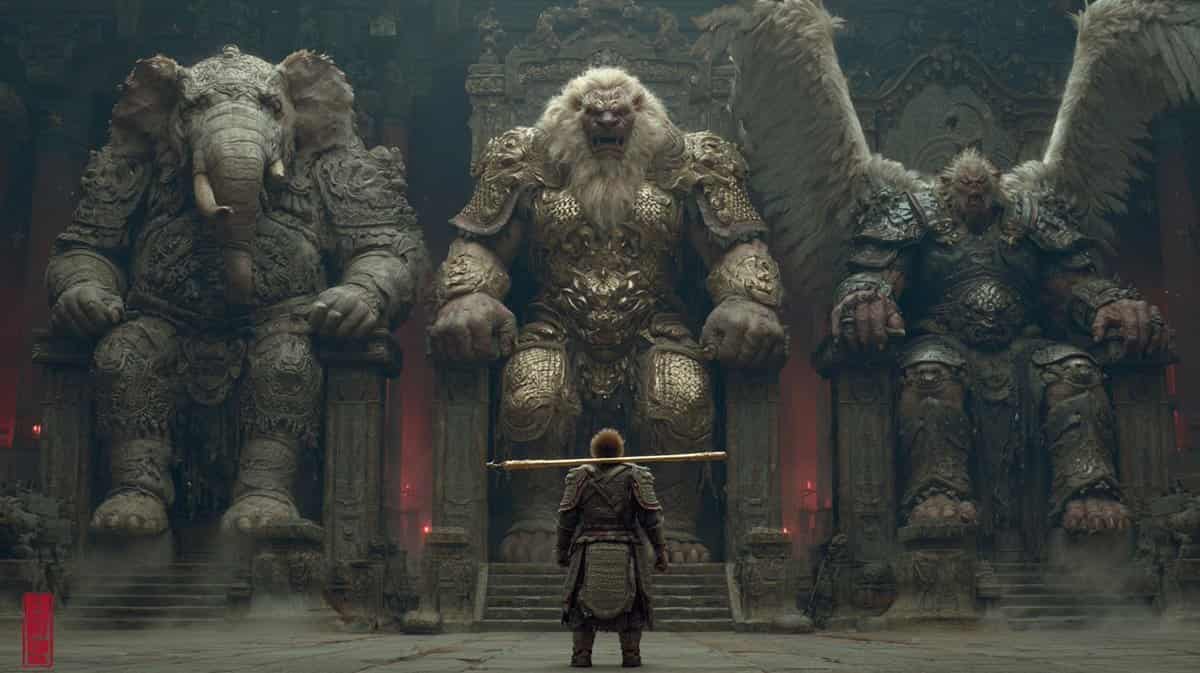
Gaya Tiongkok yang aneh, gelap, dan misterius memadukan estetika Tiongkok, detail sempurna, rendering beberapa saluran, dan pemodelan sempurna. Di latar belakang Journey to the West, Lion Camel Ridge penuh dengan monste…
Cepat
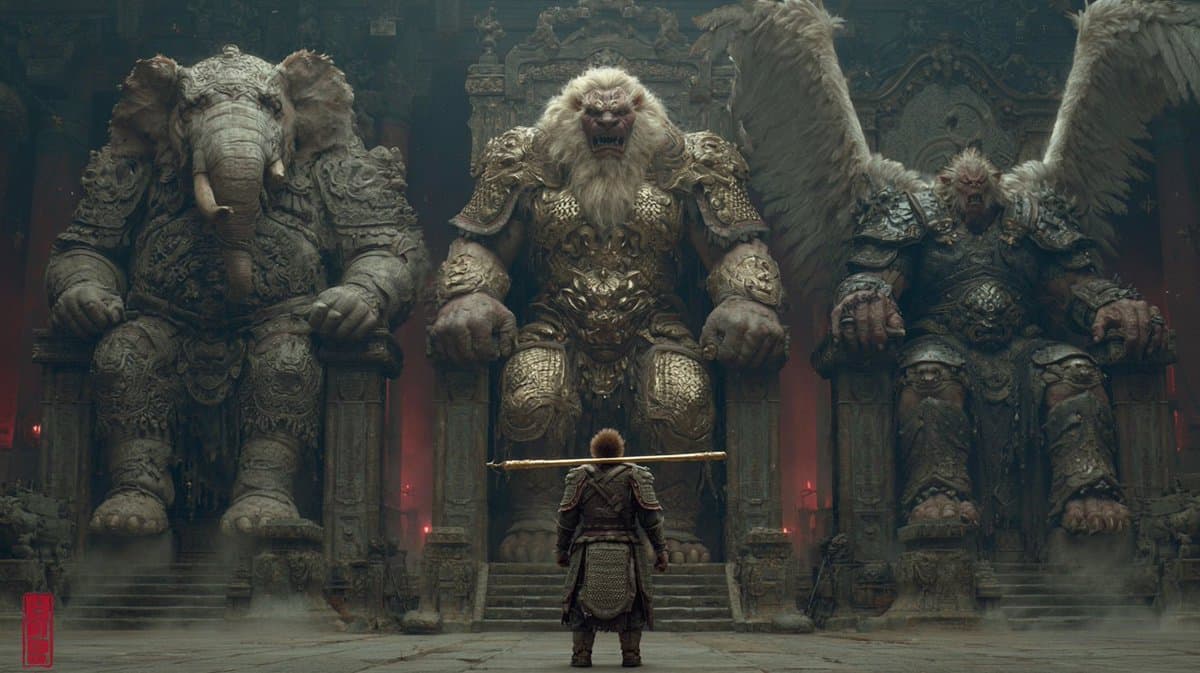
Gaya Tiongkok yang aneh, gelap, dan misterius memadukan estetika Tiongkok, detail sempurna, rendering beberapa saluran, dan pemodelan sempurna. Di latar belakang Journey to the West, Lion Camel Ridge penuh dengan monster dan monster. Raja Gajah dan peri lapis baja berat duduk di singgasana besar di sebelah kiri, Raja Singa dan peri lapis baja berat duduk di singgasana besar di tengah, dan Dapeng dan Raja Burung duduk di singgasana besar di sebelah kanan dan peri lapis baja berat. Dengan membelakangi kamera, Sun Wukong mungil berjalan ke depan dengan gada emas di bahunya. Sun Wukong mengenakan baju besi. Kamera dibidik dari dekat ke tanah, dengan lensa telefoto dan bayangan yang kuat. Karakterisasi yang sangat detail, banyak revisi, perspektif dan garis utama yang benar, detail yang sangat indah
Cara menggunakan perintah ini
Baca perintah Adegan Mitos Gelap Punggung Unta Singa secara lengkap dan identifikasi persyaratan subjek, gaya, kamera, pencahayaan, dan komposisi sebelum membuatnya.
Ganti placeholder dalam tanda kurung atau gaya argumen dengan persyaratan produk, karakter, merek, adegan, palet warna, atau rasio aspek Anda.
Buka https://www.gptimagehub.com/id/generate?promptId=cmogwwrmn0079zpdyvvf3k2m8, buat gambarnya, lalu sempurnakan perintah dengan subjek, teks, tata letak, atau batasan negatif yang lebih spesifik jika diperlukan.
Pertanyaan Umum yang cepat
Untuk apa perintah Adegan Mitos Gelap Punggung Unta Singa paling baik digunakan?
Perintah ini paling baik digunakan untuk gambar desain ui / ux yang menginginkan struktur yang dapat digunakan kembali, arah visual yang mendetail, dan kualitas keluaran yang konsisten.
Bisakah saya mengedit prompt sebelum membuat?
Ya. Teks perintah lengkap terlihat di halaman ini sehingga Anda dapat mengubah subjek, nama produk, warna, komposisi, istilah kamera, rasio aspek, dan catatan gaya sebelum pembuatan.
Model mana yang harus saya gunakan dengan perintah ini?
Gunakan model yang ditampilkan dalam metadata perintah sebagai titik awal default. Jika model gambar lain mendukung rasio aspek dan gaya instruksi yang sama, Anda dapat menyesuaikan perintah dan membandingkan hasilnya.