
Gaya Hidup Mewah Mustang Shot
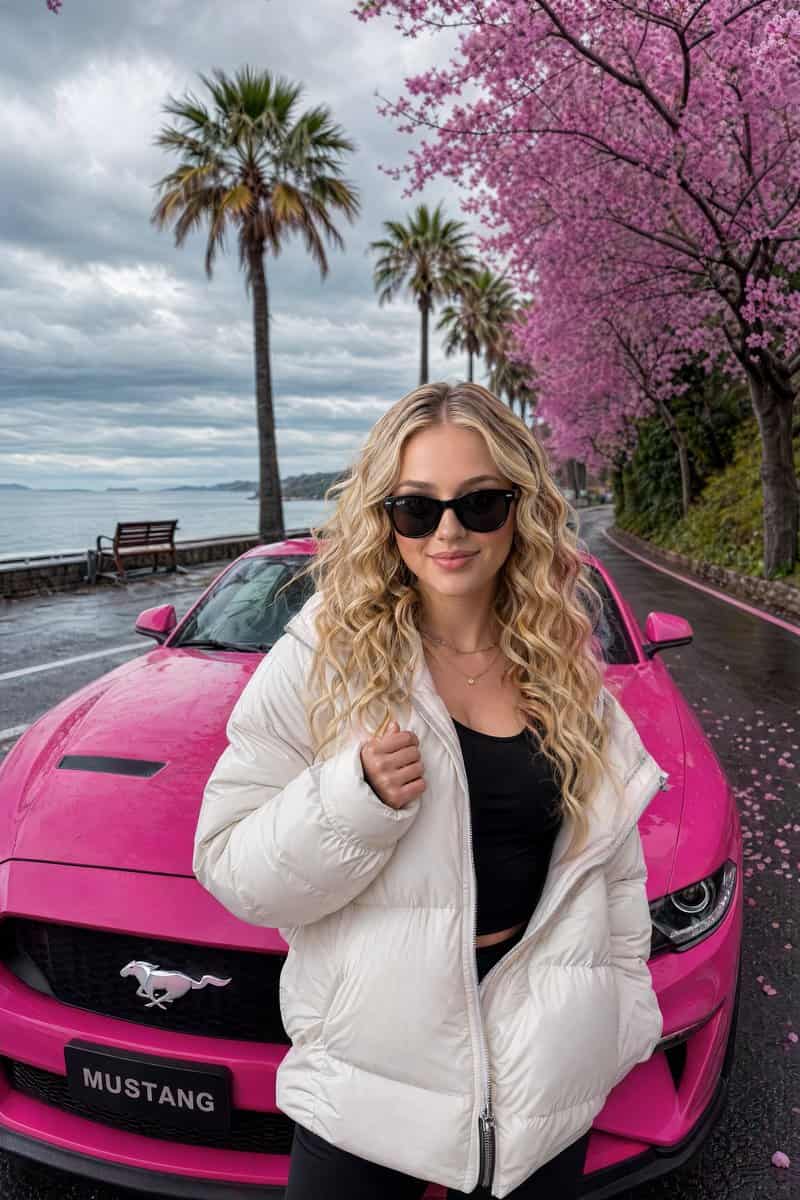
Seorang wanita muda penuh gaya dengan {argument name="hair style" default="long wavy blonde hair"}, tulang pipi tegas, dan ekspresi percaya diri, mengenakan kacamata hitam dan {argument name="clothing" default="thick wh…
Cepat
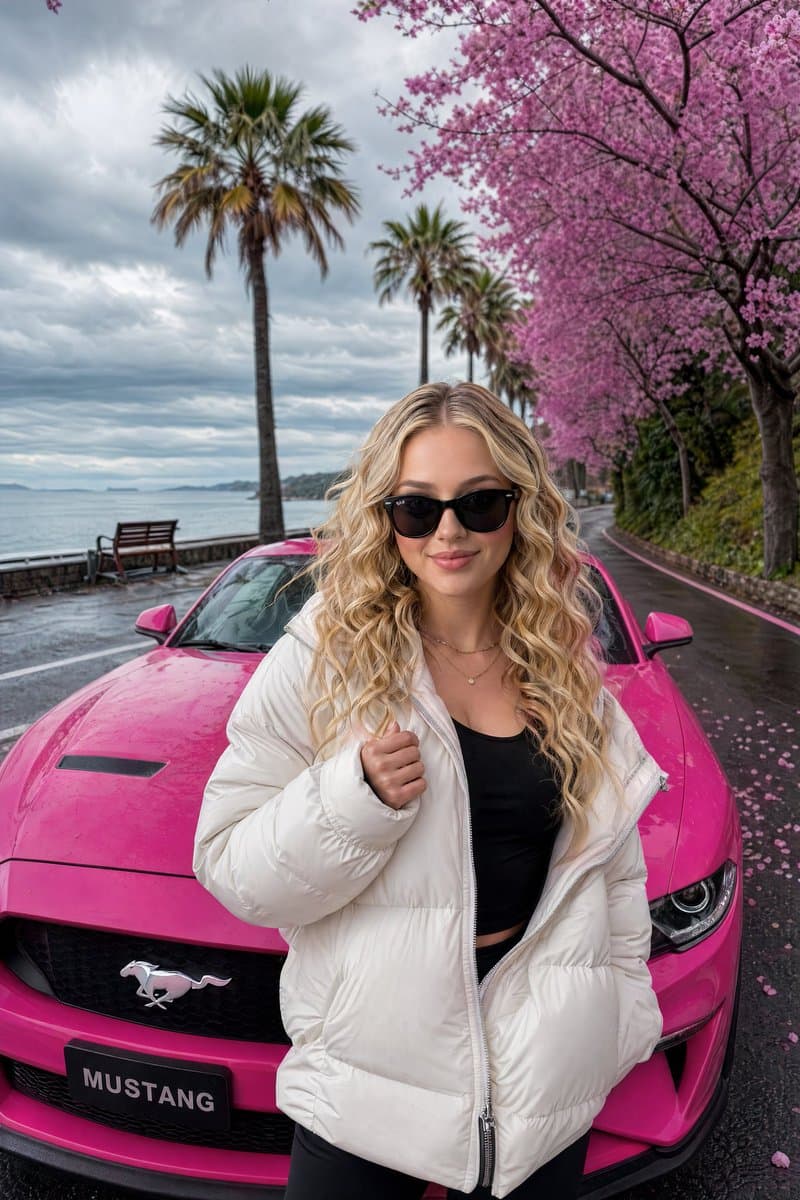
Seorang wanita muda penuh gaya dengan {argument name="hair style" default="long wavy blonde hair"}, tulang pipi tegas, dan ekspresi percaya diri, mengenakan kacamata hitam dan {argument name="clothing" default="thick white puffer jacket"} dengan atasan hitam pas, berdiri dengan percaya diri di depan {argument name="car" default="vibrant hot-pink Ford Mustang"}. Dia berpose dengan satu tangan sedikit terangkat di dekat dadanya, memancarkan sikap tanpa susah payah dan keanggunan. Mobil diparkir di jalan pantai yang indah dengan deretan pohon sakura merah muda yang bermekaran dan pohon palem yang tinggi. Di belakang mereka terdapat laut yang tenang di bawah langit mendung yang dramatis dengan awan lembut. Kelopak bunga berwarna merah muda bertebaran di aspal basah. Sebuah bangku kayu terlihat di sisi kiri dekat air. Pencahayaan sinematik, fotorealistik, tekstur kulit yang sangat detail, pantulan pencahayaan alami, bidikan gaya hidup mewah ala Instagram, warna-warna cerah, suasana murung, resolusi 8k --ar 9:16 --stylize 250
Cara menggunakan perintah ini
Baca perintah Gaya Hidup Mewah Mustang Shot secara lengkap dan identifikasi persyaratan subjek, gaya, kamera, pencahayaan, dan komposisi sebelum membuatnya.
Ganti placeholder dalam tanda kurung atau gaya argumen dengan persyaratan produk, karakter, merek, adegan, palet warna, atau rasio aspek Anda.
Buka https://www.gptimagehub.com/id/generate?promptId=cmogx03x400b7zpdykjhtub9z, buat gambarnya, lalu sempurnakan perintah dengan subjek, teks, tata letak, atau batasan negatif yang lebih spesifik jika diperlukan.
Pertanyaan Umum yang cepat
Untuk apa perintah Gaya Hidup Mewah Mustang Shot paling baik digunakan?
Perintah ini paling baik digunakan untuk gambar desain ui / ux yang menginginkan struktur yang dapat digunakan kembali, arah visual yang mendetail, dan kualitas keluaran yang konsisten.
Bisakah saya mengedit prompt sebelum membuat?
Ya. Teks perintah lengkap terlihat di halaman ini sehingga Anda dapat mengubah subjek, nama produk, warna, komposisi, istilah kamera, rasio aspek, dan catatan gaya sebelum pembuatan.
Model mana yang harus saya gunakan dengan perintah ini?
Gunakan model yang ditampilkan dalam metadata perintah sebagai titik awal default. Jika model gambar lain mendukung rasio aspek dan gaya instruksi yang sama, Anda dapat menyesuaikan perintah dan membandingkan hasilnya.