
Mosaik Piksel Burung Beo Tropis
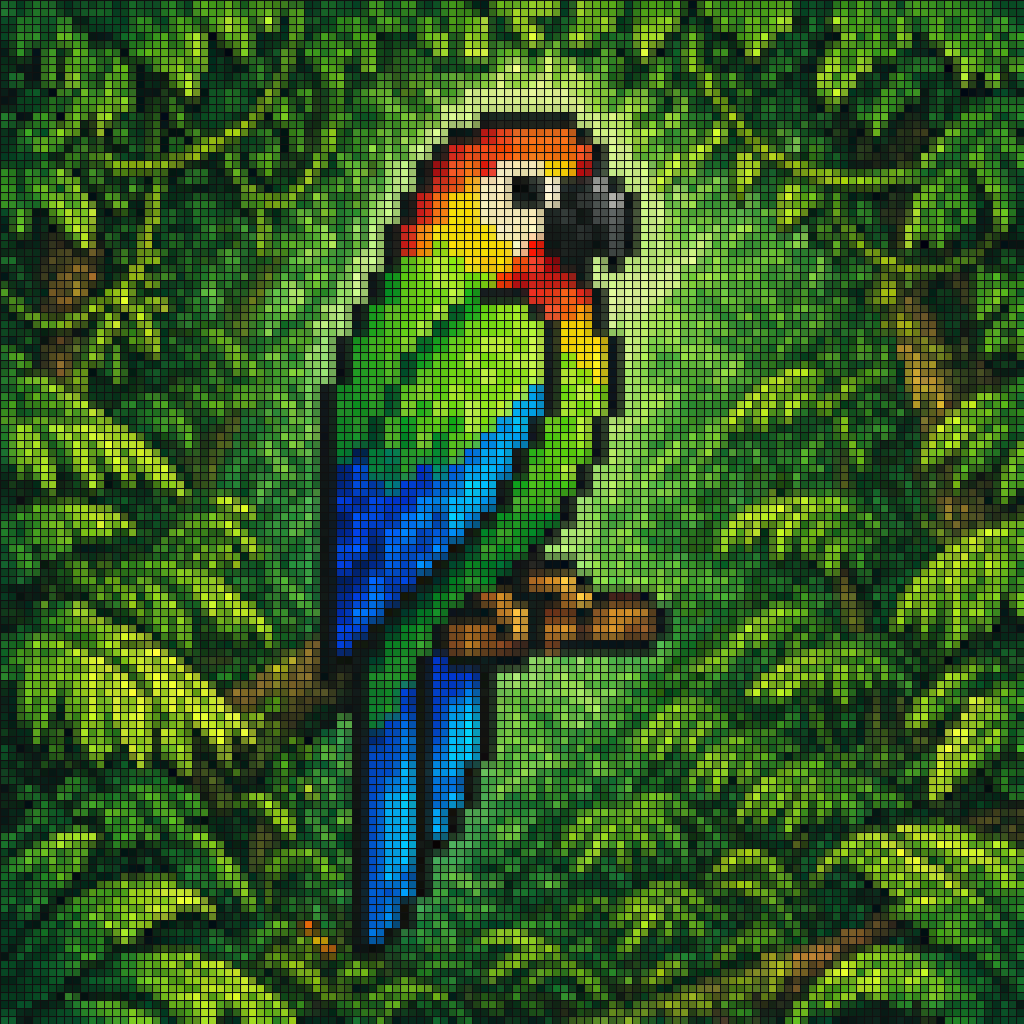
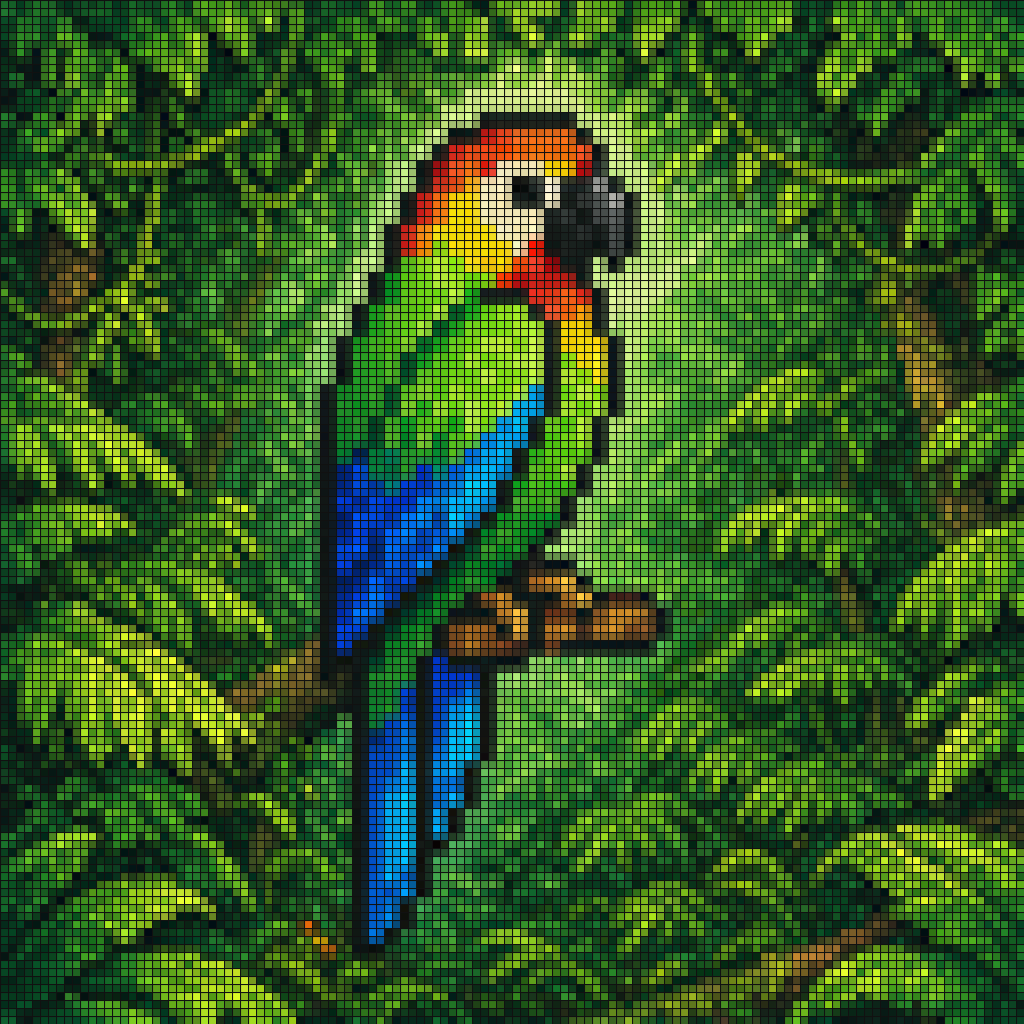
Mosaik gaya seni piksel yang semarak dari burung beo tropis yang bertengger di dahan kecil berwarna coklat di tengah dedaunan hutan hujan yang lebat. Seluruh gambar ditampilkan sebagai kisi-kisi ubin persegi kecil yang…
Cepat
Mosaik gaya seni piksel yang semarak dari burung beo tropis yang bertengger di dahan kecil berwarna coklat di tengah dedaunan hutan hujan yang lebat. Seluruh gambar ditampilkan sebagai kisi-kisi ubin persegi kecil yang rapat dengan garis luar hitam yang terlihat, menciptakan efek kaca patri atau layar LED. Burung tersebut ditampilkan dalam profil samping menghadap ke kanan, dengan paruh hitam melengkung besar, wajah berwarna krem pucat, dahi dan tenggorokan berwarna merah-oranye cerah, tubuh bagian atas berwarna hijau cerah, serta sayap dan ekor panjang berwarna biru jenuh dan cyan. Hutan di sekitarnya dipenuhi dari ujung ke ujung dengan dedaunan hijau berlapis dalam berbagai corak, dengan cahaya hijau muda lembut di belakang burung beo untuk memisahkannya dari latar belakang. Kontras warna tinggi, palet tropis yang kaya, pola ubin yang tajam, komposisi terpusat, estetika mosaik digital dekoratif.
Cara menggunakan perintah ini
Baca perintah Mosaik Piksel Burung Beo Tropis secara lengkap dan identifikasi persyaratan subjek, gaya, kamera, pencahayaan, dan komposisi sebelum membuatnya.
Ganti placeholder dalam tanda kurung atau gaya argumen dengan persyaratan produk, karakter, merek, adegan, palet warna, atau rasio aspek Anda.
Buka https://www.gptimagehub.com/id/generate?promptId=cmogwzqkd00avzpdyzifsbxe5, buat gambarnya, lalu sempurnakan perintah dengan subjek, teks, tata letak, atau batasan negatif yang lebih spesifik jika diperlukan.
Pertanyaan Umum yang cepat
Untuk apa perintah Mosaik Piksel Burung Beo Tropis paling baik digunakan?
Perintah ini paling baik digunakan untuk gambar media sosial yang menginginkan struktur yang dapat digunakan kembali, arah visual yang mendetail, dan kualitas keluaran yang konsisten.
Bisakah saya mengedit prompt sebelum membuat?
Ya. Teks perintah lengkap terlihat di halaman ini sehingga Anda dapat mengubah subjek, nama produk, warna, komposisi, istilah kamera, rasio aspek, dan catatan gaya sebelum pembuatan.
Model mana yang harus saya gunakan dengan perintah ini?
Gunakan model yang ditampilkan dalam metadata perintah sebagai titik awal default. Jika model gambar lain mendukung rasio aspek dan gaya instruksi yang sama, Anda dapat menyesuaikan perintah dan membandingkan hasilnya.