
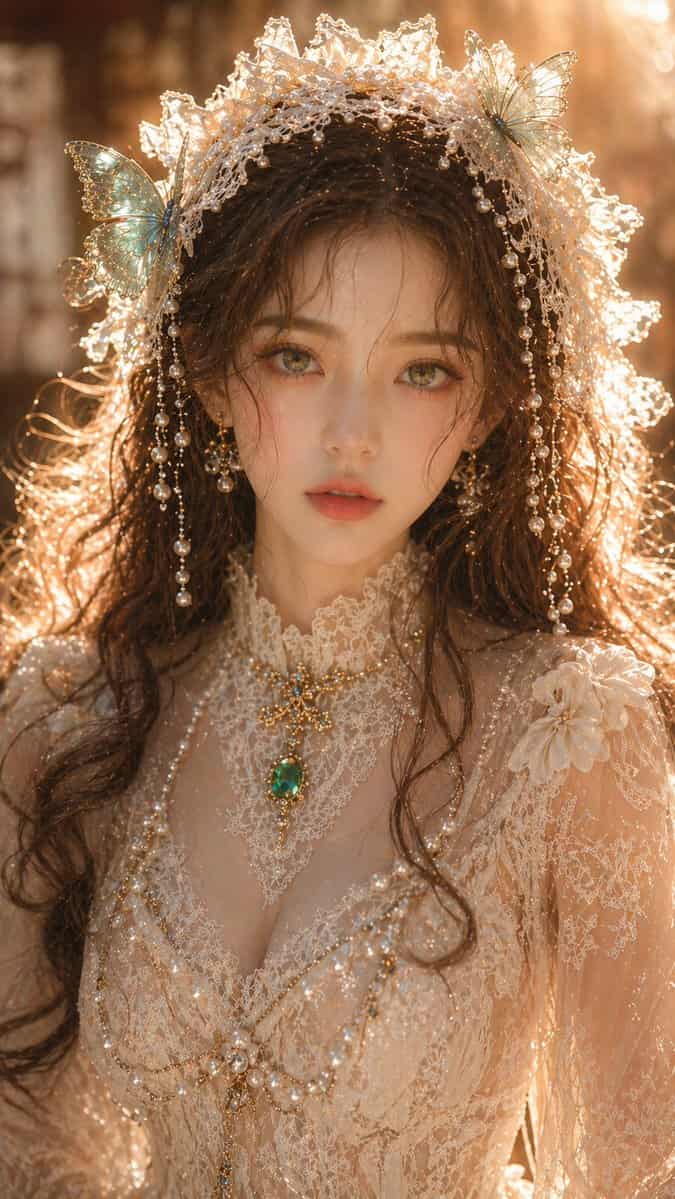
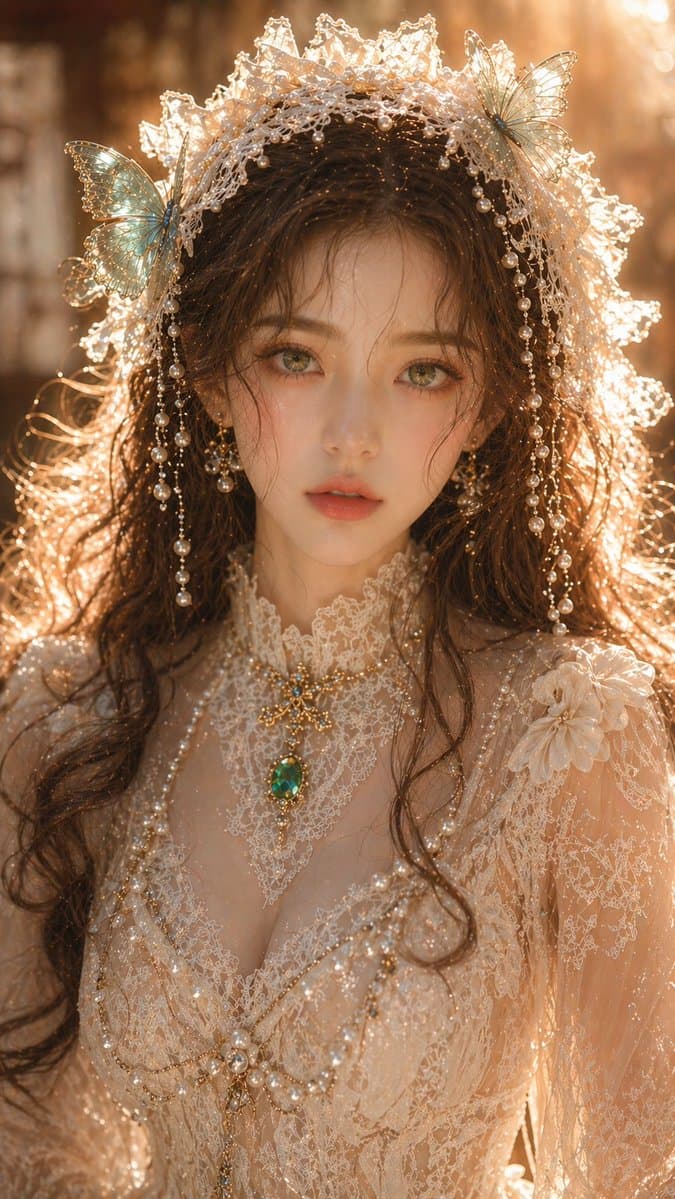
Potret wanita Oriental yang melamun
{argument name="subject" default="Dreamy Oriental female portrait"}, wanita dewasa, potret jarak dekat, fitur wajah indah, kulit cerah dan bening, tekstur kulit halus namun bersih, mata hijau zamrud, tatapan lembut dan…
Cepat
{argument name="subject" default="Dreamy Oriental female portrait"}, wanita dewasa, potret jarak dekat, fitur wajah indah, kulit cerah dan bening, tekstur kulit halus namun bersih, mata hijau zamrud, tatapan lembut dan menawan, rambut coklat bergelombang rontok alami; {argument name="accessories" default="Off-white lace headpiece"}, dihiasi kupu-kupu pirus dan hiasan mutiara; pakaian adalah gaun renda yang indah dengan struktur yang jelas dan tekstur yang bersih, tidak terlalu rumit, disertai dengan perhiasan zamrud; pencahayaan adalah cahaya latar samping berwarna emas hangat yang lembut, pencahayaan tepi jelas namun tidak terlalu terang, kulit memiliki sedikit sorotan namun tidak pantulan berlebihan, pencahayaan keseluruhan bersih dan transparan, latar belakang diburamkan secara lembut dengan kedalaman bidang yang dangkal; kualitas fotografi potret kelas atas, detail jelas namun terkendali, tanpa butiran, tanpa noise, pencahayaan fisik nyata, 8K, kualitas kelas komersial. Rasio aspek: 9:16
Cara menggunakan perintah ini
Baca perintah Potret wanita Oriental yang melamun secara lengkap dan identifikasi persyaratan subjek, gaya, kamera, pencahayaan, dan komposisi sebelum membuatnya.
Ganti placeholder dalam tanda kurung atau gaya argumen dengan persyaratan produk, karakter, merek, adegan, palet warna, atau rasio aspek Anda.
Buka https://www.gptimagehub.com/id/generate?promptId=cmogwyrka00a5zpdysrekft0g, buat gambarnya, lalu sempurnakan perintah dengan subjek, teks, tata letak, atau batasan negatif yang lebih spesifik jika diperlukan.
Pertanyaan Umum yang cepat
Untuk apa perintah Potret wanita Oriental yang melamun paling baik digunakan?
Perintah ini paling baik digunakan untuk gambar potret dan fotografi yang menginginkan struktur yang dapat digunakan kembali, arah visual yang mendetail, dan kualitas keluaran yang konsisten.
Bisakah saya mengedit prompt sebelum membuat?
Ya. Teks perintah lengkap terlihat di halaman ini sehingga Anda dapat mengubah subjek, nama produk, warna, komposisi, istilah kamera, rasio aspek, dan catatan gaya sebelum pembuatan.
Model mana yang harus saya gunakan dengan perintah ini?
Gunakan model yang ditampilkan dalam metadata perintah sebagai titik awal default. Jika model gambar lain mendukung rasio aspek dan gaya instruksi yang sama, Anda dapat menyesuaikan perintah dan membandingkan hasilnya.