
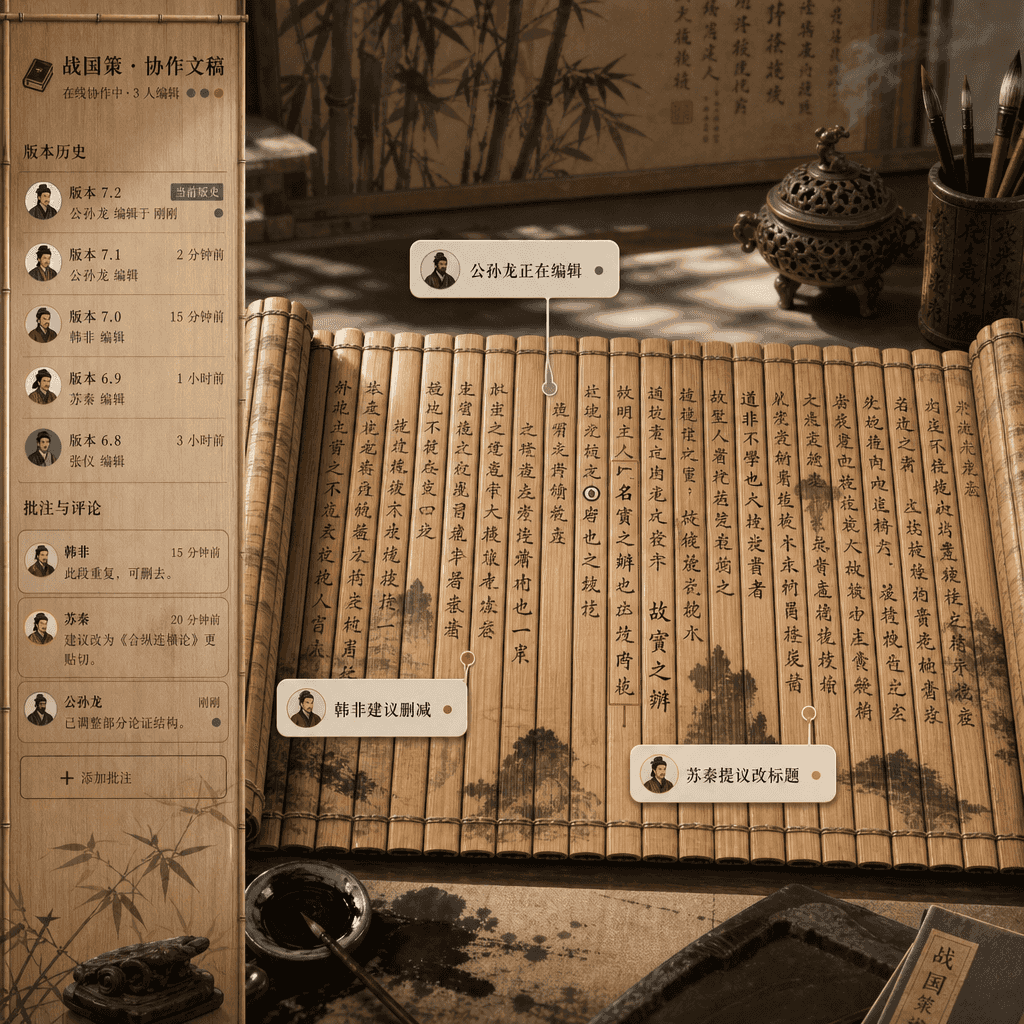
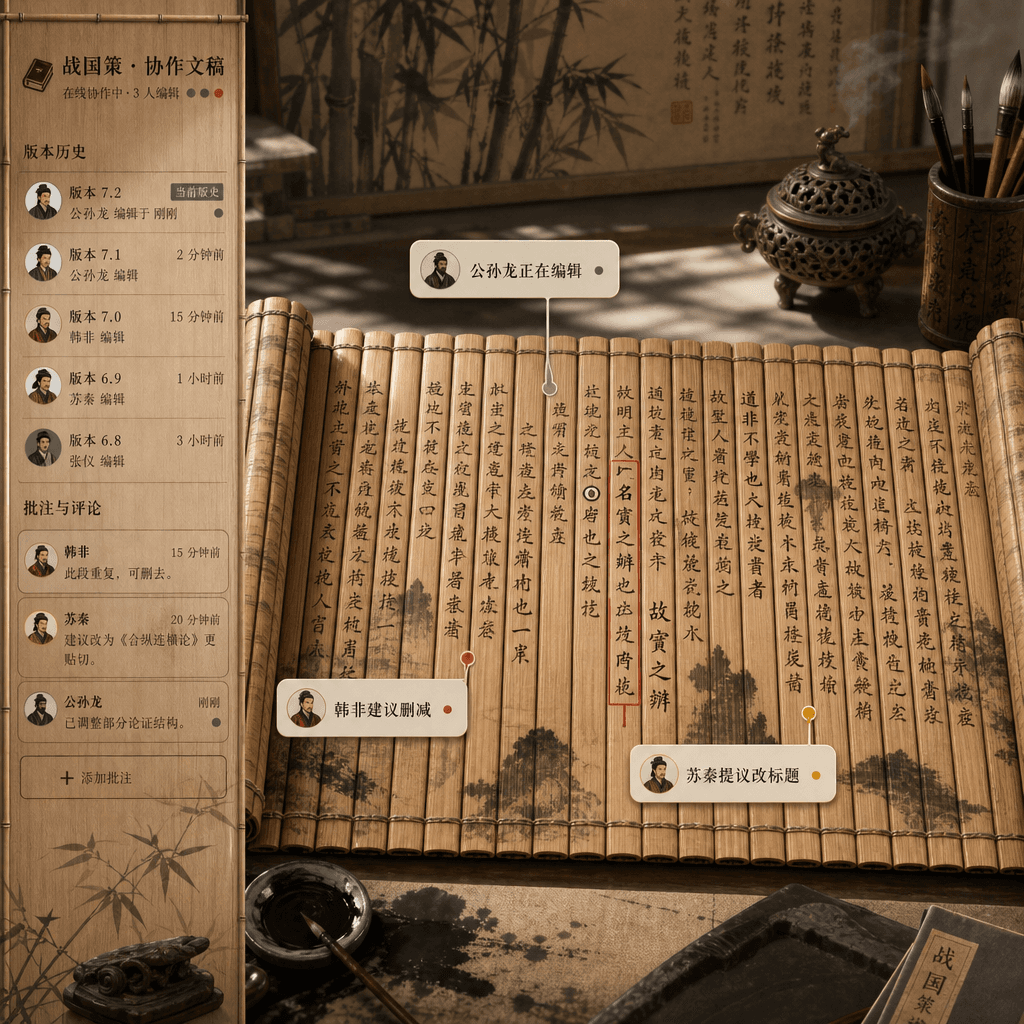
"Savaşan Devletler Döneminde çok kişili işbirliği belge arayüzü"
"Savaşan Devletler Döneminde çok kişili işbirliğine dayalı belge arayüzü", bambu kaydırmalı belgeler ile çevrimiçi belge ürün tasarımının absürt bir birleşimidir. Resim, gerçek zamanlı, işbirliğine dayalı bir editör ara…
İstemi
"Savaşan Devletler Döneminde çok kişili işbirliğine dayalı belge arayüzü", bambu kaydırmalı belgeler ile çevrimiçi belge ürün tasarımının absürt bir birleşimidir. Resim, gerçek zamanlı, işbirliğine dayalı bir editör arayüzüne benziyor, ancak alt katman, açılmış bambu tabakaları ve fırça mürekkebinden oluşuyor. Farklı yazarlardan gelen yorum baloncuklarında "Gongsun Long düzenliyor", "Han Fei silinmeyi önerdi" ve "Su Qin başlığı değiştirmeyi önerdi" ifadeleriyle işaretlendi. Kenar çubuğu sürüm geçmişi ve yorumlardır. Tamamı akademik titizlik ve İnternet ofisi mizahıyla dolu, 16:9 oranıyla.
Bu istem nasıl kullanılır?
Oluşturmadan önce "Savaşan Devletler Döneminde çok kişili işbirliği belge arayüzü" isteminin tamamını okuyun ve konuyu, stili, kamerayı, ışıklandırmayı ve kompozisyon gereksinimlerini tanımlayın.
Parantezli veya bağımsız değişken tarzı yer tutucuları ürününüz, karakteriniz, markanız, sahneniz, renk paletiniz veya en boy oranı gereksinimlerinizle değiştirin.
https://www.gptimagehub.com/tr/generate?promptId=cmogxkp7600ifxt5gyd7s8g76 dosyasını açın, görüntüyü oluşturun, ardından gerekirse daha spesifik konu, metin, düzen veya negatif kısıtlamalarla istemi hassaslaştırın.
Bilgi İstemi SSS
"Savaşan Devletler Döneminde çok kişili işbirliği belge arayüzü" istemi en iyi ne için kullanılır?
Bu istem, yeniden kullanılabilir bir yapı, ayrıntılı görsel yön ve tutarlı çıktı kalitesi istediğiniz uı / ux tasarımı görselleri için en iyi şekilde kullanılır.
İstemi oluşturmadan önce düzenleyebilir miyim?
Evet. Bilgi istemi metninin tamamı bu sayfada görünür; böylece oluşturmadan önce konuları, ürün adlarını, renkleri, kompozisyonu, kamera terimlerini, en boy oranını ve stil notlarını değiştirebilirsiniz.
Bu istemle hangi modeli kullanmalıyım?
Bilgi istemi meta verilerinde gösterilen modeli varsayılan başlangıç noktası olarak kullanın. Başka bir görüntü modeli aynı en boy oranını ve talimat stilini destekliyorsa istemi uyarlayabilir ve sonuçları karşılaştırabilirsiniz.