
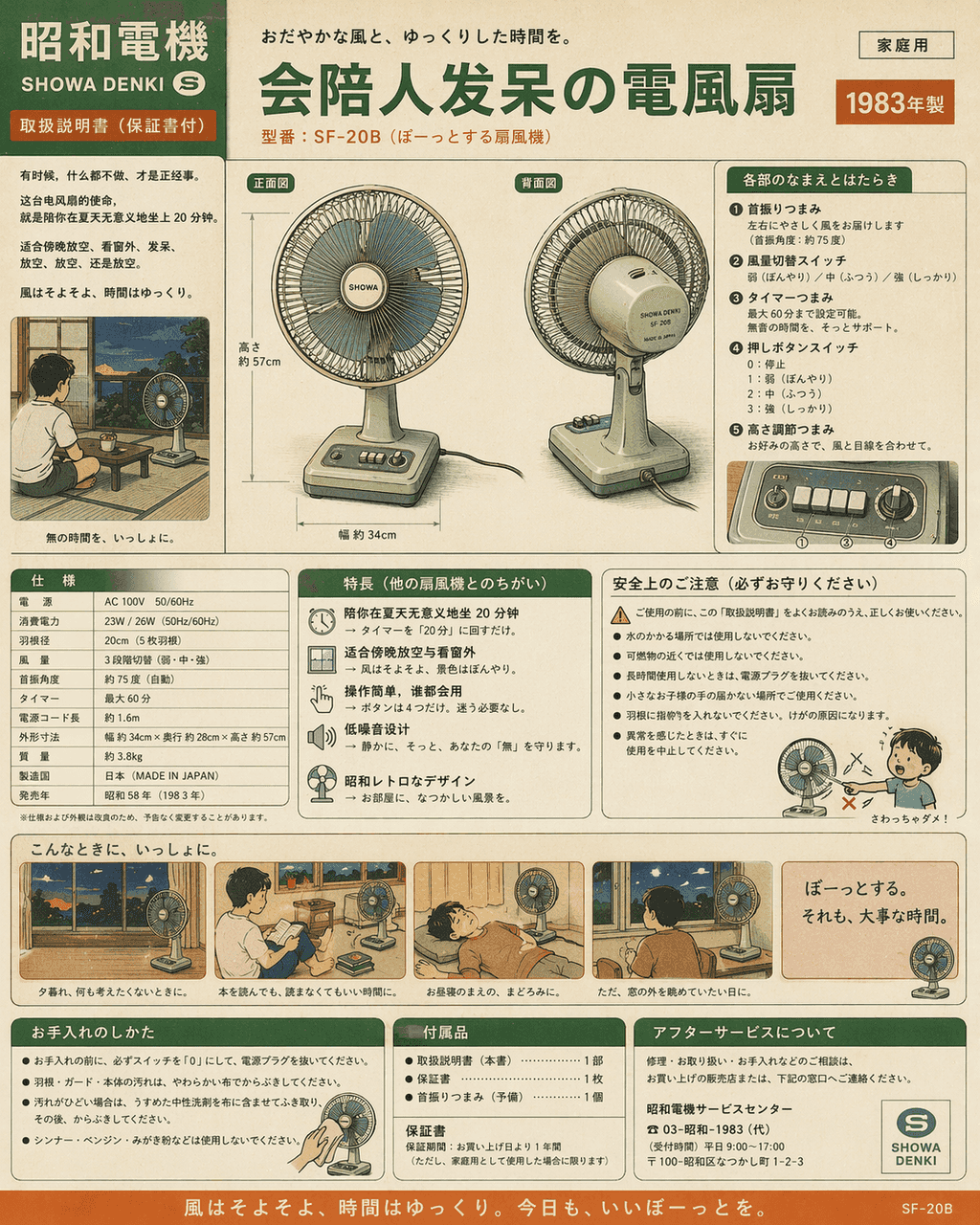
Showa tarzı ev aletleri kılavuzu: şaşkınlık içinde insanlara eşlik edebilecek elektrikli bir fan
"Showa tarzı ev aletleri kılavuzu: şaşkınlık içinde insanlara eşlik edebilecek bir elektrikli vantilatör", ürün kılavuzu hayat anlatılarıyla esprili bir şekilde bütünleşmiş, resim 1980'lerdeki ev aletlerinin renkli sayf…
İstemi
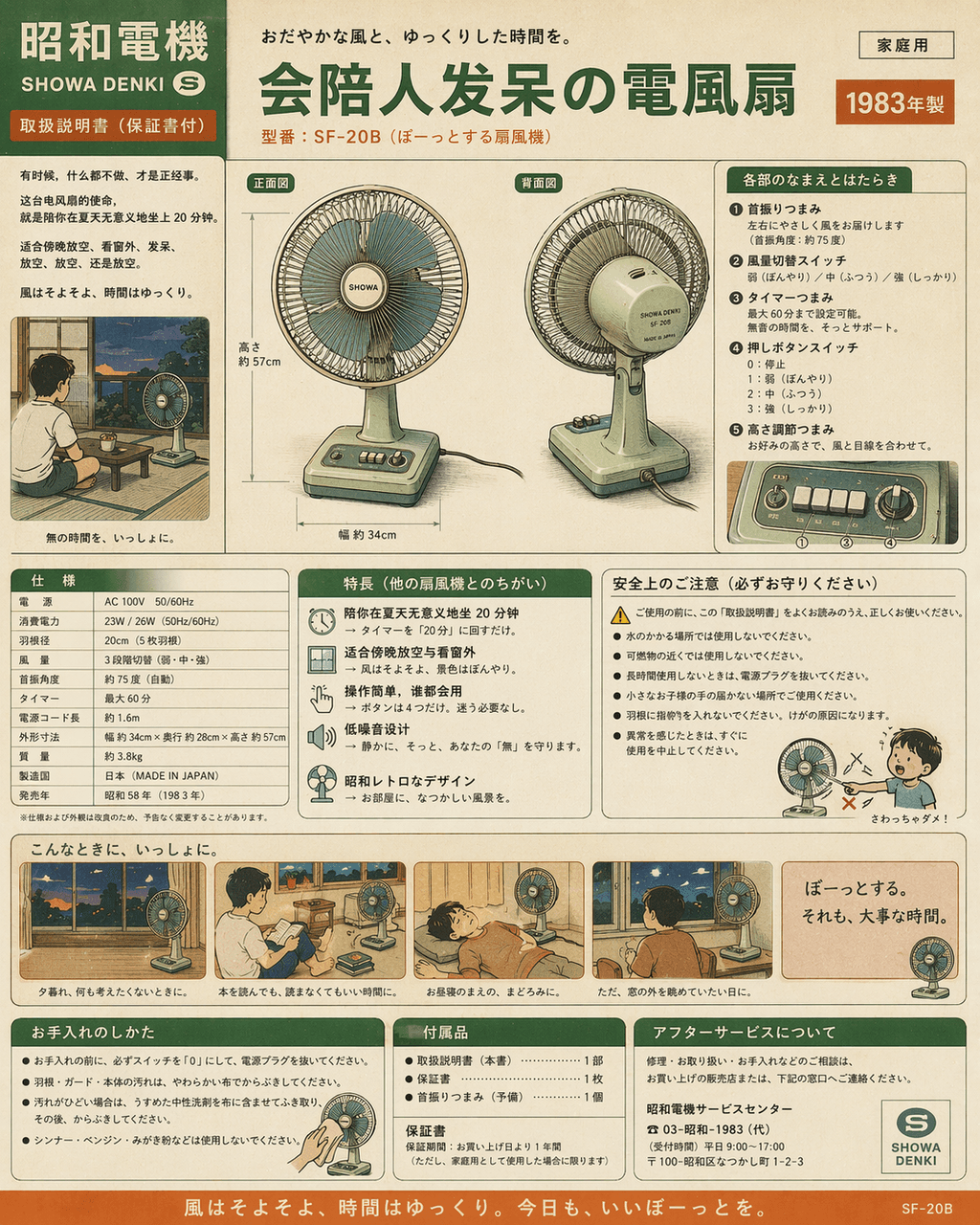
"Showa tarzı ev aletleri kılavuzu: şaşkınlık içinde insanlara eşlik edebilecek bir elektrikli vantilatör", ürün kılavuzu hayat anlatılarıyla esprili bir şekilde bütünleşmiş, resim 1980'lerdeki ev aletlerinin renkli sayfa kılavuzuna benziyor, ana bilgisayarın ön ve arka görünümleri, düğme fonksiyonları, güç parametreleri ve kullanım senaryosu çizgi romanları eksiksiz, ancak satış noktası "yazın 20 dakika anlamsızca oturmanıza eşlik edecek" ve "akşamları dinlenmek ve pencereden dışarı bakmak için uygun." Renkler nostaljik krem yeşili, kırık beyaz ve turuncu olup 4:5 oranındadır.
Bu istem nasıl kullanılır?
Oluşturmadan önce Showa tarzı ev aletleri kılavuzu: şaşkınlık içinde insanlara eşlik edebilecek elektrikli bir fan isteminin tamamını okuyun ve konuyu, stili, kamerayı, ışıklandırmayı ve kompozisyon gereksinimlerini tanımlayın.
Parantezli veya bağımsız değişken tarzı yer tutucuları ürününüz, karakteriniz, markanız, sahneniz, renk paletiniz veya en boy oranı gereksinimlerinizle değiştirin.
https://www.gptimagehub.com/tr/generate?promptId=cmogxk9uy00hvxt5gc3vzbbzv dosyasını açın, görüntüyü oluşturun, ardından gerekirse daha spesifik konu, metin, düzen veya negatif kısıtlamalarla istemi hassaslaştırın.
Bilgi İstemi SSS
Showa tarzı ev aletleri kılavuzu: şaşkınlık içinde insanlara eşlik edebilecek elektrikli bir fan istemi en iyi ne için kullanılır?
Bu istem, yeniden kullanılabilir bir yapı, ayrıntılı görsel yön ve tutarlı çıktı kalitesi istediğiniz diğer görselleri için en iyi şekilde kullanılır.
İstemi oluşturmadan önce düzenleyebilir miyim?
Evet. Bilgi istemi metninin tamamı bu sayfada görünür; böylece oluşturmadan önce konuları, ürün adlarını, renkleri, kompozisyonu, kamera terimlerini, en boy oranını ve stil notlarını değiştirebilirsiniz.
Bu istemle hangi modeli kullanmalıyım?
Bilgi istemi meta verilerinde gösterilen modeli varsayılan başlangıç noktası olarak kullanın. Başka bir görüntü modeli aynı en boy oranını ve talimat stilini destekliyorsa istemi uyarlayabilir ve sonuçları karşılaştırabilirsiniz.