
“2026'yı sayfaları çeviren görsel bir yıllık kapağına dönüştürün”
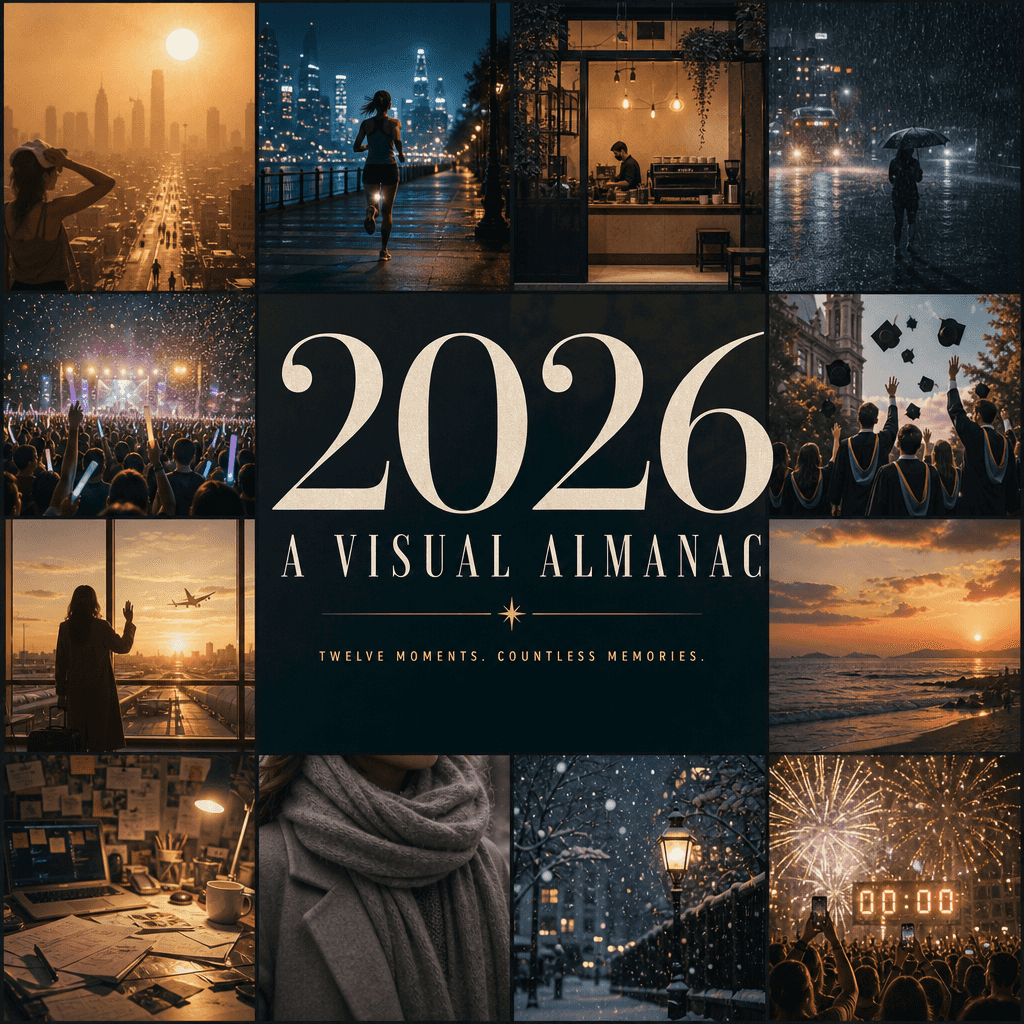
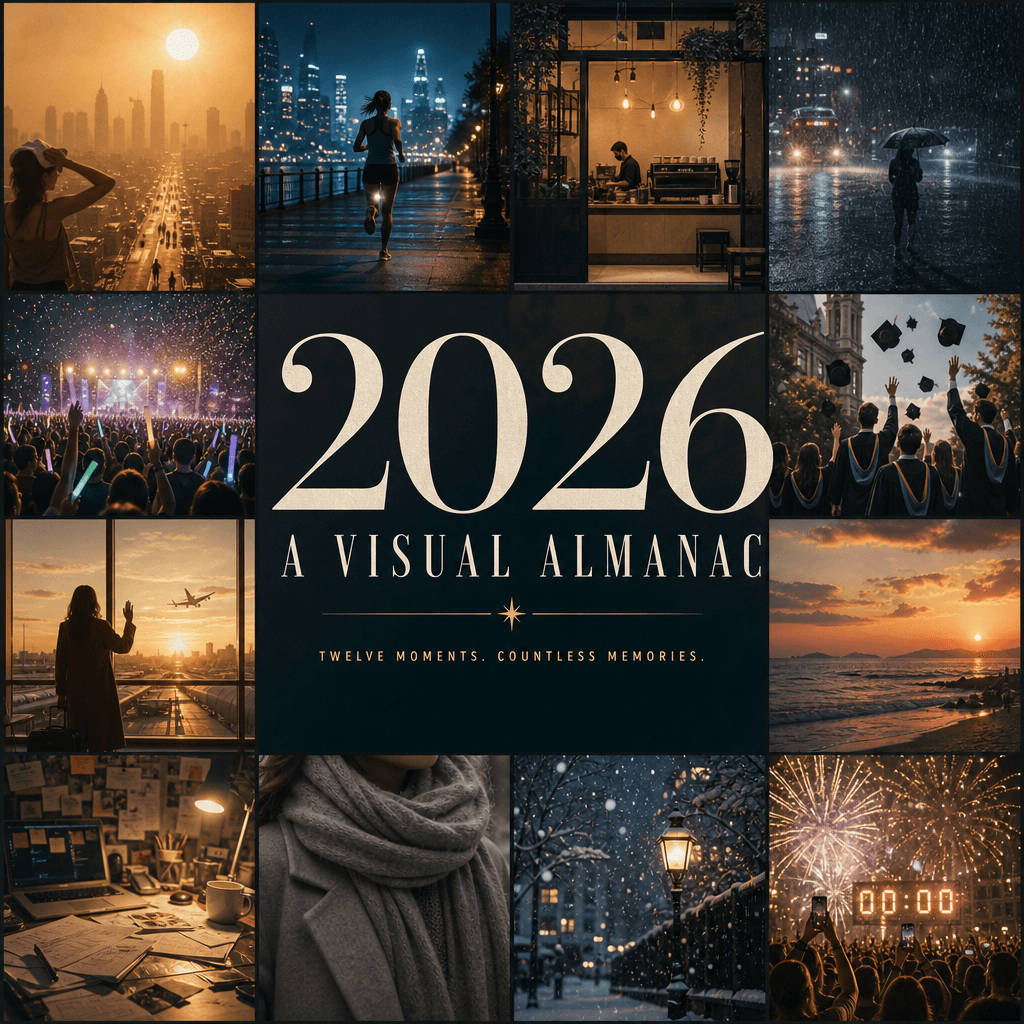
"2026'yı sayfaları çeviren görsel bir yıllık kapağına dönüştürün" yıllık özet posteri editoryal tasarımla bütünleştirilmiştir. Resim, yılın en canlı görsel anılarını temsil eden on iki küçük pencereden oluşuyor: kentsel…
İstemi
"2026'yı sayfaları çeviren görsel bir yıllık kapağına dönüştürün" yıllık özet posteri editoryal tasarımla bütünleştirilmiştir. Resim, yılın en canlı görsel anılarını temsil eden on iki küçük pencereden oluşuyor: kentsel sıcak hava dalgası, gece koşusu, kafe açılışı, şiddetli yağmur, konser parlak çubukları, mezuniyet fotoğrafları, havaalanı veda, deniz kenarında gün batımı, dağınık masa, kış atkısı, ilk kar, Yılbaşı gecesi geri sayımı, merkezi başlık "2026 / BİR GÖRSEL "ALMANAK" minimalist bir alt başlıkla tüm ekrana hakim oluyor. Her şey üst düzey bir kültür yıllığının kapağı gibi, zengin bilgi ve 4:5 oranında duyguları tamamlayın.
Bu istem nasıl kullanılır?
Oluşturmadan önce “2026'yı sayfaları çeviren görsel bir yıllık kapağına dönüştürün” isteminin tamamını okuyun ve konuyu, stili, kamerayı, ışıklandırmayı ve kompozisyon gereksinimlerini tanımlayın.
Parantezli veya bağımsız değişken tarzı yer tutucuları ürününüz, karakteriniz, markanız, sahneniz, renk paletiniz veya en boy oranı gereksinimlerinizle değiştirin.
https://www.gptimagehub.com/tr/generate?promptId=cmogxl04z00ltxt5gnm2qrr76 dosyasını açın, görüntüyü oluşturun, ardından gerekirse daha spesifik konu, metin, düzen veya negatif kısıtlamalarla istemi hassaslaştırın.
Bilgi İstemi SSS
“2026'yı sayfaları çeviren görsel bir yıllık kapağına dönüştürün” istemi en iyi ne için kullanılır?
Bu istem, yeniden kullanılabilir bir yapı, ayrıntılı görsel yön ve tutarlı çıktı kalitesi istediğiniz poster ve illüstrasyon görselleri için en iyi şekilde kullanılır.
İstemi oluşturmadan önce düzenleyebilir miyim?
Evet. Bilgi istemi metninin tamamı bu sayfada görünür; böylece oluşturmadan önce konuları, ürün adlarını, renkleri, kompozisyonu, kamera terimlerini, en boy oranını ve stil notlarını değiştirebilirsiniz.
Bu istemle hangi modeli kullanmalıyım?
Bilgi istemi meta verilerinde gösterilen modeli varsayılan başlangıç noktası olarak kullanın. Başka bir görüntü modeli aynı en boy oranını ve talimat stilini destekliyorsa istemi uyarlayabilir ve sonuçları karşılaştırabilirsiniz.