
Программный интерфейс № 43
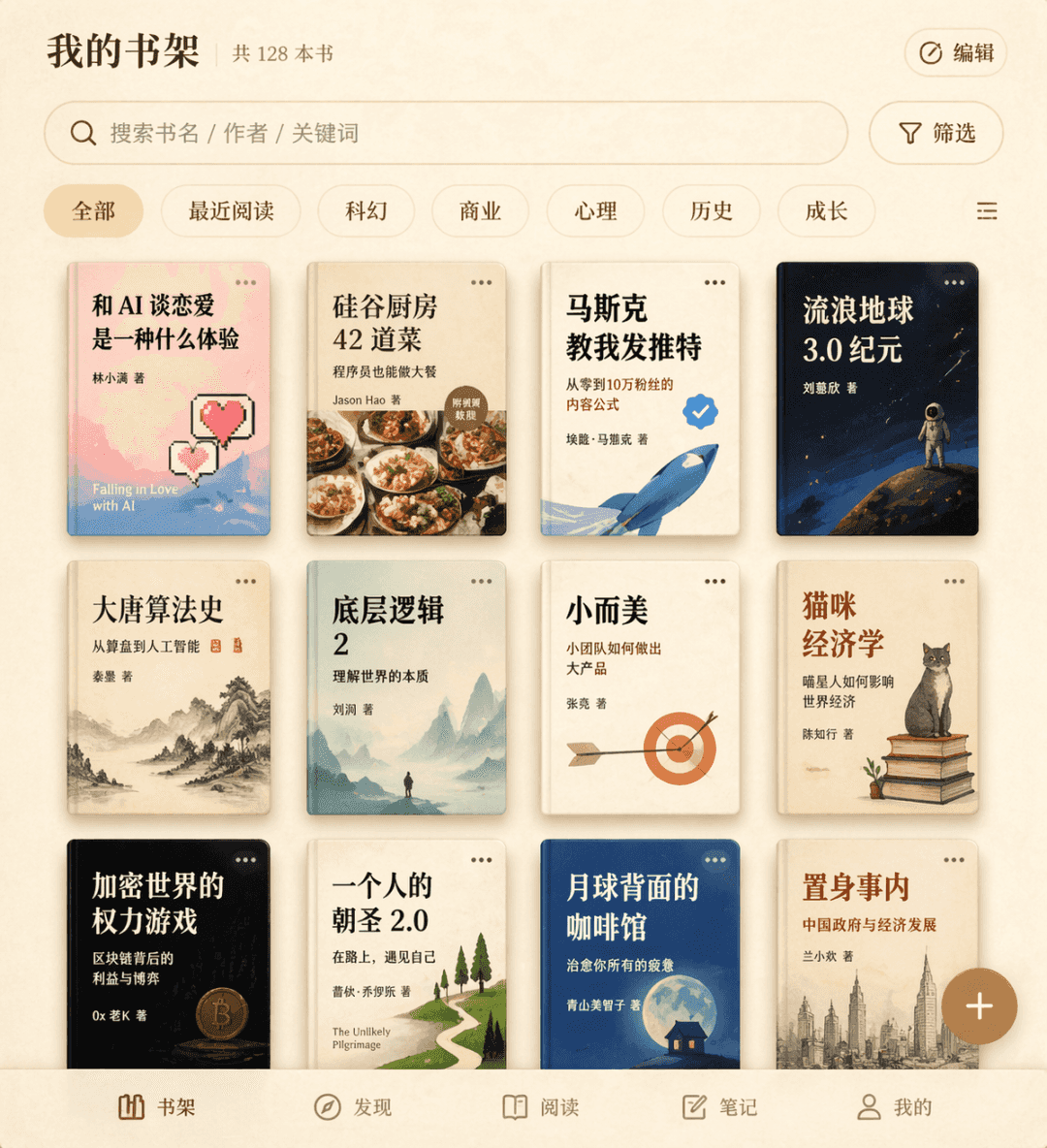
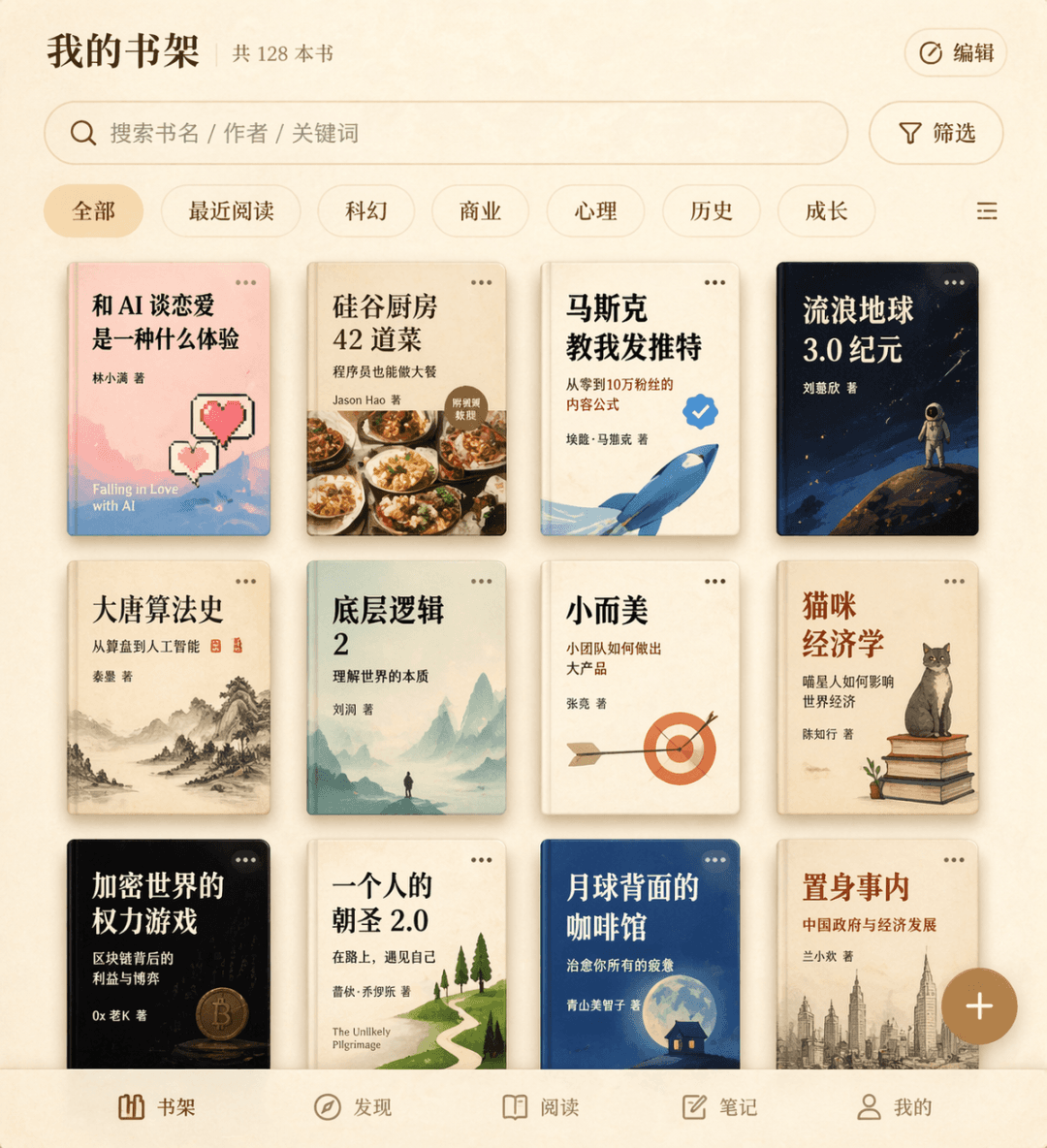
Слова-подсказки Нарисуйте интерфейс книжной полки для вымышленного приложения для чтения. Трехстрочная сетка обложки книги отображает двенадцать вымышленных названий книг, в том числе «Каково это - влюбиться в искусстве…
Подскажите
Слова-подсказки Нарисуйте интерфейс книжной полки для вымышленного приложения для чтения. Трехстрочная сетка обложки книги отображает двенадцать вымышленных названий книг, в том числе «Каково это - влюбиться в искусственный интеллект», «42 блюда из кухни Кремниевой долины», «Маск научил меня писать в Твиттере» и т. д., с полем поиска и метками фильтров вверху, плавающей кнопкой «Добавить» в правом нижнем углу и общей текстурой бежевого пергамента.
Как использовать эту подсказку
Прочтите полную подсказку Программный интерфейс № 43 и определите требования к объекту, стилю, камере, освещению и композиции перед созданием.
Замените заполнители в квадратных скобках или в виде аргументов требованиями к вашему продукту, персонажу, бренду, сцене, цветовой палитре или соотношению сторон.
Откройте https://www.gptimagehub.com/ru/generate?promptId=cmogxqhe100q5xt5giatsv959, сгенерируйте изображение, затем при необходимости уточните подсказку, указав более конкретную тему, текст, макет или отрицательные ограничения.
Подскажите FAQ
Для чего лучше всего использовать приглашение Программный интерфейс № 43?
Эту подсказку лучше всего использовать для изображений ui / ux дизайн, где вам нужна многоразовая структура, детальное визуальное направление и стабильное качество вывода.
Могу ли я отредактировать приглашение перед созданием?
Да. Полный текст подсказки отображается на этой странице, поэтому вы можете изменить темы, названия продуктов, цвета, композицию, термины камеры, соотношение сторон и примечания к стилю перед созданием.
Какую модель мне следует использовать с этой подсказкой?
Используйте модель, показанную в метаданных подсказки, в качестве отправной точки по умолчанию. Если другая модель изображения поддерживает такое же соотношение сторон и стиль инструкций, вы можете адаптировать подсказку и сравнить результаты.