
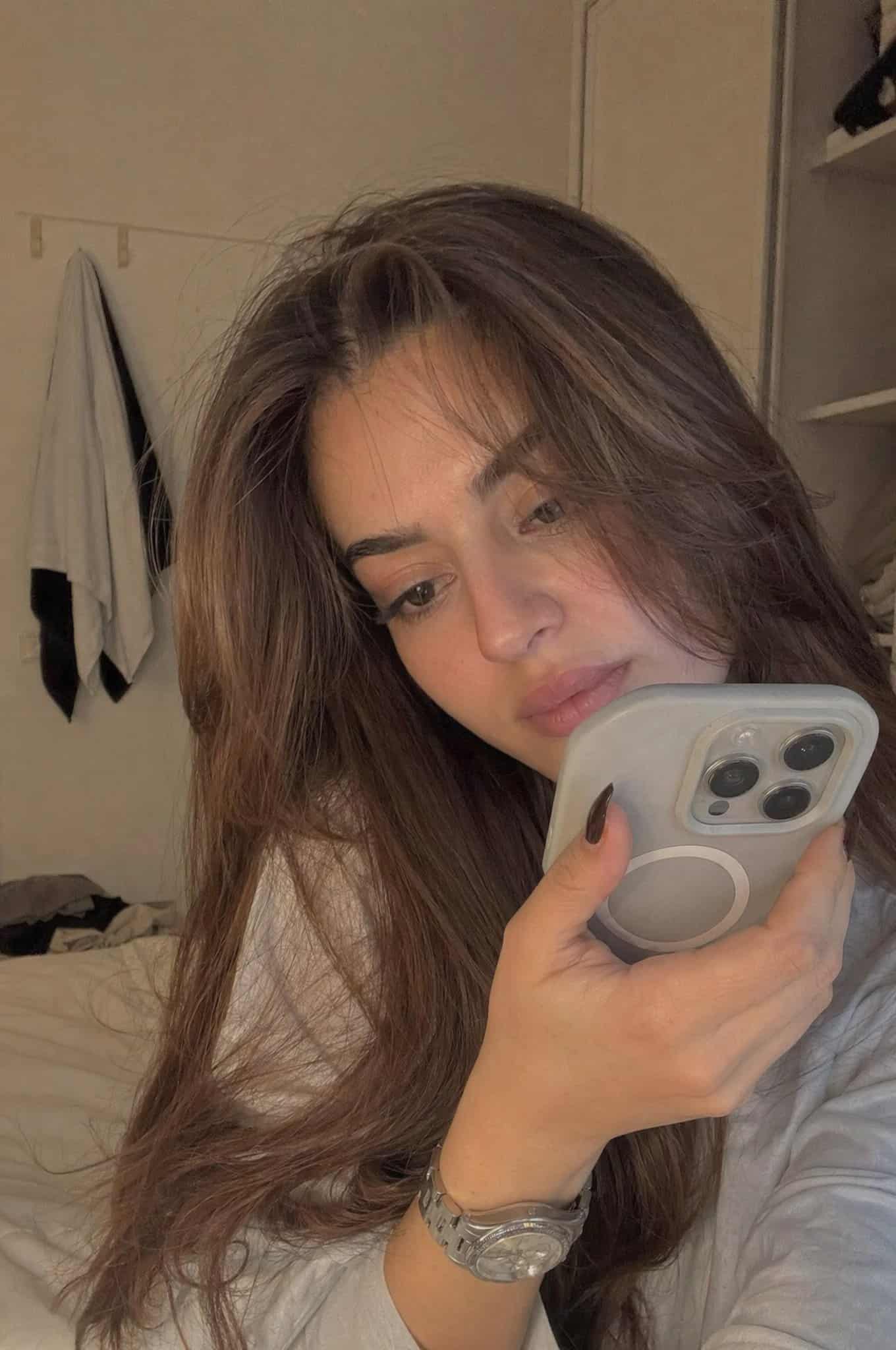
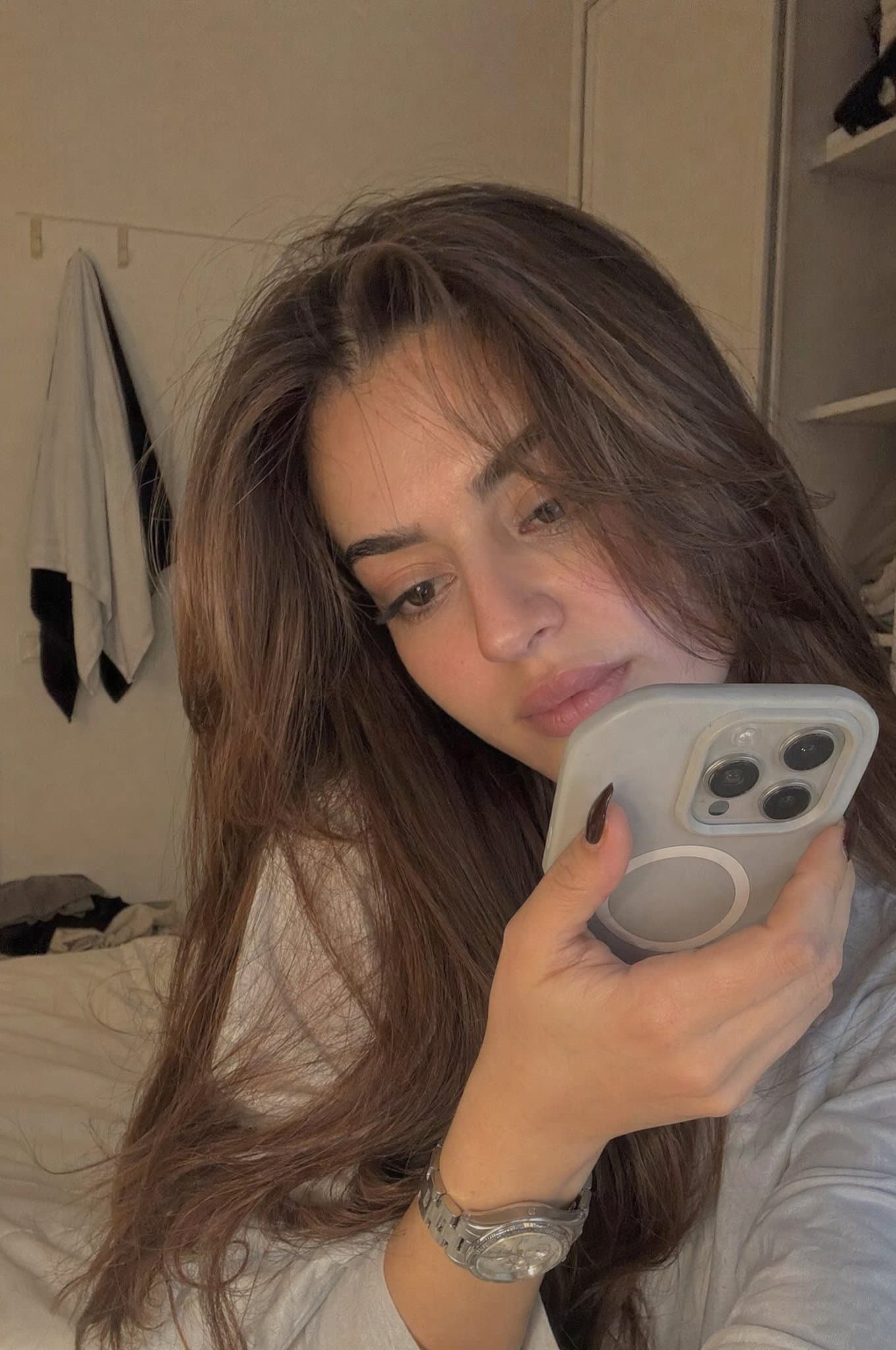
Реалистичный откровенный портрет в спальне для записи
Реалистичная молодая женщина, случайно сидящая в мягко освещенной спальне ближе к вечеру. Она держит телефон очень близко к лицу, как будто записывает личное видео или голосовую заметку. Рамка плотная и немного несоверш…
Подскажите
Реалистичная молодая женщина, случайно сидящая в мягко освещенной спальне ближе к вечеру. Она держит телефон очень близко к лицу, как будто записывает личное видео или голосовую заметку. Рамка плотная и немного несовершенная. Выражение лица: задумчивое, слегка застенчивое, естественное. Минимум макияжа, естественная текстура кожи, непринужденная одежда. Освещение: теплый естественный свет, мерцающий из окна, мягкие тени. Окружающая среда: простая спальня, спокойная и обжитая. Стиль: ультрареалистичный, выглядит как настоящая запись телефона, немного зернистый, не кинематографичный.
Как использовать эту подсказку
Прочтите полную подсказку Реалистичный откровенный портрет в спальне для записи и определите требования к объекту, стилю, камере, освещению и композиции перед созданием.
Замените заполнители в квадратных скобках или в виде аргументов требованиями к вашему продукту, персонажу, бренду, сцене, цветовой палитре или соотношению сторон.
Откройте https://www.gptimagehub.com/ru/generate?promptId=cmogwsag80021zpdyy6yhu1n1, сгенерируйте изображение, затем при необходимости уточните подсказку, указав более конкретную тему, текст, макет или отрицательные ограничения.
Подскажите FAQ
Для чего лучше всего использовать приглашение Реалистичный откровенный портрет в спальне для записи?
Эту подсказку лучше всего использовать для изображений портрет и фотография, где вам нужна многоразовая структура, детальное визуальное направление и стабильное качество вывода.
Могу ли я отредактировать приглашение перед созданием?
Да. Полный текст подсказки отображается на этой странице, поэтому вы можете изменить темы, названия продуктов, цвета, композицию, термины камеры, соотношение сторон и примечания к стилю перед созданием.
Какую модель мне следует использовать с этой подсказкой?
Используйте модель, показанную в метаданных подсказки, в качестве отправной точки по умолчанию. Если другая модель изображения поддерживает такое же соотношение сторон и стиль инструкций, вы можете адаптировать подсказку и сравнить результаты.