
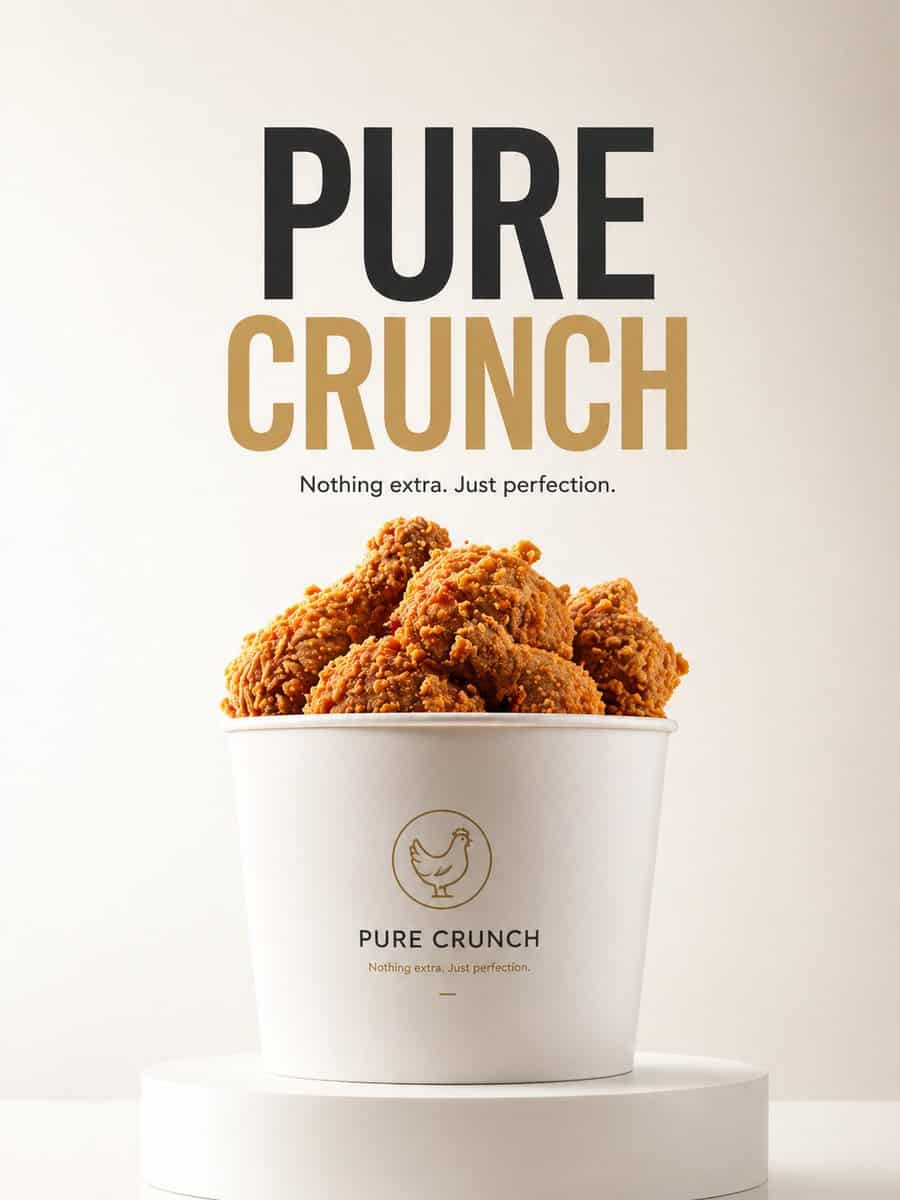
Минималистская реклама продукта: PURE CRUNCH
Минималистская реклама продукта с {argument name="product" default="fried chicken bucket"}, размещенная на чистом белом подиуме. Фон: мягкий градиент ({argument name="background gradient" default="light cream to white"}…
Подскажите
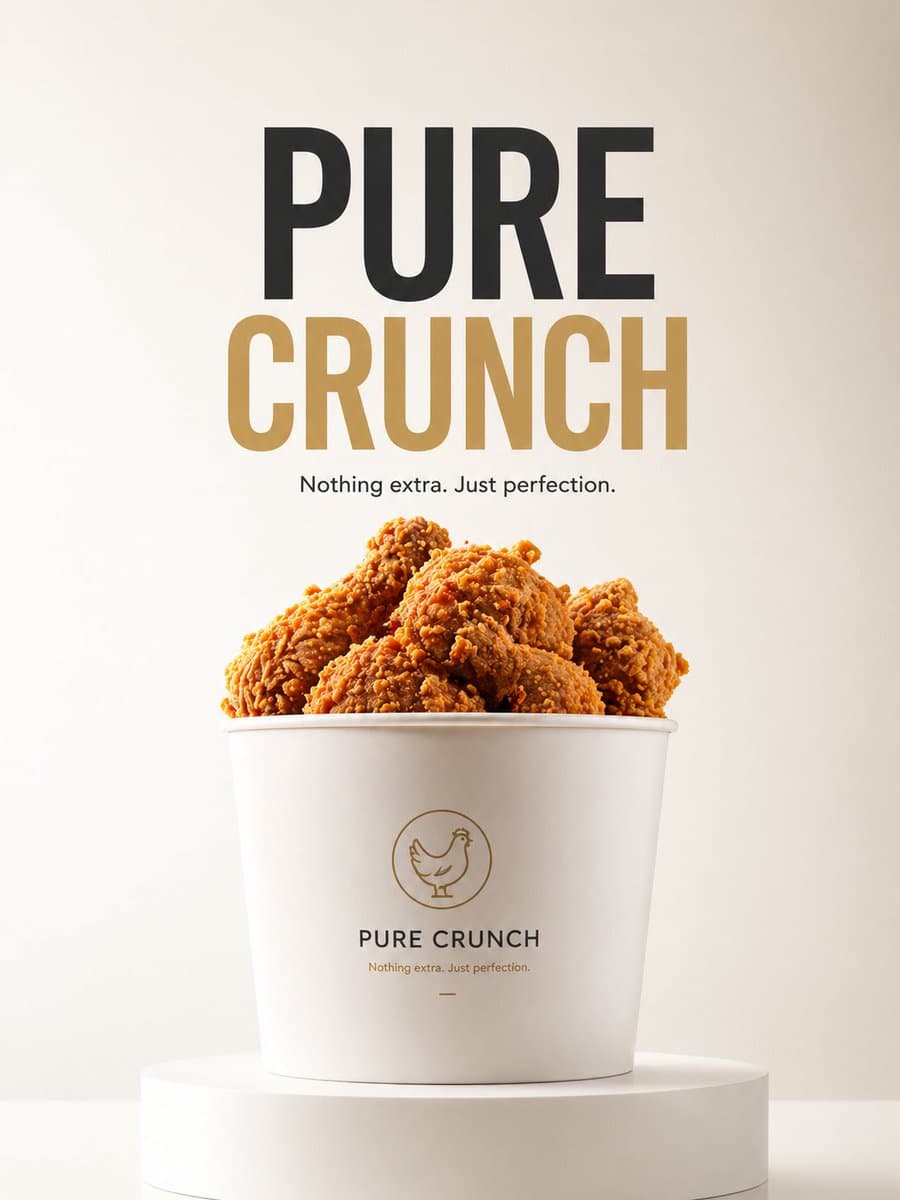
Минималистская реклама продукта с {argument name="product" default="fried chicken bucket"}, размещенная на чистом белом подиуме. Фон: мягкий градиент ({argument name="background gradient" default="light cream to white"}), чистая студия. Освещение: мягкое рассеянное, премиальное в стиле Apple. Типография (в центре): «{argument name="headline" default="PURE CRUNCH"}». Небольшой текст внизу: "Ничего лишнего. Просто совершенство". Стиль: ультрачистый, редакционный минималистичный, высококачественный брендинг, 8K.
Как использовать эту подсказку
Прочтите полную подсказку Минималистская реклама продукта: PURE CRUNCH и определите требования к объекту, стилю, камере, освещению и композиции перед созданием.
Замените заполнители в квадратных скобках или в виде аргументов требованиями к вашему продукту, персонажу, бренду, сцене, цветовой палитре или соотношению сторон.
Откройте https://www.gptimagehub.com/ru/generate?promptId=cmogx5wd600flzpdyhazsa8p6, сгенерируйте изображение, затем при необходимости уточните подсказку, указав более конкретную тему, текст, макет или отрицательные ограничения.
Подскажите FAQ
Для чего лучше всего использовать приглашение Минималистская реклама продукта: PURE CRUNCH?
Эту подсказку лучше всего использовать для изображений продукт и e-commerce, где вам нужна многоразовая структура, детальное визуальное направление и стабильное качество вывода.
Могу ли я отредактировать приглашение перед созданием?
Да. Полный текст подсказки отображается на этой странице, поэтому вы можете изменить темы, названия продуктов, цвета, композицию, термины камеры, соотношение сторон и примечания к стилю перед созданием.
Какую модель мне следует использовать с этой подсказкой?
Используйте модель, показанную в метаданных подсказки, в качестве отправной точки по умолчанию. Если другая модель изображения поддерживает такое же соотношение сторон и стиль инструкций, вы можете адаптировать подсказку и сравнить результаты.