
「戦国時代のマルチユーザー協働ドキュメントインターフェース」
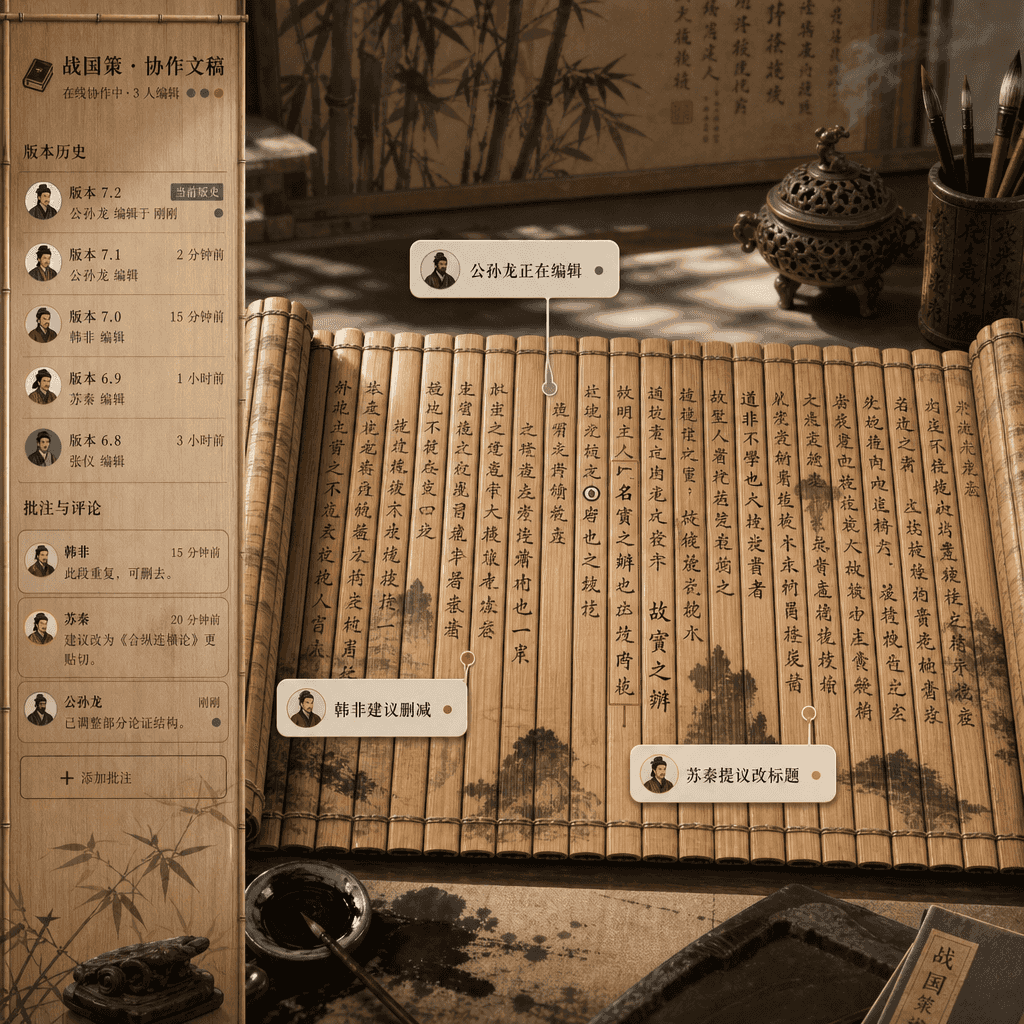
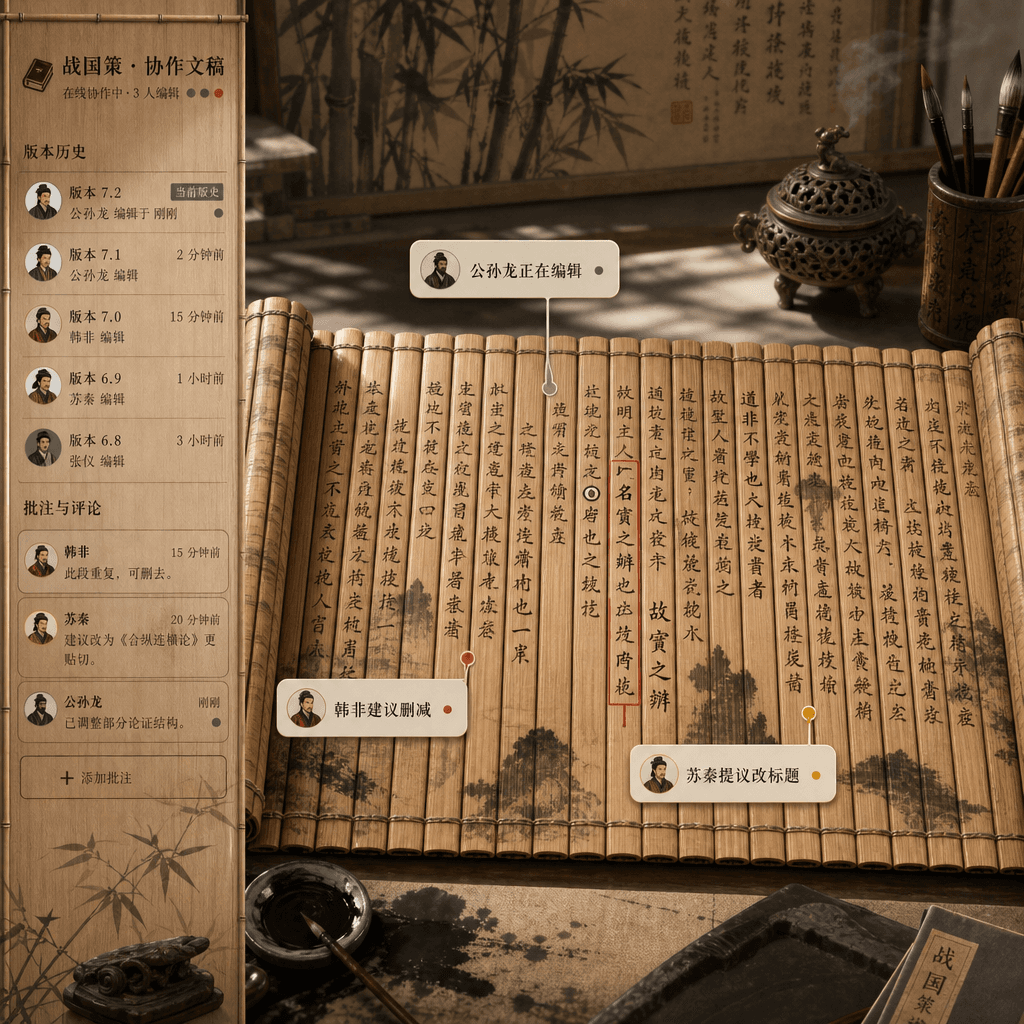
「戦国時代のマルチユーザー協働ドキュメントインターフェース」、竹簡文書とオンラインドキュメント製品デザインの不条理な融合。画面はリアルタイム協働編集エディターのインターフェースのようだが、ベースは広げられた竹簡と毛筆の墨跡。異なる著者のコメントバブルには「公孫龍が編集中」「韓非が削減を提案」「蘇秦がタイトル変更を提案」と表示。サイドバーはバージョン履歴と注釈。全体は学術的厳密さとインターネットオフィスのユーモアに満ちている、比率16:…
プロンプト
「戦国時代のマルチユーザー協働ドキュメントインターフェース」、竹簡文書とオンラインドキュメント製品デザインの不条理な融合。画面はリアルタイム協働編集エディターのインターフェースのようだが、ベースは広げられた竹簡と毛筆の墨跡。異なる著者のコメントバブルには「公孫龍が編集中」「韓非が削減を提案」「蘇秦がタイトル変更を提案」と表示。サイドバーはバージョン履歴と注釈。全体は学術的厳密さとインターネットオフィスのユーモアに満ちている、比率16:9。
このプロンプトの使用方法
生成する前に、完全な 「戦国時代のマルチユーザー協働ドキュメントインターフェース」 プロンプトを読み、主題、スタイル、カメラ、照明、構成の要件を特定してください。
括弧で囲まれたプレースホルダーまたは引数スタイルのプレースホルダーを、製品、キャラクター、ブランド、シーン、カラーパレット、またはアスペクト比の要件に置き換えます。
https://www.gptimagehub.com/ja/generate?promptId=cmogxkp7600ifxt5gyd7s8g76 を開いて画像を生成し、必要に応じてより具体的な件名、テキスト、レイアウト、または否定的な制約を使用してプロンプトを調整します。
プロンプトFAQ
「戦国時代のマルチユーザー協働ドキュメントインターフェース」 プロンプトは何に最適ですか?
このプロンプトは、再利用可能な構造、詳細な視覚的方向性、一貫した出力品質が必要な ui / ux デザイン 画像に最適です。
生成する前にプロンプトを編集できますか?
はい。このページには完全なプロンプト テキストが表示されるため、生成前に件名、製品名、色、構成、カメラ用語、アスペクト比、スタイル メモを変更できます。
このプロンプトではどのモデルを使用すればよいですか?
プロンプトのメタデータに示されているモデルをデフォルトの開始点として使用します。別の画像モデルが同じアスペクト比と指示スタイルをサポートしている場合は、プロンプトを調整して結果を比較できます。