
bisnis asuransi kesehatan
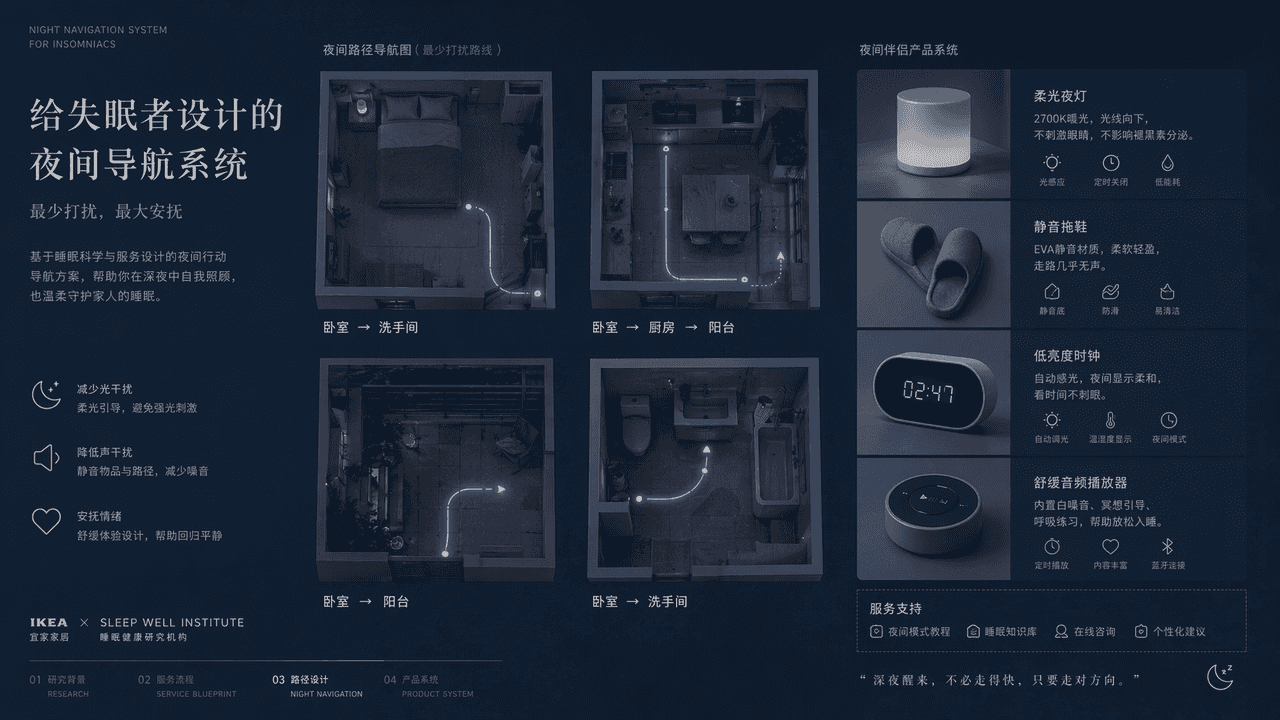
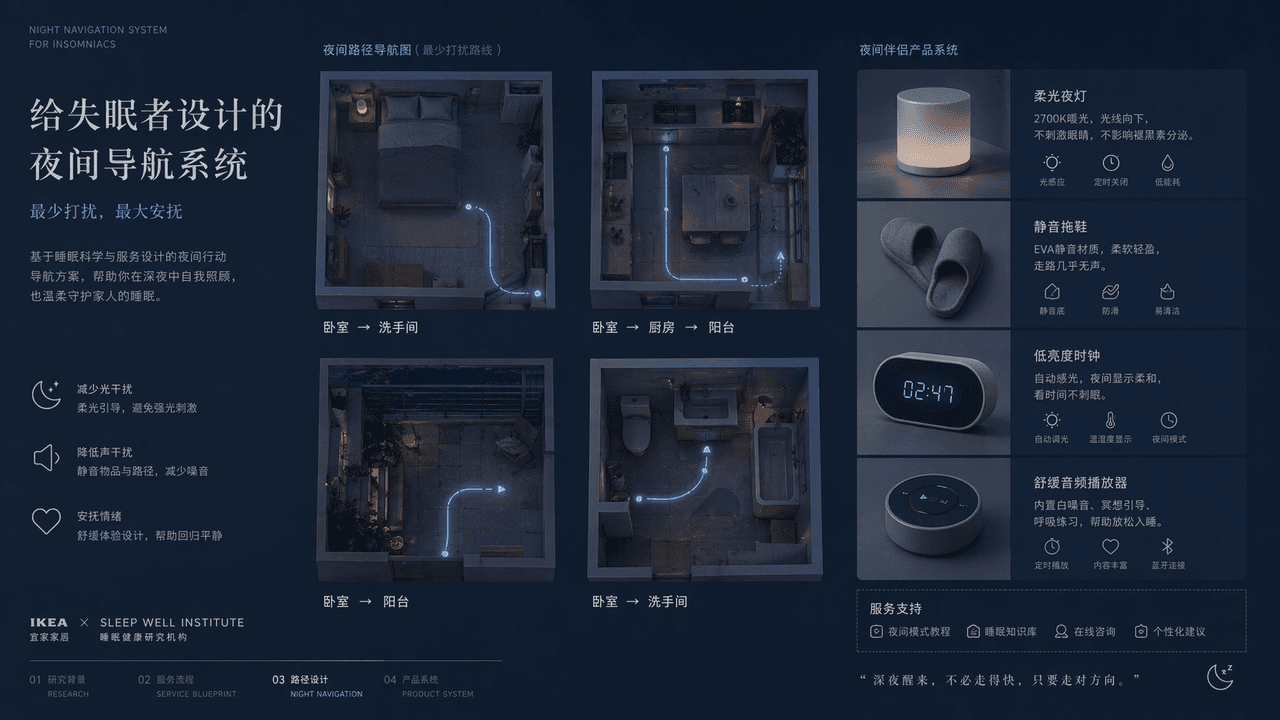
"Sistem navigasi malam yang dirancang untuk penderita insomnia", halaman tampilan rencana desain layanan, layar utama adalah pemandangan dari atas dari empat jalur malam di kamar tidur, dapur, balkon, dan kamar mandi, d…
Cepat
"Sistem navigasi malam yang dirancang untuk penderita insomnia", halaman tampilan rencana desain layanan, layar utama adalah pemandangan dari atas dari empat jalur malam di kamar tidur, dapur, balkon, dan kamar mandi, dengan garis bercahaya sangat tipis menandai rute yang paling tidak mengganggu keluarga. Di sebelahnya terdapat desain objek pendukung seperti lampu malam yang lembut, sandal senyap, jam dengan kecerahan rendah, pemutar audio yang menenangkan, dll. Judulnya terkendali dan lembut, warnanya nila, biru abu-abu, dan putih susu. Gambaran keseluruhannya seperti proposal bersama dari IKEA + sebuah lembaga penelitian tidur medis, dengan rasionalitas fungsional dan kenyamanan emosional. Proporsinya 16:9.
Cara menggunakan perintah ini
Baca perintah bisnis asuransi kesehatan secara lengkap dan identifikasi persyaratan subjek, gaya, kamera, pencahayaan, dan komposisi sebelum membuatnya.
Ganti placeholder dalam tanda kurung atau gaya argumen dengan persyaratan produk, karakter, merek, adegan, palet warna, atau rasio aspek Anda.
Buka https://www.gptimagehub.com/id/generate?promptId=cmogxiu7a00h3xt5gnflcqhrk, buat gambarnya, lalu sempurnakan perintah dengan subjek, teks, tata letak, atau batasan negatif yang lebih spesifik jika diperlukan.
Pertanyaan Umum yang cepat
Untuk apa perintah bisnis asuransi kesehatan paling baik digunakan?
Perintah ini paling baik digunakan untuk gambar lainnya yang menginginkan struktur yang dapat digunakan kembali, arah visual yang mendetail, dan kualitas keluaran yang konsisten.
Bisakah saya mengedit prompt sebelum membuat?
Ya. Teks perintah lengkap terlihat di halaman ini sehingga Anda dapat mengubah subjek, nama produk, warna, komposisi, istilah kamera, rasio aspek, dan catatan gaya sebelum pembuatan.
Model mana yang harus saya gunakan dengan perintah ini?
Gunakan model yang ditampilkan dalam metadata perintah sebagai titik awal default. Jika model gambar lain mendukung rasio aspek dan gaya instruksi yang sama, Anda dapat menyesuaikan perintah dan membandingkan hasilnya.