
“Jadikan tahun 2026 sebagai sampul buku tahunan visual yang mampu membalik halaman”
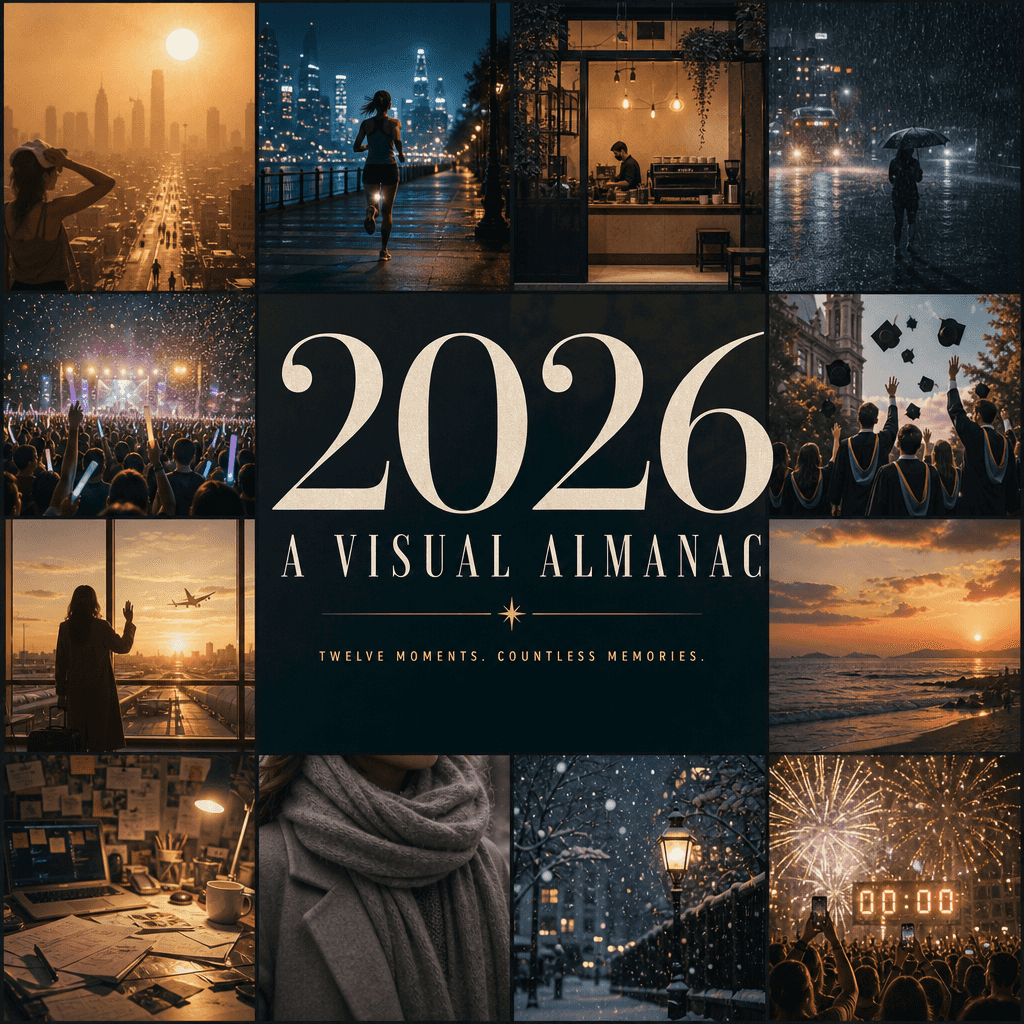
"Jadikan tahun 2026 sebagai sampul buku tahunan visual yang membalik halaman", poster ringkasan tahunan diintegrasikan dengan desain editorial. Gambar ini terdiri dari dua belas jendela kecil, mewakili kenangan visual p…
Cepat
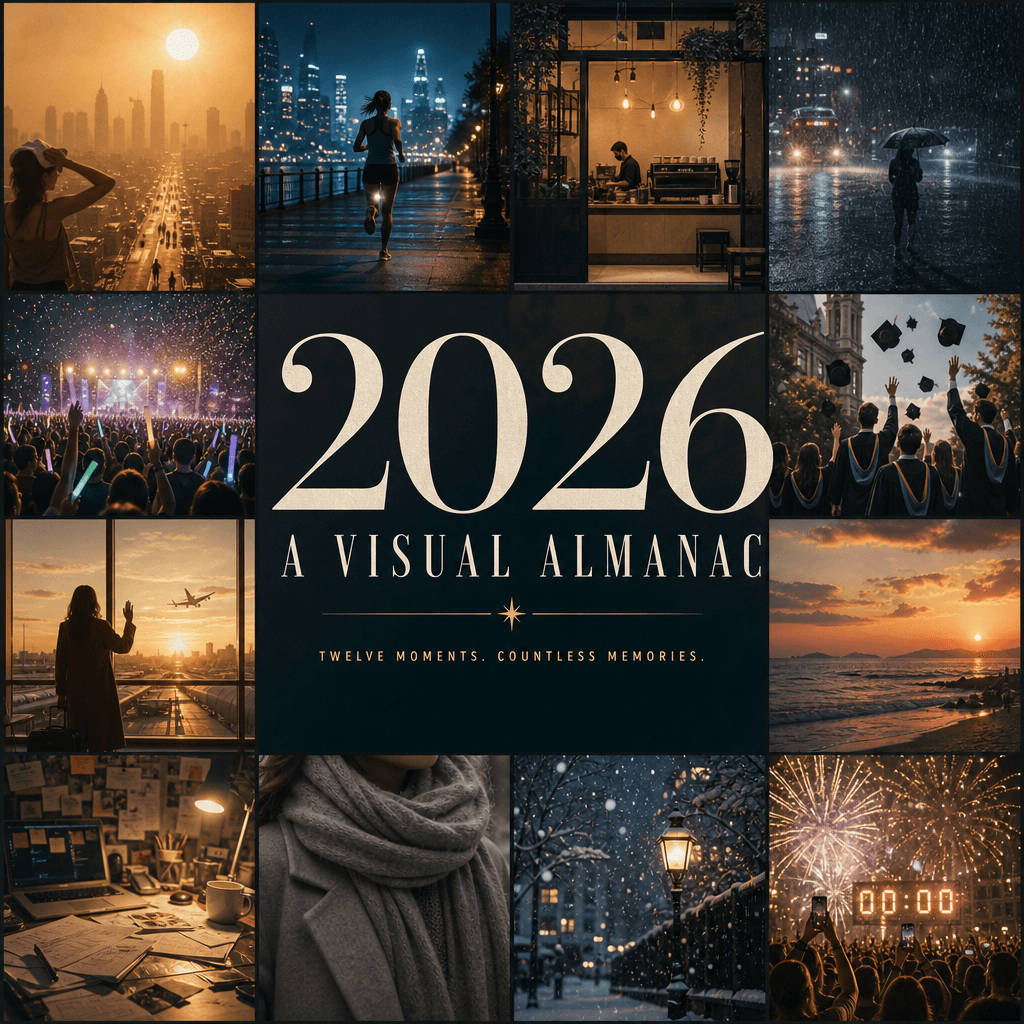
"Jadikan tahun 2026 sebagai sampul buku tahunan visual yang membalik halaman", poster ringkasan tahunan diintegrasikan dengan desain editorial. Gambar ini terdiri dari dua belas jendela kecil, mewakili kenangan visual paling jelas tahun ini: gelombang panas perkotaan, lari malam, pembukaan kedai kopi, hujan lebat, konser glow stick, foto wisuda, perpisahan di bandara, matahari terbenam di tepi pantai, meja berantakan, syal musim dingin, salju pertama, hitungan mundur Malam Tahun Baru, judul sentral "2026 / A VISUAL "ALMANAC" mendominasi seluruh layar, dengan subtitle minimalis. Semuanya seperti sampul buku tahunan budaya kelas atas, kaya informasi dan lengkap emosi, dengan perbandingan 4:5.
Cara menggunakan perintah ini
Baca perintah “Jadikan tahun 2026 sebagai sampul buku tahunan visual yang mampu membalik halaman” secara lengkap dan identifikasi persyaratan subjek, gaya, kamera, pencahayaan, dan komposisi sebelum membuatnya.
Ganti placeholder dalam tanda kurung atau gaya argumen dengan persyaratan produk, karakter, merek, adegan, palet warna, atau rasio aspek Anda.
Buka https://www.gptimagehub.com/id/generate?promptId=cmogxl04z00ltxt5gnm2qrr76, buat gambarnya, lalu sempurnakan perintah dengan subjek, teks, tata letak, atau batasan negatif yang lebih spesifik jika diperlukan.
Pertanyaan Umum yang cepat
Untuk apa perintah “Jadikan tahun 2026 sebagai sampul buku tahunan visual yang mampu membalik halaman” paling baik digunakan?
Perintah ini paling baik digunakan untuk gambar poster dan ilustrasi yang menginginkan struktur yang dapat digunakan kembali, arah visual yang mendetail, dan kualitas keluaran yang konsisten.
Bisakah saya mengedit prompt sebelum membuat?
Ya. Teks perintah lengkap terlihat di halaman ini sehingga Anda dapat mengubah subjek, nama produk, warna, komposisi, istilah kamera, rasio aspek, dan catatan gaya sebelum pembuatan.
Model mana yang harus saya gunakan dengan perintah ini?
Gunakan model yang ditampilkan dalam metadata perintah sebagai titik awal default. Jika model gambar lain mendukung rasio aspek dan gaya instruksi yang sama, Anda dapat menyesuaikan perintah dan membandingkan hasilnya.