
Jadwal bisnis kota tepi pantai sepanjang tahun
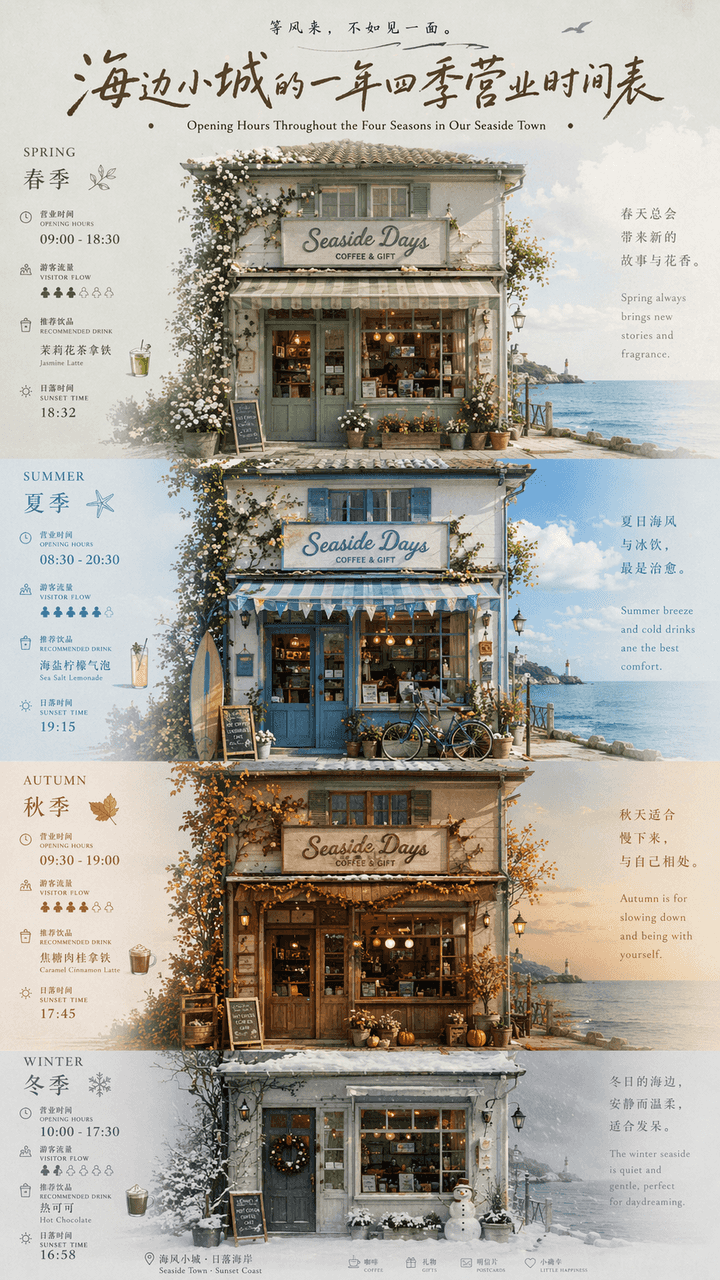
"Jadwal bisnis sepanjang tahun di kota kecil tepi laut" adalah perpaduan poster budaya dan pariwisata lokal serta infografis kalender. Gambar tersebut dipusatkan pada fasad sebuah toko tepi pantai. Empat musim yaitu mus…
Cepat
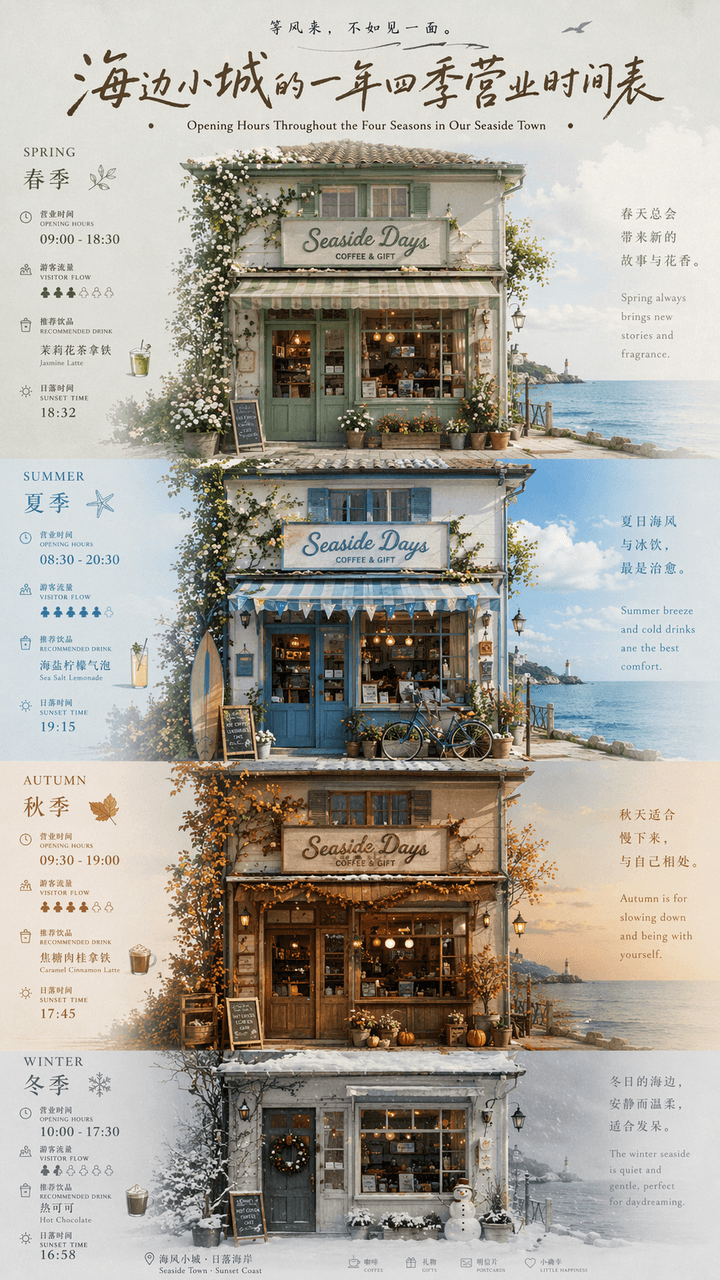
"Jadwal bisnis sepanjang tahun di kota kecil tepi laut" adalah perpaduan poster budaya dan pariwisata lokal serta infografis kalender. Gambar tersebut dipusatkan pada fasad sebuah toko tepi pantai. Empat musim yaitu musim semi, musim panas, musim gugur, dan musim dingin diwakili oleh perubahan perabotan jendela, tanaman pintu, warna langit, dan pakaian. Setiap musim memiliki angka yang tipis. Jam kerja, arus wisatawan, minuman yang direkomendasikan, dan waktu matahari terbenam ditandai. Judulnya menggunakan karakter tanda tangan tulisan tangan retro, dan subjudulnya disusun dalam bahasa Mandarin dan Inggris. Semuanya tampak seperti fitur perjalanan majalah independen. Skema warnanya bertransisi dari hijau sage di musim semi, biru garam laut di musim panas, coklat karamel di musim gugur hingga putih abu-abu berkabut di musim dingin. Proporsinya 9:16.
Cara menggunakan perintah ini
Baca perintah Jadwal bisnis kota tepi pantai sepanjang tahun secara lengkap dan identifikasi persyaratan subjek, gaya, kamera, pencahayaan, dan komposisi sebelum membuatnya.
Ganti placeholder dalam tanda kurung atau gaya argumen dengan persyaratan produk, karakter, merek, adegan, palet warna, atau rasio aspek Anda.
Buka https://www.gptimagehub.com/id/generate?promptId=cmogxic5800grxt5gpdhpc7qp, buat gambarnya, lalu sempurnakan perintah dengan subjek, teks, tata letak, atau batasan negatif yang lebih spesifik jika diperlukan.
Pertanyaan Umum yang cepat
Untuk apa perintah Jadwal bisnis kota tepi pantai sepanjang tahun paling baik digunakan?
Perintah ini paling baik digunakan untuk gambar lainnya yang menginginkan struktur yang dapat digunakan kembali, arah visual yang mendetail, dan kualitas keluaran yang konsisten.
Bisakah saya mengedit prompt sebelum membuat?
Ya. Teks perintah lengkap terlihat di halaman ini sehingga Anda dapat mengubah subjek, nama produk, warna, komposisi, istilah kamera, rasio aspek, dan catatan gaya sebelum pembuatan.
Model mana yang harus saya gunakan dengan perintah ini?
Gunakan model yang ditampilkan dalam metadata perintah sebagai titik awal default. Jika model gambar lain mendukung rasio aspek dan gaya instruksi yang sama, Anda dapat menyesuaikan perintah dan membandingkan hasilnya.