
मॉडल गाइड
संकेत लिखने से पहले सही AI छवि मॉडल चुनें
GPT Image 2, Nano Banana, Nano Banana 2, और Nano Banana Pro के लिए समृद्ध, उद्धरण-अनुकूल मॉडल पृष्ठ। प्रत्येक मार्गदर्शिका मॉडल फिट, समर्थित सेटिंग्स, दृश्य उदाहरण, वर्कफ़्लो और शीघ्र पैटर्न बताती है।
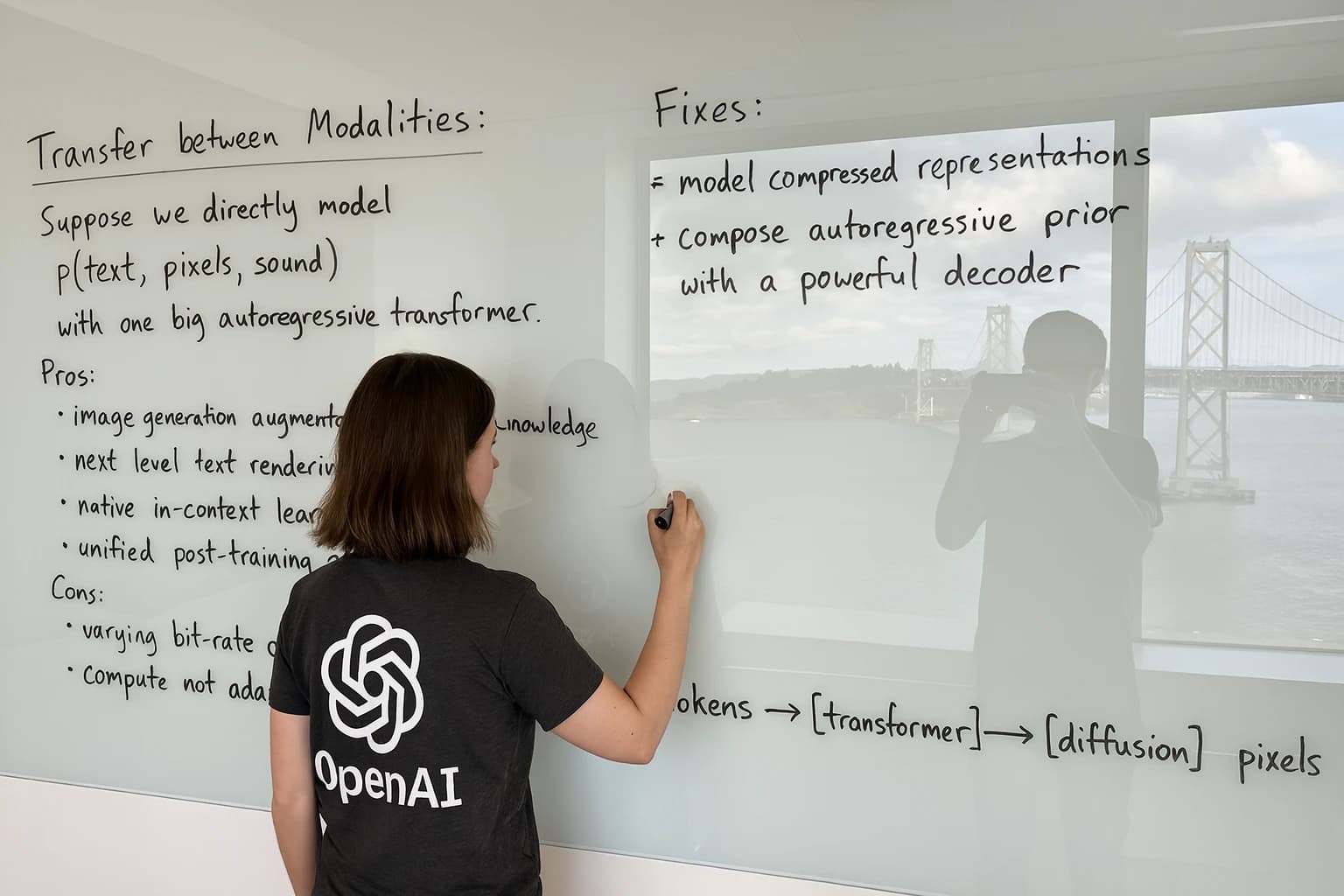 OpenAIGPT Image 2 मॉडल गाइड
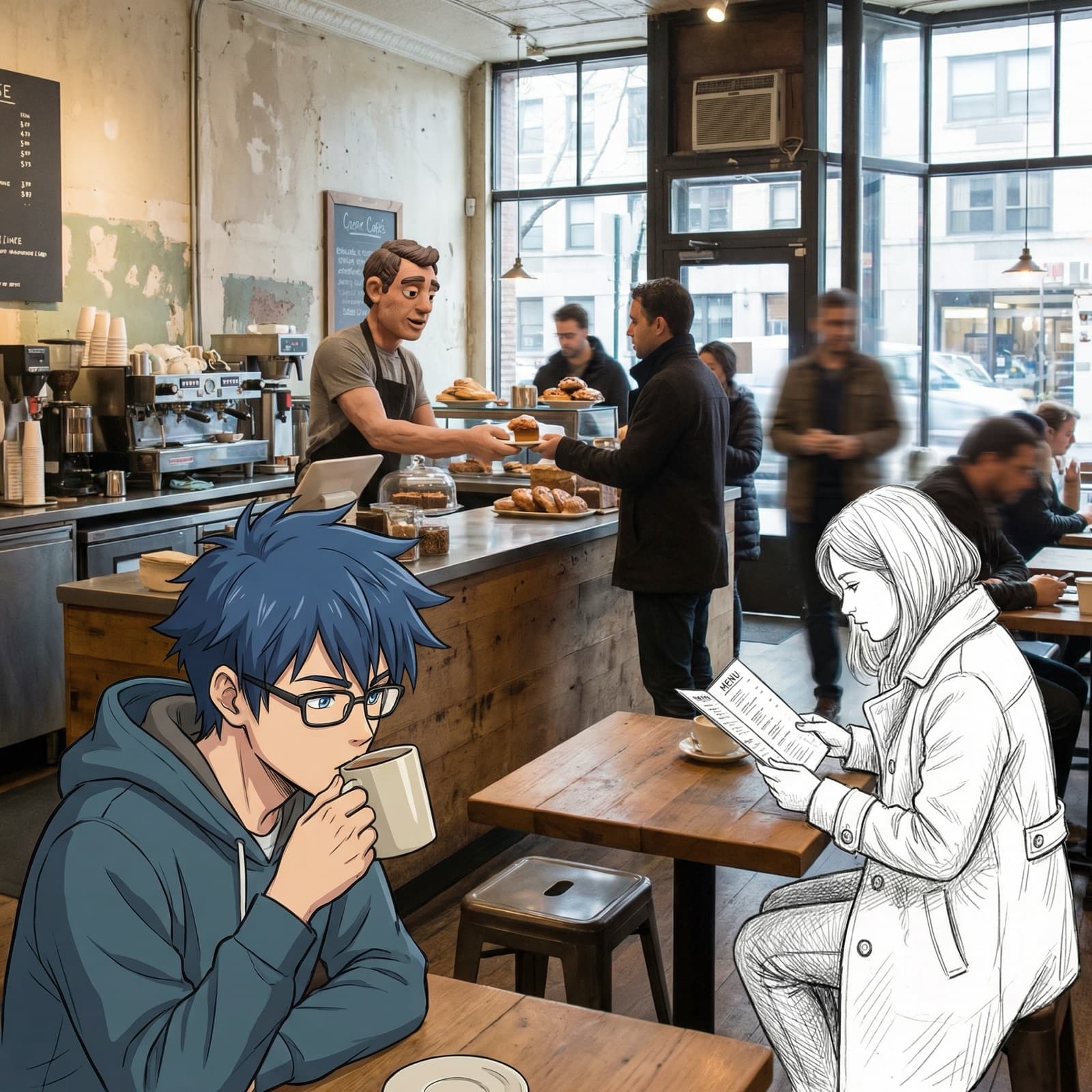 Google GeminiNano Banana मॉडल गाइड
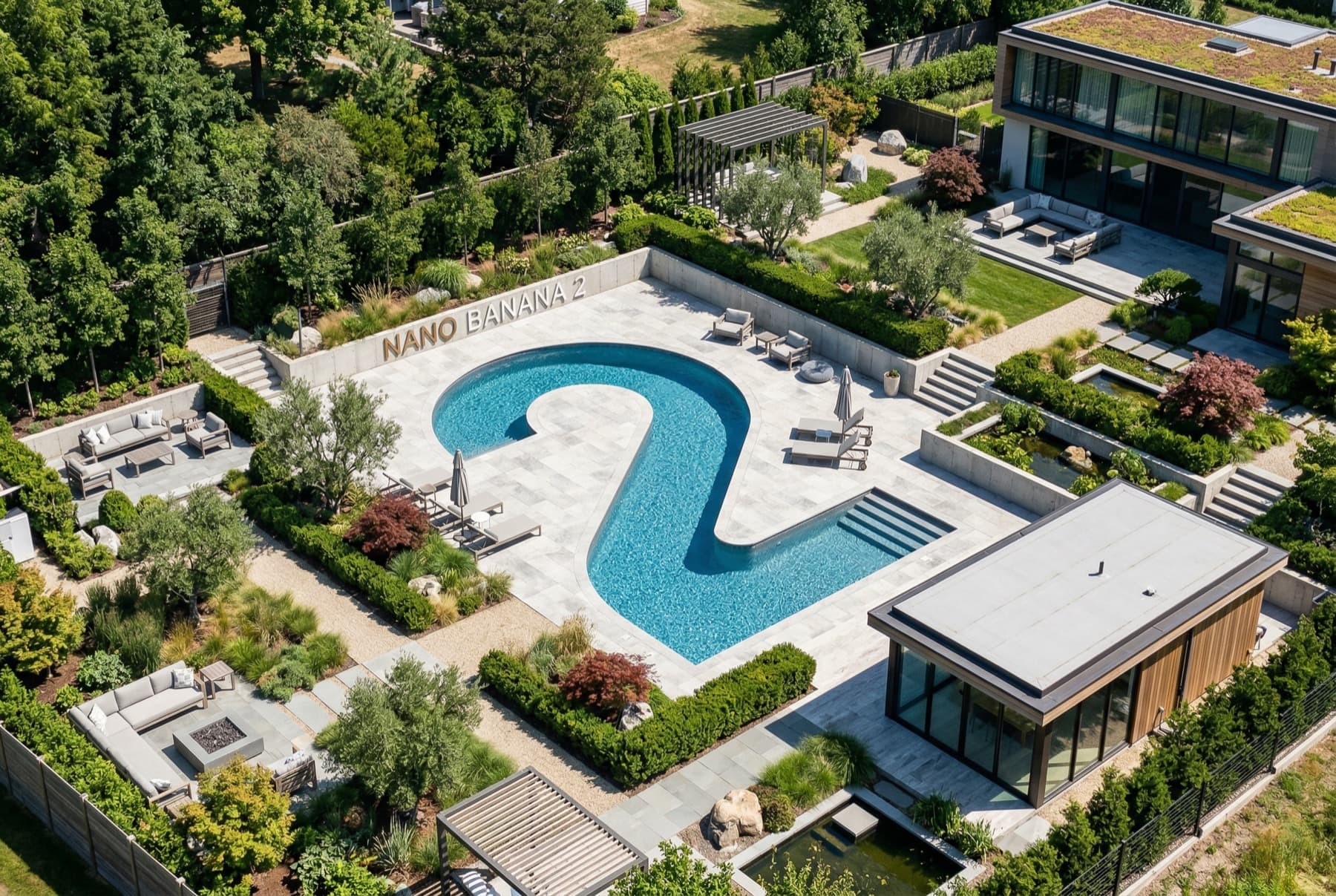 Google GeminiNano Banana 2 मॉडल गाइड
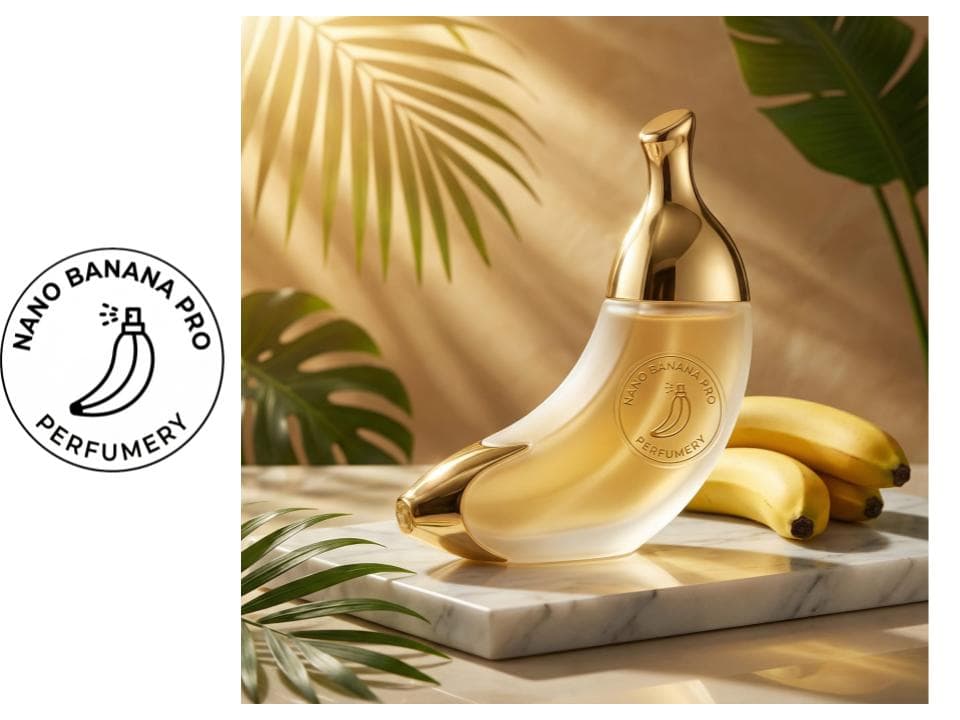 Google GeminiNano Banana Pro मॉडल गाइडOpenAI
GPT Image 2 मॉडल गाइड
जब आउटपुट को क्लाइंट-रेडी होने की आवश्यकता हो, जब आप सबसे बड़े आकार के नियंत्रण चाहते हों, या जब प्रॉम्प्ट को कई संदर्भ छवियों की आवश्यकता हो, तो GPT Image 2 चुनें।
- गुणवत्ता
- 1K, 2K, 4K
- सन्दर्भ
- 16
Google GeminiNano Banana मॉडल गाइड
जब आपको उच्च-रिज़ॉल्यूशन आउटपुट से अधिक गति और हल्के संदर्भ-छवि वर्कफ़्लो की आवश्यकता हो तो Nano Banana चुनें।
- गुणवत्ता
- 1K
- सन्दर्भ
- 3
Google GeminiNano Banana 2 मॉडल गाइड
जब आप पूर्ण प्रो छवि मॉडल के बिना जेमिनी गति, अधिक संदर्भ और उच्च-रिज़ॉल्यूशन निर्यात चाहते हैं तो Nano Banana 2 चुनें।
- गुणवत्ता
- 1K, 2K, 4K
- सन्दर्भ
- 14
Google GeminiNano Banana Pro मॉडल गाइड
सबसे अधिक मांग वाले मिथुन छवि संकेतों के लिए Nano Banana Pro चुनें, विशेष रूप से उच्च-रिज़ॉल्यूशन वाले व्यावसायिक दृश्यों, मजबूत टेक्स्ट हैंडलिंग और बहु-संदर्भ कला निर्देशन के लिए।
- गुणवत्ता
- 1K, 2K, 4K
- सन्दर्भ
- 14
त्वरित चयन
मॉडल चयन के लिए त्वरित उत्तर
- जब आउटपुट को क्लाइंट-रेडी होने की आवश्यकता हो, जब आप सबसे बड़े आकार के नियंत्रण चाहते हों, या जब प्रॉम्प्ट को कई संदर्भ छवियों की आवश्यकता हो, तो GPT Image 2 चुनें।
- जब आपको उच्च-रिज़ॉल्यूशन आउटपुट से अधिक गति और हल्के संदर्भ-छवि वर्कफ़्लो की आवश्यकता हो तो Nano Banana चुनें।
- जब आप पूर्ण प्रो छवि मॉडल के बिना जेमिनी गति, अधिक संदर्भ और उच्च-रिज़ॉल्यूशन निर्यात चाहते हैं तो Nano Banana 2 चुनें।
- सबसे अधिक मांग वाले मिथुन छवि संकेतों के लिए Nano Banana Pro चुनें, विशेष रूप से उच्च-रिज़ॉल्यूशन वाले व्यावसायिक दृश्यों, मजबूत टेक्स्ट हैंडलिंग और बहु-संदर्भ कला निर्देशन के लिए।