
Informationsbildschirme zum Abschied und Wiedersehen in Hochgeschwindigkeitsbahnhöfen
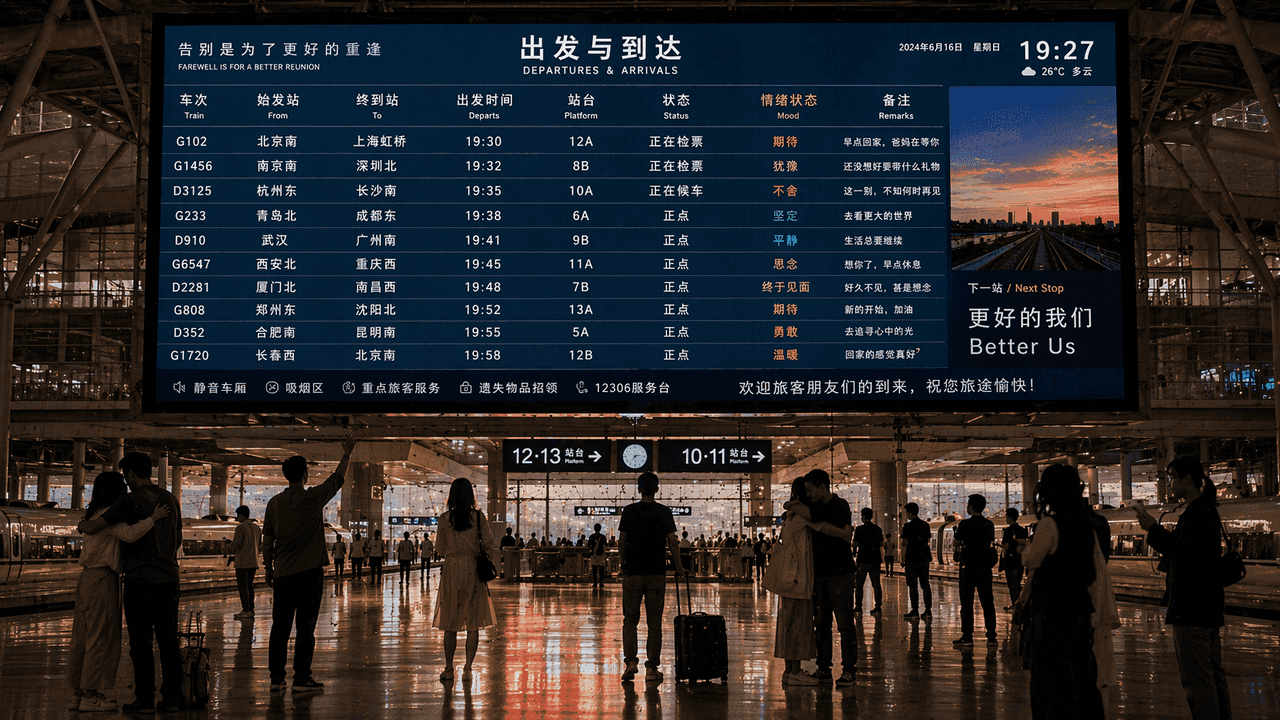
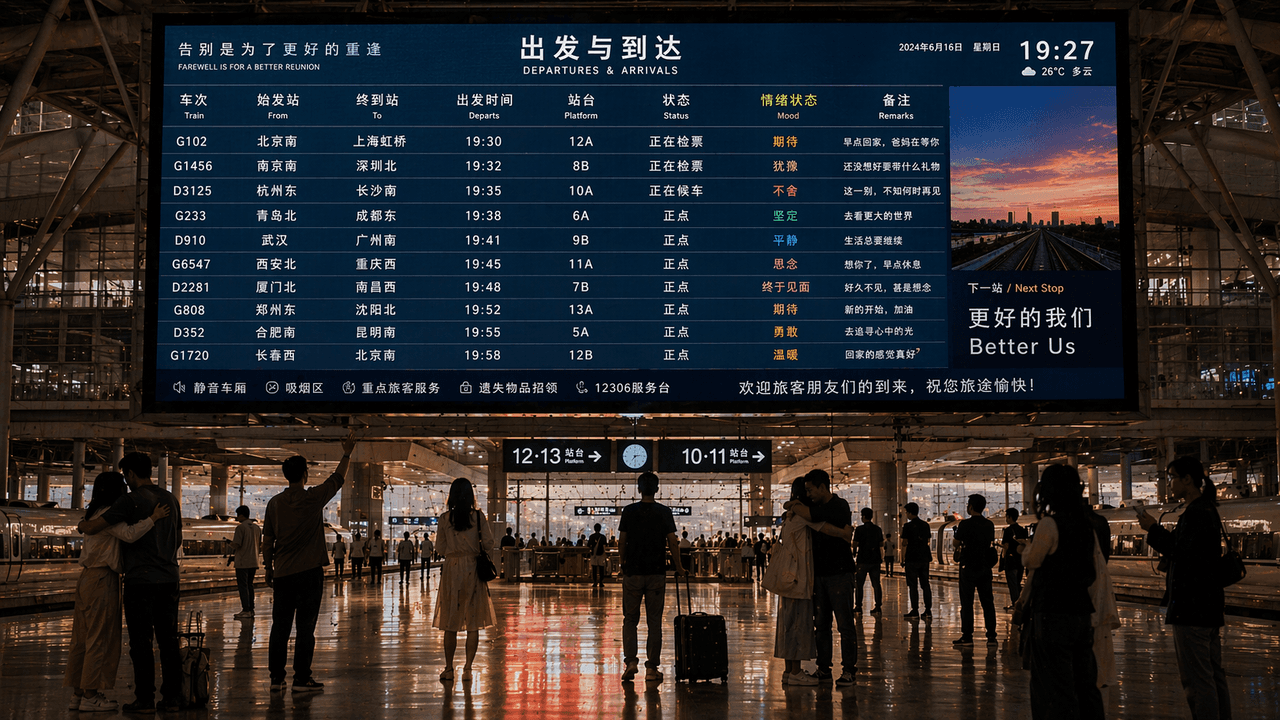
„Informationsbildschirm zum Abschied und Wiedersehen im Hochgeschwindigkeitsbahnhof“ kombiniert eine öffentliche Informationsanzeige mit emotionaler Erzählfotografie. In der Mitte des Bildschirms befindet sich ein riesi…
Prompt
„Informationsbildschirm zum Abschied und Wiedersehen im Hochgeschwindigkeitsbahnhof“ kombiniert eine öffentliche Informationsanzeige mit emotionaler Erzählfotografie. In der Mitte des Bildschirms befindet sich ein riesiger Fahrplanbildschirm, aber neben dem Zugziel gibt es eine zusätzliche Spalte mit „emotionalen Zuständen“, wie zum Beispiel „Vorfreude/Zögern/Zögern/Endlich Treffen“. Die Silhouetten der Menschenmenge auf dem Bahnsteig zeigen Momente wie Umarmen, Winken und stilles Stehen. Die Benutzeroberfläche des Bildschirms ist real und benutzerfreundlich, und das Gesamtbild ähnelt einer Mischung aus einer Nachrichtenfotografie und einem poetischen Poster mit einem Seitenverhältnis von 16:9.
So verwenden Sie diese Eingabeaufforderung
Lesen Sie die vollständige Informationsbildschirme zum Abschied und Wiedersehen in Hochgeschwindigkeitsbahnhöfen-Eingabeaufforderung und ermitteln Sie die Anforderungen an Thema, Stil, Kamera, Beleuchtung und Komposition, bevor Sie sie erstellen.
Ersetzen Sie Platzhalter in Klammern oder im Argumentstil durch Ihre Anforderungen an Produkt, Charakter, Marke, Szene, Farbpalette oder Seitenverhältnis.
Öffnen Sie https://www.gptimagehub.com/de/generate?promptId=cmogxkk1200i3xt5goq7xlip0, generieren Sie das Bild und verfeinern Sie die Eingabeaufforderung bei Bedarf mit spezifischeren Betreff-, Text-, Layout- oder negativen Einschränkungen.
Schnelle FAQ
Wofür eignet sich die Eingabeaufforderung Informationsbildschirme zum Abschied und Wiedersehen in Hochgeschwindigkeitsbahnhöfen am besten?
Diese Eingabeaufforderung eignet sich am besten für sonstiges-Bilder, bei denen Sie eine wiederverwendbare Struktur, eine detaillierte visuelle Ausrichtung und eine konsistente Ausgabequalität wünschen.
Kann ich die Eingabeaufforderung vor dem Generieren bearbeiten?
Ja. Der vollständige Aufforderungstext ist auf dieser Seite sichtbar, sodass Sie Betreff, Produktnamen, Farben, Komposition, Kamerabegriffe, Seitenverhältnis und Stilhinweise vor der Generierung ändern können.
Welches Modell soll ich mit dieser Aufforderung verwenden?
Verwenden Sie das in den Metadaten der Eingabeaufforderung angezeigte Modell als Standardstartpunkt. Wenn ein anderes Bildmodell dasselbe Seitenverhältnis und denselben Anweisungsstil unterstützt, können Sie die Eingabeaufforderung anpassen und die Ergebnisse vergleichen.