
Das Desktop-Betriebssystem des mittelalterlichen Alchemisten
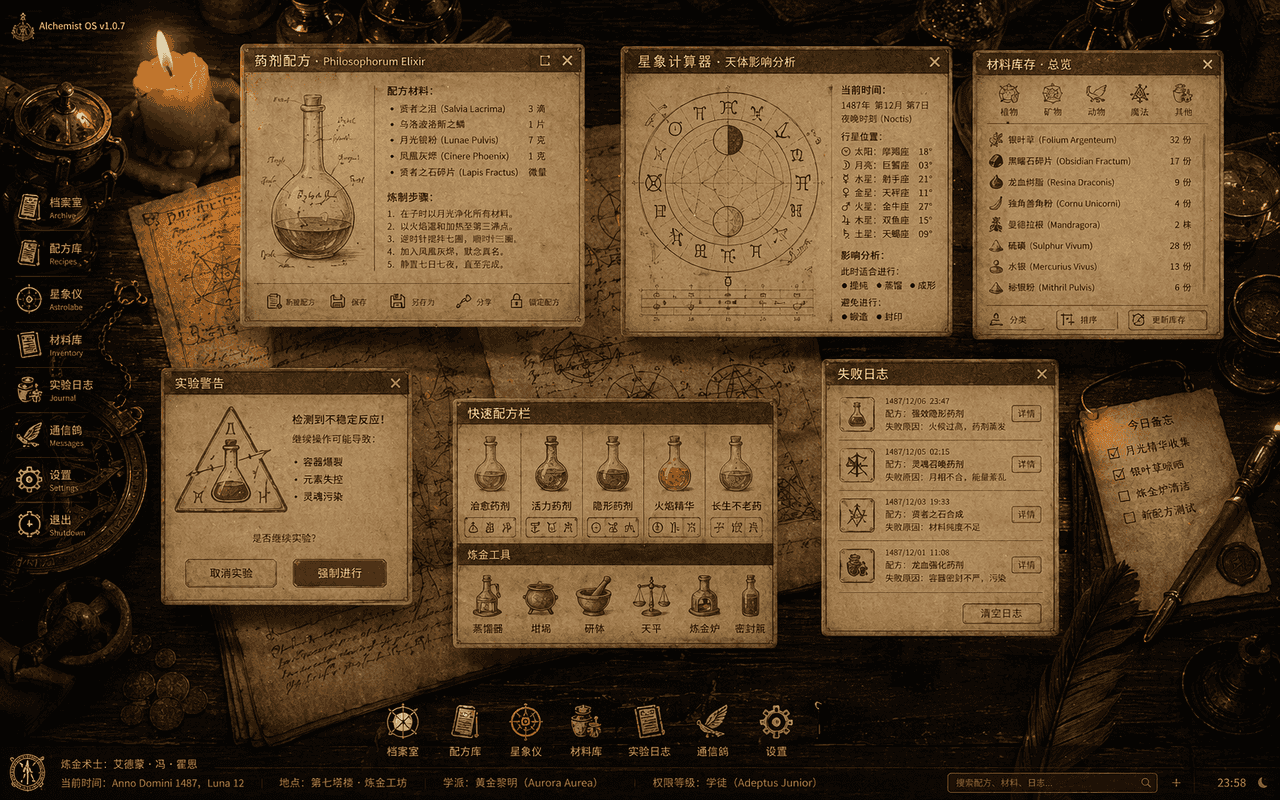
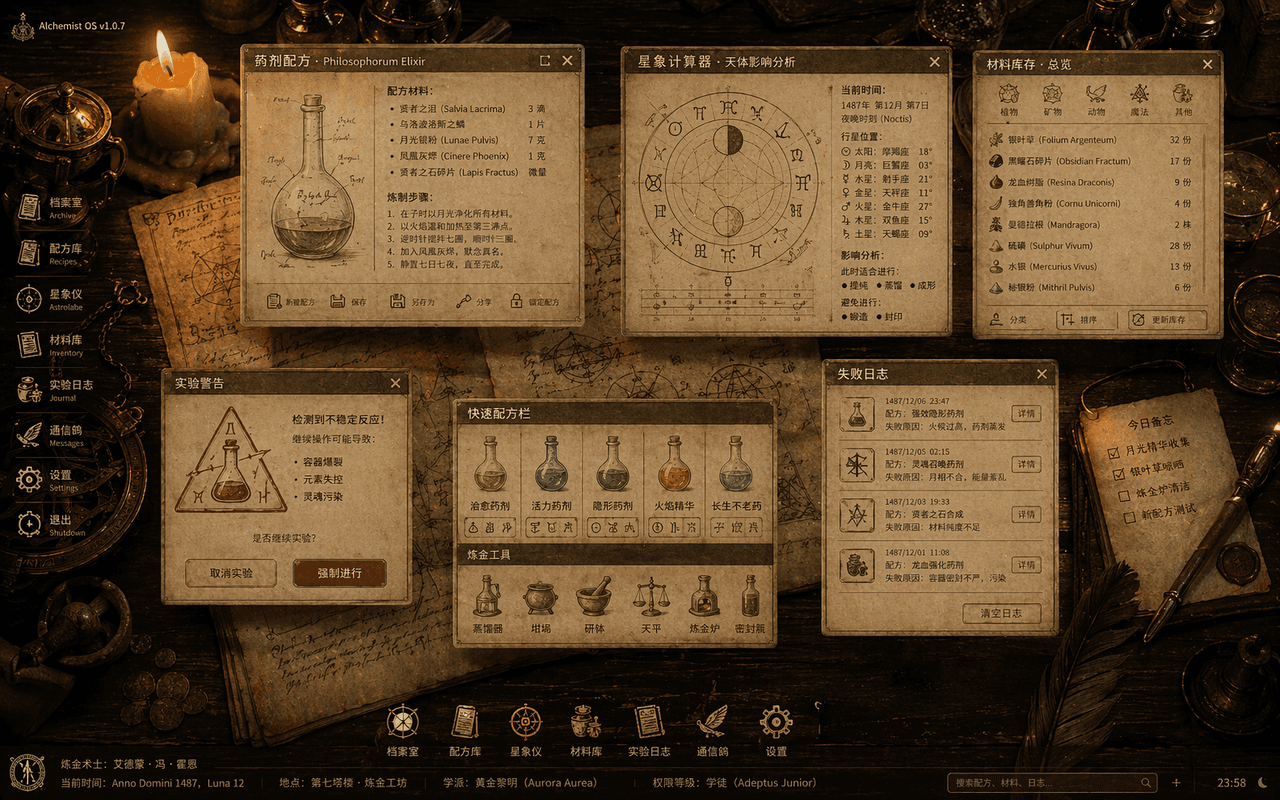
„Das Desktop-Betriebssystem des mittelalterlichen Alchemisten“ ist eine Fusion aus antiken Buchillustrationen und Desktop-Benutzeroberfläche. Das Bild ist eine Draufsicht auf einen Holztisch, auf dem durchscheinende Sys…
Prompt
„Das Desktop-Betriebssystem des mittelalterlichen Alchemisten“ ist eine Fusion aus antiken Buchillustrationen und Desktop-Benutzeroberfläche. Das Bild ist eine Draufsicht auf einen Holztisch, auf dem durchscheinende Systemfenster schweben: Zaubertrankformeln, Astrologierechner, Materialbestände, Pop-ups mit Warnmeldungen zu Experimenten und Fehlerprotokolle. Die Ikonen sind alle aus Federkielen, Glasflaschen und semiotischen Emblemen rekonstruiert. Der Hintergrund besteht aus von Kerzen beleuchteten Pergament- und Kupferinstrumenten. Das Ganze sieht aus wie ein vollständiger Satz alter visueller Spezifikationen für Magic OS mit einem Verhältnis von 16:10.
So verwenden Sie diese Eingabeaufforderung
Lesen Sie die vollständige Das Desktop-Betriebssystem des mittelalterlichen Alchemisten-Eingabeaufforderung und ermitteln Sie die Anforderungen an Thema, Stil, Kamera, Beleuchtung und Komposition, bevor Sie sie erstellen.
Ersetzen Sie Platzhalter in Klammern oder im Argumentstil durch Ihre Anforderungen an Produkt, Charakter, Marke, Szene, Farbpalette oder Seitenverhältnis.
Öffnen Sie https://www.gptimagehub.com/de/generate?promptId=cmogxjov900hlxt5gbyh81lul, generieren Sie das Bild und verfeinern Sie die Eingabeaufforderung bei Bedarf mit spezifischeren Betreff-, Text-, Layout- oder negativen Einschränkungen.
Schnelle FAQ
Wofür eignet sich die Eingabeaufforderung Das Desktop-Betriebssystem des mittelalterlichen Alchemisten am besten?
Diese Eingabeaufforderung eignet sich am besten für sonstiges-Bilder, bei denen Sie eine wiederverwendbare Struktur, eine detaillierte visuelle Ausrichtung und eine konsistente Ausgabequalität wünschen.
Kann ich die Eingabeaufforderung vor dem Generieren bearbeiten?
Ja. Der vollständige Aufforderungstext ist auf dieser Seite sichtbar, sodass Sie Betreff, Produktnamen, Farben, Komposition, Kamerabegriffe, Seitenverhältnis und Stilhinweise vor der Generierung ändern können.
Welches Modell soll ich mit dieser Aufforderung verwenden?
Verwenden Sie das in den Metadaten der Eingabeaufforderung angezeigte Modell als Standardstartpunkt. Wenn ein anderes Bildmodell dasselbe Seitenverhältnis und denselben Anweisungsstil unterstützt, können Sie die Eingabeaufforderung anpassen und die Ergebnisse vergleichen.