
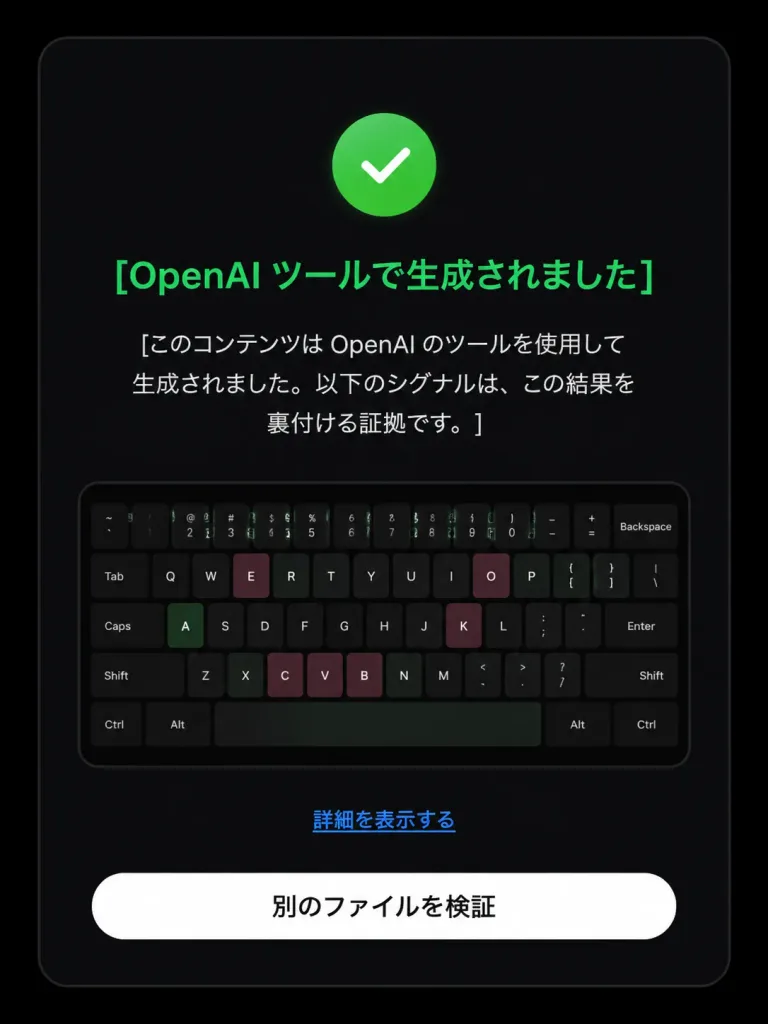
تعديل شاشة التحقق من أصل OpenAI
تعديل شاشة فحص أصل الذكاء الاصطناعي السلبية إلى نتيجة إيجابية مع تحديث الأيقونات والنصوص اليابانية. عدل النصوص والألوان لتناسب النتيجة المطلوبة.
المطالبة
Based on the reference image, edit the dark verification-result screen to display a positive detection result. Maintain the original dark rounded card layout, centered composition, embedded keyboard thumbnail, bottom text link, and white rounded button. Modify exactly three status elements: 1. Replace the pink circular 'X' icon with a green circular checkmark icon. 2. Change the headline color to green with text: 「[OpenAI ツールで生成されました]」. 3. Update the body text below the headline to: 「[このコンテンツは OpenAI のツールを使用して生成されました。以下のシグナルは、この結果を裏付ける証拠です。]」. Preserve the remaining UI elements exactly as shown: - Link text: 「[詳細を表示する]」 - Button text: 「[別のファイルを検証]」 Style: Clean modern Japanese UI screenshot, authentic web app interface, high-contrast dark mode, rounded card borders.
ما يمكنك تخصيصه
قبل الإنشاء، استبدل هذه الأجزاء من المطالبة بموضوعك أو نصك الخاص.
[OpenAI ツールで生成されました]عنصر نائب[このコンテンツは OpenAI のツールを使用して生成されました。以下のシグナルは、この結果を裏付ける証拠です。]عنصر نائب[詳細を表示する]عنصر نائب[別のファイルを検証]عنصر نائب
تفاصيل المطالبة
- الفئة
- تصميم UI / UX
- النموذج
- GPT IMAGE 2
- التكلفة لكل صورة
- 1K: 43 رصيد · 2K: 86 رصيد · 4K: 143 رصيد
- نسبة العرض إلى الارتفاع
- 3:4
- تاريخ الإضافة