
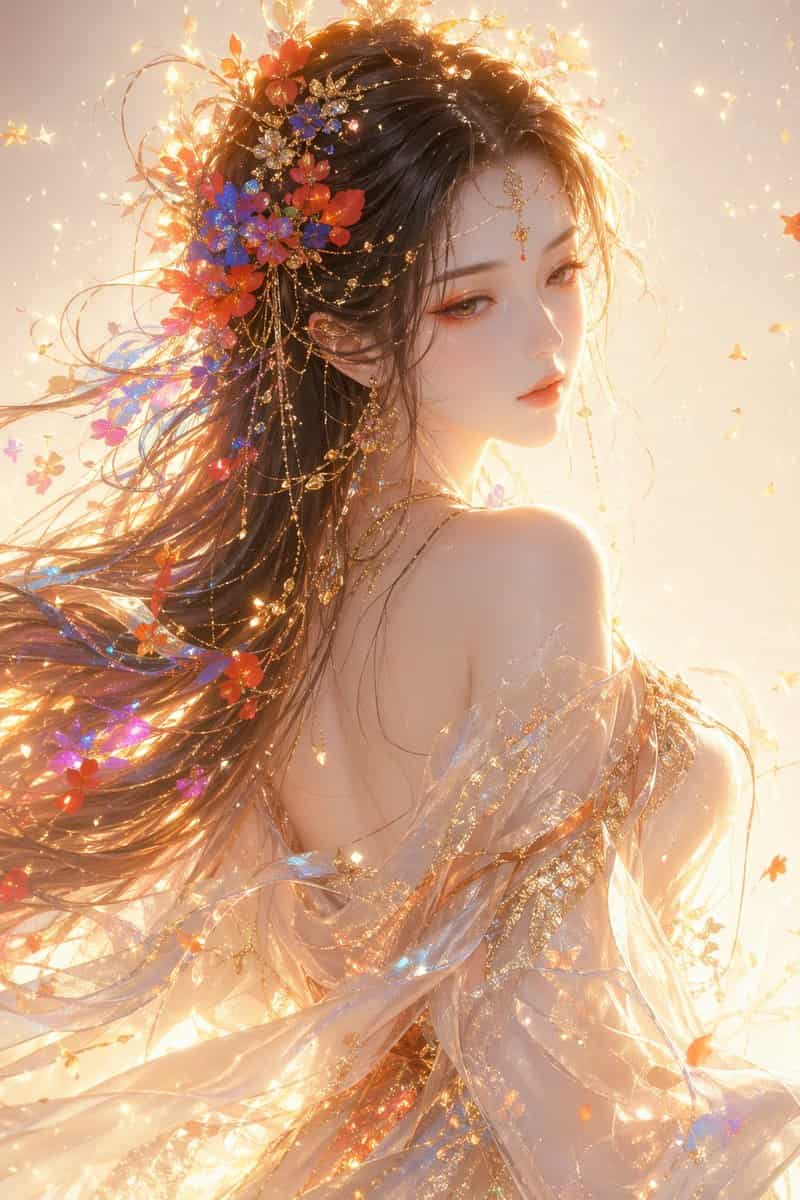
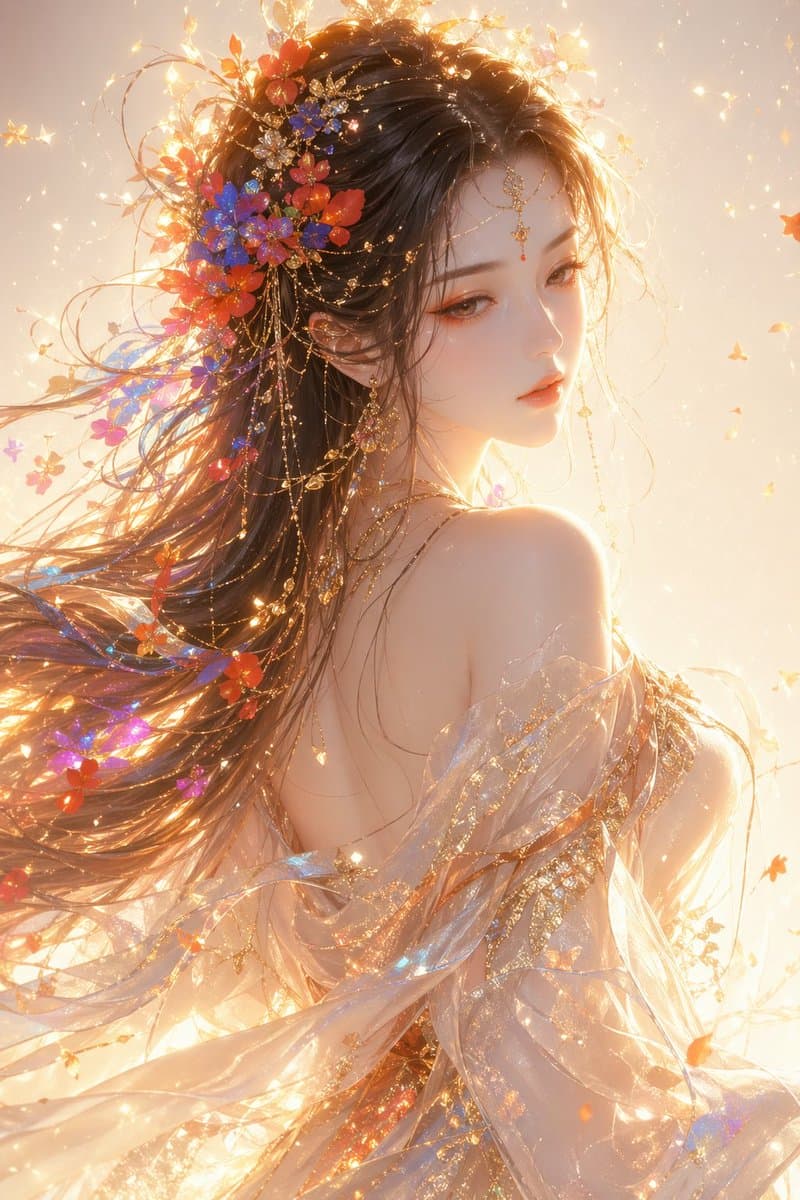
بورتريه نصفي لأنثى بأسلوب الخيال الشرقي
أنثى بأسلوب الخيال الشرقي، بورتريه نصفي، تلتفت بنظرة جانبية، طلة أثيرية أنيقة، جمال إلهي ناعم، ملامح دقيقة، نظرة هابطة قليلاً، بشرة بيضاء ناعمة، مكياج هادئ بدرجة المرجاني الوردي، لمسات إضاءة ذهبية شعر طويل متطاير، تتخلل…
موجه
أنثى بأسلوب الخيال الشرقي، بورتريه نصفي، تلتفت بنظرة جانبية، طلة أثيرية أنيقة، جمال إلهي ناعم، ملامح دقيقة، نظرة هابطة قليلاً، بشرة بيضاء ناعمة، مكياج هادئ بدرجة المرجاني الوردي، لمسات إضاءة ذهبية شعر طويل متطاير، تتخلل خصلاته أزهار ملونة وجزيئات ضوئية (أحمر، أزرق، برتقالي، بنفسجي)، الشعر يتمتع بإحساس انسيابي وهوائي ترتدي فستاناً حريرياً شبه شفاف وشال، خامة خفيفة شفافة، القماش يتطاير مع الرياح، السطح يحمل نقوشاً مذهبة وجزيئات لامعة. الإضاءة الكلية ذهبية دافئة معاكسة، إضاءة حواف قوية، إضاءة حجمية واضحة، جزيئات ضوئية عائمة، توهج ناعم، أجواء حالمة الخلفية تدرج لوني فاتح ونظيف مع وميض خفيف وتأثيرات جزيئية، الأجواء العامة أثيرية حالمة مقدسة الأسلوب: رسم CG راقٍ، فائق الدقة، إضاءة سينمائية، رندر ضوء ناعم، تفاصيل 8K، أسلوب الأعمال الرائجة على ArtStation
كيفية استخدام هذه المطالبة
اقرأ المطالبة بورتريه نصفي لأنثى بأسلوب الخيال الشرقي الكاملة وحدد متطلبات الموضوع والنمط والكاميرا والإضاءة والتركيب قبل الإنشاء.
استبدل العناصر النائبة بين قوسين أو على شكل وسيطة بمتطلبات المنتج أو الشخصية أو العلامة التجارية أو المشهد أو لوحة الألوان أو نسبة العرض إلى الارتفاع.
افتح https://www.gptimagehub.com/ar/generate?promptId=cmogwxket0091zpdyfidqzxgh، وقم بإنشاء الصورة، ثم قم بتحسين المطالبة باستخدام موضوع أو نص أو تخطيط أو قيود سلبية أكثر تحديدًا إذا لزم الأمر.
الأسئلة الشائعة السريعة
ما هو أفضل استخدام للموجه بورتريه نصفي لأنثى بأسلوب الخيال الشرقي؟
يتم استخدام هذه المطالبة بشكل أفضل مع صور تصميم ui / ux حيث تريد بنية قابلة لإعادة الاستخدام، واتجاه مرئي مفصل، وجودة إخراج متسقة.
هل يمكنني تعديل المطالبة قبل الإنشاء؟
نعم. يظهر نص المطالبة الكامل في هذه الصفحة حتى تتمكن من تغيير الموضوعات وأسماء المنتجات والألوان والتركيب ومصطلحات الكاميرا ونسبة العرض إلى الارتفاع وملاحظات النمط قبل الإنشاء.
ما النموذج الذي يجب أن أستخدمه مع هذه المطالبة؟
استخدم النموذج الموضح في بيانات تعريف المطالبة كنقطة بداية افتراضية. إذا كان نموذج صورة آخر يدعم نفس نسبة العرض إلى الارتفاع ونمط التعليمات، فيمكنك تعديل المطالبة ومقارنة النتائج.