
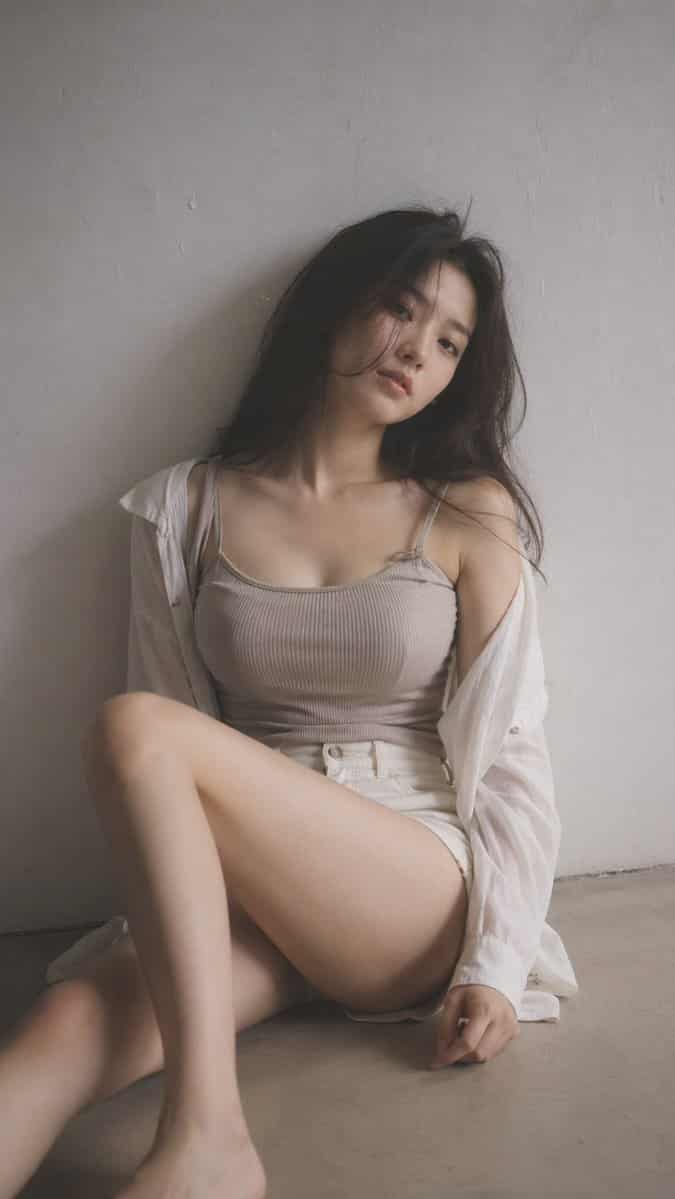
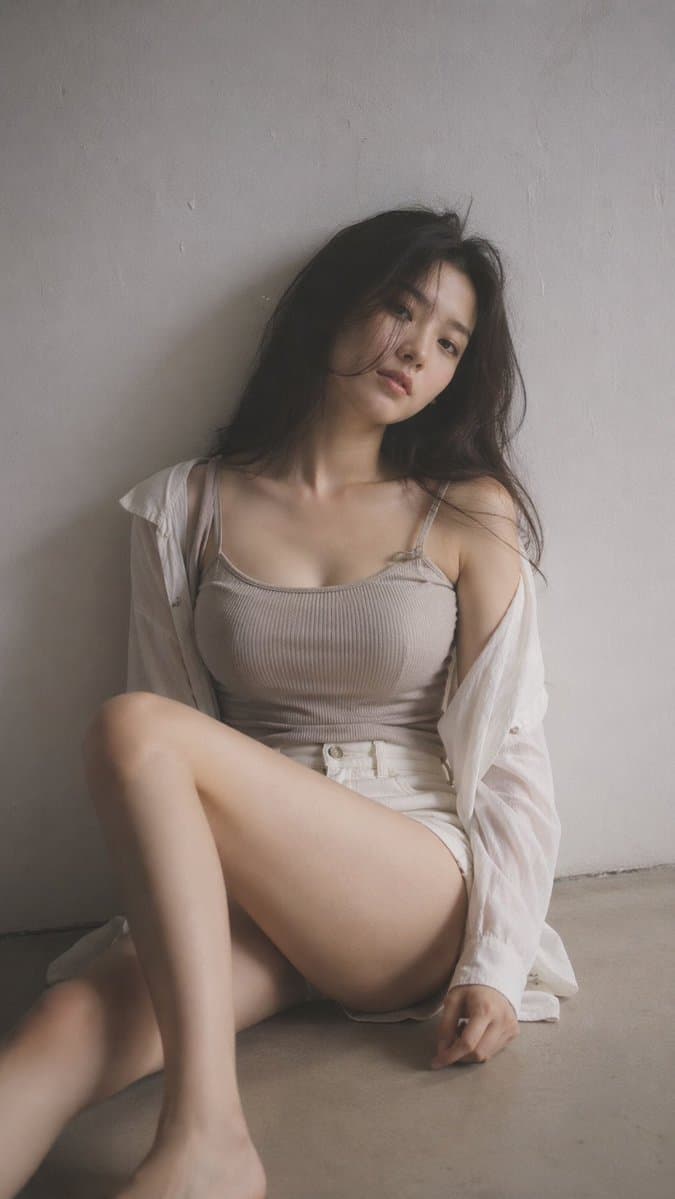
صورة تحريرية للضباب الأسود الناعم
9:16 عمودي - صورة تحريرية، مرشح ضباب أسود ناعم موضوع واحد، ضباب خفيف، إزهار خفيف لطيف، نغمات صامتة، مساحة داخلية ضئيلة، خلفية نظيفة، نسيج بسيط لامرأة كورية شابة، مكياج بسيط، ملابس ذات ملمس طبيعي للبشرة: قميص علوي متماسك…
موجه
9:16 عمودي - صورة تحريرية، مرشح ضباب أسود ناعم موضوع واحد، ضباب خفيف، إزهار خفيف لطيف، نغمات صامتة، مساحة داخلية ضئيلة، خلفية نظيفة، نسيج بسيط لامرأة كورية شابة، مكياج بسيط، ملابس ذات ملمس طبيعي للبشرة: قميص علوي متماسك مضلع أو قميص داخلي ناعم تحت قميص فضفاض، مقترنًا بشورت أو تنورة عالية الخصر؛ القماش يلتصق قليلاً بشكل الجسم، ناعم وطبيعي، لا توجد عناصر كاشفة الشعر: فوضوي قليلاً، وضع الحجم الطبيعي: الجلوس على الأرض مع ثني ساق واحدة والأخرى مسترخية، الجسم يميل قليلاً، الكتفين غير محاذيين، الرأس مائل التكوين: الموضوع بعيد قليلاً عن المركز، مساحة سلبية التعبير الحالي: هادئ، بعيد قليلاً، شفاه طبيعية الإضاءة: ضوء جانبي ناعم، ظل لطيف المزاج المتساقط: بسيط، هادئ، حسي بمهارة من خلال خطوط الجسم الطبيعية، جودة مريحة وغير موضوعية: حبيبات دقيقة، نعومة طفيفة، نظرة واقعية
كيفية استخدام هذه المطالبة
اقرأ المطالبة صورة تحريرية للضباب الأسود الناعم الكاملة وحدد متطلبات الموضوع والنمط والكاميرا والإضاءة والتركيب قبل الإنشاء.
استبدل العناصر النائبة بين قوسين أو على شكل وسيطة بمتطلبات المنتج أو الشخصية أو العلامة التجارية أو المشهد أو لوحة الألوان أو نسبة العرض إلى الارتفاع.
افتح https://www.gptimagehub.com/ar/generate?promptId=cmogwrt0h0015zpdys698d3dm، وقم بإنشاء الصورة، ثم قم بتحسين المطالبة باستخدام موضوع أو نص أو تخطيط أو قيود سلبية أكثر تحديدًا إذا لزم الأمر.
الأسئلة الشائعة السريعة
ما هو أفضل استخدام للموجه صورة تحريرية للضباب الأسود الناعم؟
يتم استخدام هذه المطالبة بشكل أفضل مع صور البورتريه والتصوير حيث تريد بنية قابلة لإعادة الاستخدام، واتجاه مرئي مفصل، وجودة إخراج متسقة.
هل يمكنني تعديل المطالبة قبل الإنشاء؟
نعم. يظهر نص المطالبة الكامل في هذه الصفحة حتى تتمكن من تغيير الموضوعات وأسماء المنتجات والألوان والتركيب ومصطلحات الكاميرا ونسبة العرض إلى الارتفاع وملاحظات النمط قبل الإنشاء.
ما النموذج الذي يجب أن أستخدمه مع هذه المطالبة؟
استخدم النموذج الموضح في بيانات تعريف المطالبة كنقطة بداية افتراضية. إذا كان نموذج صورة آخر يدعم نفس نسبة العرض إلى الارتفاع ونمط التعليمات، فيمكنك تعديل المطالبة ومقارنة النتائج.