
ديوراما حزمة بذور سحرية
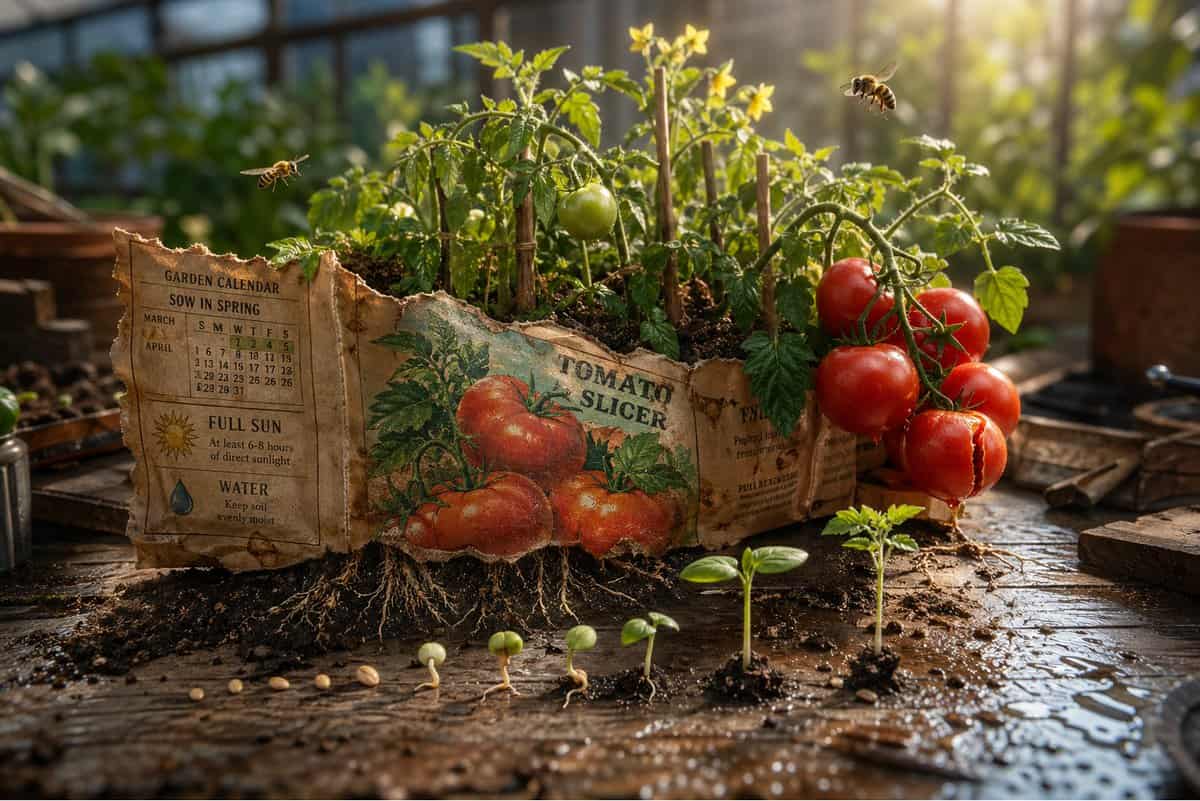
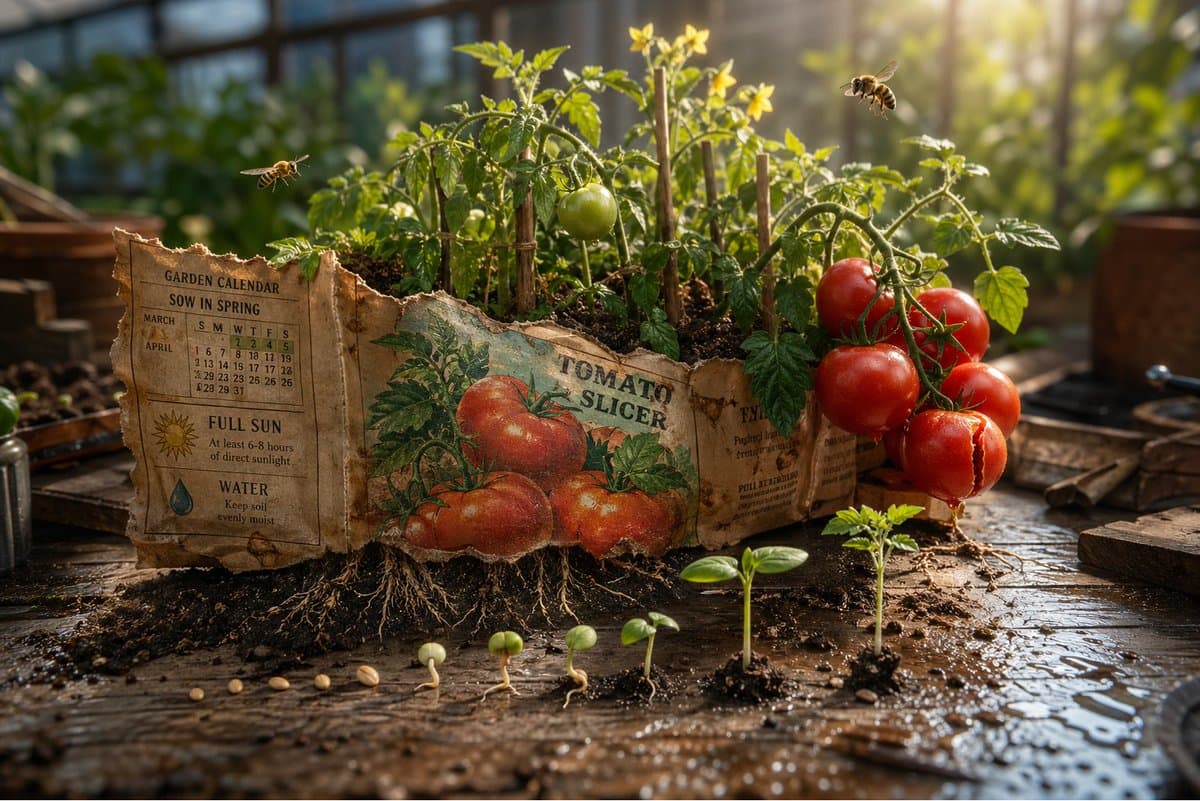
مشهد ثلاثي الأبعاد ملحمي: حزمة بذور بالية مفتوحة على طاولة عمل للأصص، ووعدها يثور إلى الحديقة التي تصفها. تصبح الرسمة الموجودة على الواجهة حقيقية. {argument name="plant type" default="[PLANT / FLOWER]"} ينمو بالحجم الكا…
موجه
مشهد ثلاثي الأبعاد ملحمي: حزمة بذور بالية مفتوحة على طاولة عمل للأصص، ووعدها يثور إلى الحديقة التي تصفها. تصبح الرسمة الموجودة على الواجهة حقيقية. {argument name="plant type" default="[PLANT / FLOWER]"} ينمو بالحجم الكامل من الورق، وجذور مرئية عبر قاعدة الحزمة تدفع نفسها إلى التربة أدناه. {argument name="detail left" default="[DETAIL 1]"} في كامل ازدهاره في إحدى الزوايا. {argument name="detail right" default="[DETAIL 2]"} في منتصف النمو في الزاوية الأخرى، ليس بعد ما سيكون عليه. حشرات صغيرة تنتمي لهذا النبات، {argument name="insect type" default="[BEE / BUTTERFLY / BEETLE]"}، تحوم بالحجم الصحيح. التعليمات المكتوبة على الظهر تصبح تقويم الحديقة، "sow in spring" تتجلى كضوء ربيع حقيقي. "full sun" تتجلى كعمود واحد منه، يضرب أطول زهرة بشكل مثالي. بذور متناثرة بين الحزمة والتربة كل واحدة تظهر مرحلة إنباتها، انقسام الغلاف، أول جذر، أول برعم، أول ورقة. حافة الحزمة الممزقة تصبح خط أشجار. سطح طاولة الأصص مع تناثر التربة وقطرات الماء. عمق ميدان tilt-shift، ضوء صباحي للدفيئة، الحزمة كالحديقة التي قصدتها دائماً.
كيفية استخدام هذه المطالبة
اقرأ المطالبة ديوراما حزمة بذور سحرية الكاملة وحدد متطلبات الموضوع والنمط والكاميرا والإضاءة والتركيب قبل الإنشاء.
استبدل العناصر النائبة بين قوسين أو على شكل وسيطة بمتطلبات المنتج أو الشخصية أو العلامة التجارية أو المشهد أو لوحة الألوان أو نسبة العرض إلى الارتفاع.
افتح https://www.gptimagehub.com/ar/generate?promptId=cmogx4syc00erzpdyzup0chpl، وقم بإنشاء الصورة، ثم قم بتحسين المطالبة باستخدام موضوع أو نص أو تخطيط أو قيود سلبية أكثر تحديدًا إذا لزم الأمر.
الأسئلة الشائعة السريعة
ما هو أفضل استخدام للموجه ديوراما حزمة بذور سحرية؟
يتم استخدام هذه المطالبة بشكل أفضل مع صور أخرى حيث تريد بنية قابلة لإعادة الاستخدام، واتجاه مرئي مفصل، وجودة إخراج متسقة.
هل يمكنني تعديل المطالبة قبل الإنشاء؟
نعم. يظهر نص المطالبة الكامل في هذه الصفحة حتى تتمكن من تغيير الموضوعات وأسماء المنتجات والألوان والتركيب ومصطلحات الكاميرا ونسبة العرض إلى الارتفاع وملاحظات النمط قبل الإنشاء.
ما النموذج الذي يجب أن أستخدمه مع هذه المطالبة؟
استخدم النموذج الموضح في بيانات تعريف المطالبة كنقطة بداية افتراضية. إذا كان نموذج صورة آخر يدعم نفس نسبة العرض إلى الارتفاع ونمط التعليمات، فيمكنك تعديل المطالبة ومقارنة النتائج.