
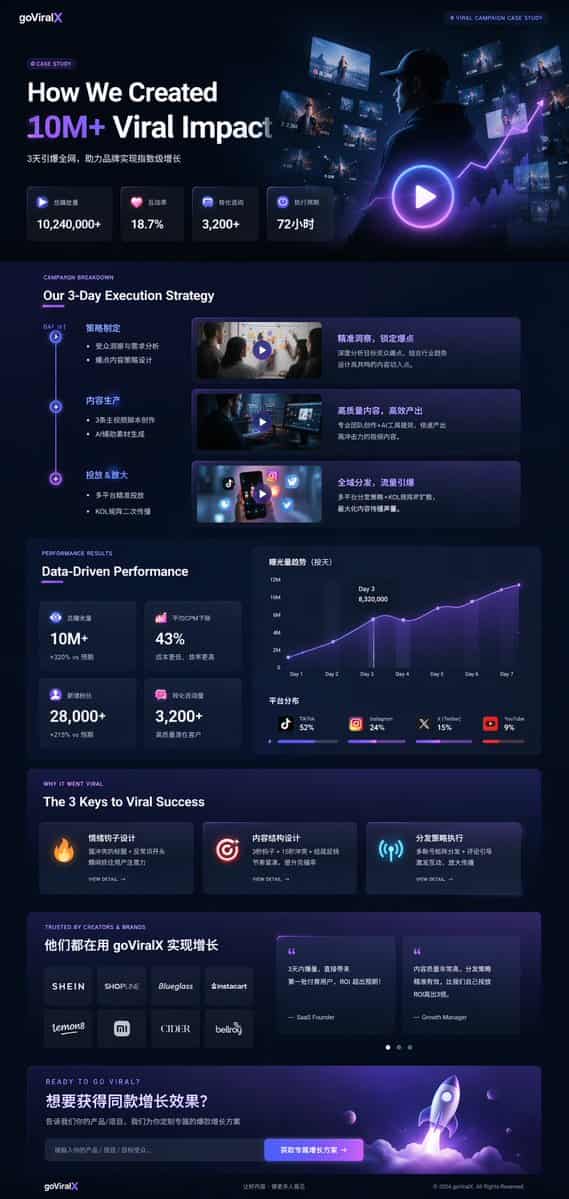
واجهة دراسة حالة تسويقية بالوضع الداكن
{ "type": "نموذج بالحجم الطبيعي للصفحة المقصودة UI/UX"، "theme": "وضع داكن، جمالية عصرية أنيقة، شكل زجاجي، لمسات متوهجة {argument name=\"primary accent color\" default=\"neon purple and blue\"}"، "الرأس": { "الشعار": "{…
موجه
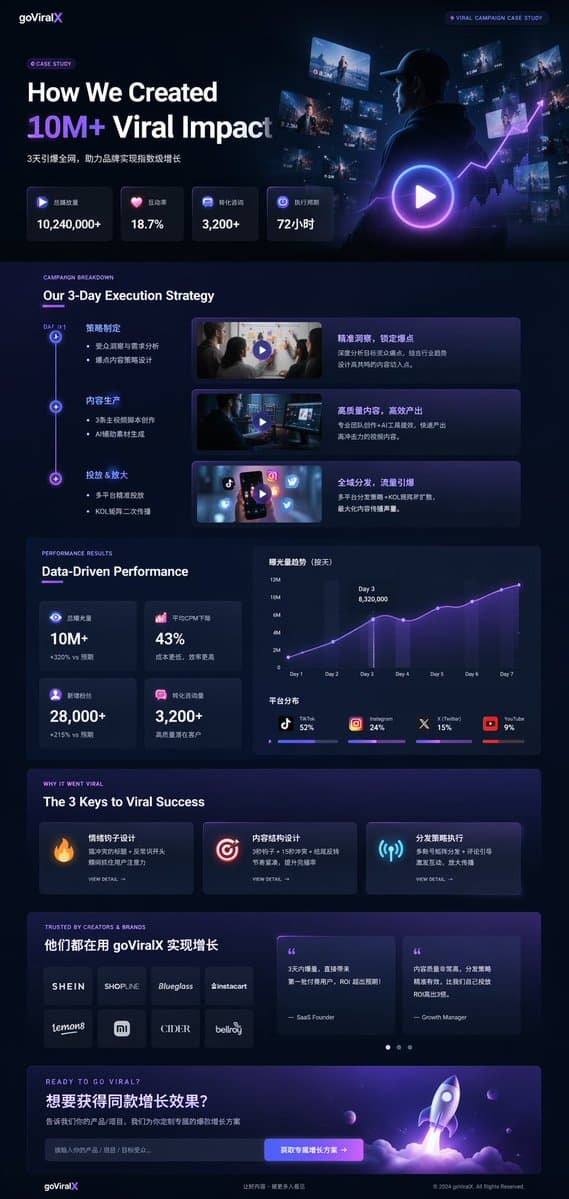
{ "type": "نموذج بالحجم الطبيعي للصفحة المقصودة UI/UX"، "theme": "وضع داكن، جمالية عصرية أنيقة، شكل زجاجي، لمسات متوهجة {argument name=\"primary accent color\" default=\"neon purple and blue\"}"، "الرأس": { "الشعار": "{argument name=\"brand name\" default=\"goViralX\"}"، "top_right_tag": "دراسة حالة الحملة الرائجة" }, "التخطيط": { "الأقسام": [ { "الاسم": "البطل"، "العنوان": "{argument name=\"hero headline\" default=\"How We Created 10M+ Viral Impact\"}"، "subheadline": "تم تفجير الشبكة بالكامل في 3 أيام، مما ساعد العلامات التجارية على تحقيق نمو هائل"، "صف الإحصائيات": { "العدد": 4، "التسميات": ["إجمالي حجم التشغيل"، "معدل التفاعل"، "استشارة التحويل"، "دورة التنفيذ"]، "القيم": ["{argument name=\"main statistic\" default=\"10,240,000+\"}"، "18.7%"، "3,200+"، "72 ساعة"] }, "visual": "لقطة سينمائية لشخص يرتدي سترة ذات قلنسوة وينظر إلى الشاشات الرقمية المتوهجة والرسوم البيانية، وزر تشغيل كبير متراكب" }, { "الاسم": "الاستراتيجية"، "title": "استراتيجية التنفيذ لمدة 3 أيام لدينا"، "layout_type": "خط زمني عمودي"، "عدد الخطوات": 3، "elements_per_step": ["عقدة الخط الزمني"، "العنوان"، "نقاط نقطية"، "صورة مصغرة للفيديو مع زر التشغيل"، "مربع الوصف"] }, { "الاسم": "الأداء"، "title": "الأداء المبني على البيانات"، "العمود_الأيسر": { "stat_cards_count": 4، "القيم": ["10M+"، "43%"، "28,000+"، "3,200+"] }, "العمود_الأيمن": { "charts_count": 2، "chart_1": "رسم بياني خطي يوضح ذروة النمو على مدى 7 أيام في اليوم الثالث"، "chart_2": "مخطط شريطي مجزأ أفقيًا يوضح توزيع المنصة (TikTok 52%، Instagram 24%، X 15%، YouTube 9%)" } }, { "الاسم": "مفاتيح النجاح"، "title": "المفاتيح الثلاثة للنجاح الفيروسي"، "عدد_البطاقات": 3، "card_elements": ["رمز متوهج (نار، هدف، هوائي)"، "عنوان"، "وصف"، "رابط عرض التفاصيل"] }, { "الاسم": "الدليل الاجتماعي"، "title": "موثوق به من قبل المبدعين والعلامات التجارية"، "العمود_الأيسر": { "logos_count": 8، "الشبكة": "2x4"، "brands": ["SHEIN"، "SHOPLINE"، "Blueglass"، "instacart"، "lemon8"، "mi"، "CIDER"، "bellroy"] }, "العمود_الأيمن": { "عدد_بطاقات_الشهادات": 2، "elements": ["quote"، "عنوان المؤلف (مؤسس SaaS، مدير النمو)"] } }, { "الاسم": "عبارة تحث المستخدم على اتخاذ إجراء"، "title": "هل أنت جاهز للانتشار على نطاق واسع؟", "interactive_elements": ["حقل إدخال النص"، "زر متوهج يحتوي على النص '{argument name=\"call to action text\" default=\"获取专属增长方案 ->\"}'"]، "visual": "عرض ثلاثي الأبعاد لسفينة صاروخية تقلع مع لهب أرجواني وأزرق" } ] } }
كيفية استخدام هذه المطالبة
اقرأ المطالبة واجهة دراسة حالة تسويقية بالوضع الداكن الكاملة وحدد متطلبات الموضوع والنمط والكاميرا والإضاءة والتركيب قبل الإنشاء.
استبدل العناصر النائبة بين قوسين أو على شكل وسيطة بمتطلبات المنتج أو الشخصية أو العلامة التجارية أو المشهد أو لوحة الألوان أو نسبة العرض إلى الارتفاع.
افتح https://www.gptimagehub.com/ar/generate?promptId=cmogx4gaj00ejzpdyjfmpkq4n، وقم بإنشاء الصورة، ثم قم بتحسين المطالبة باستخدام موضوع أو نص أو تخطيط أو قيود سلبية أكثر تحديدًا إذا لزم الأمر.
الأسئلة الشائعة السريعة
ما هو أفضل استخدام للموجه واجهة دراسة حالة تسويقية بالوضع الداكن؟
يتم استخدام هذه المطالبة بشكل أفضل مع صور تصميم ui / ux حيث تريد بنية قابلة لإعادة الاستخدام، واتجاه مرئي مفصل، وجودة إخراج متسقة.
هل يمكنني تعديل المطالبة قبل الإنشاء؟
نعم. يظهر نص المطالبة الكامل في هذه الصفحة حتى تتمكن من تغيير الموضوعات وأسماء المنتجات والألوان والتركيب ومصطلحات الكاميرا ونسبة العرض إلى الارتفاع وملاحظات النمط قبل الإنشاء.
ما النموذج الذي يجب أن أستخدمه مع هذه المطالبة؟
استخدم النموذج الموضح في بيانات تعريف المطالبة كنقطة بداية افتراضية. إذا كان نموذج صورة آخر يدعم نفس نسبة العرض إلى الارتفاع ونمط التعليمات، فيمكنك تعديل المطالبة ومقارنة النتائج.