
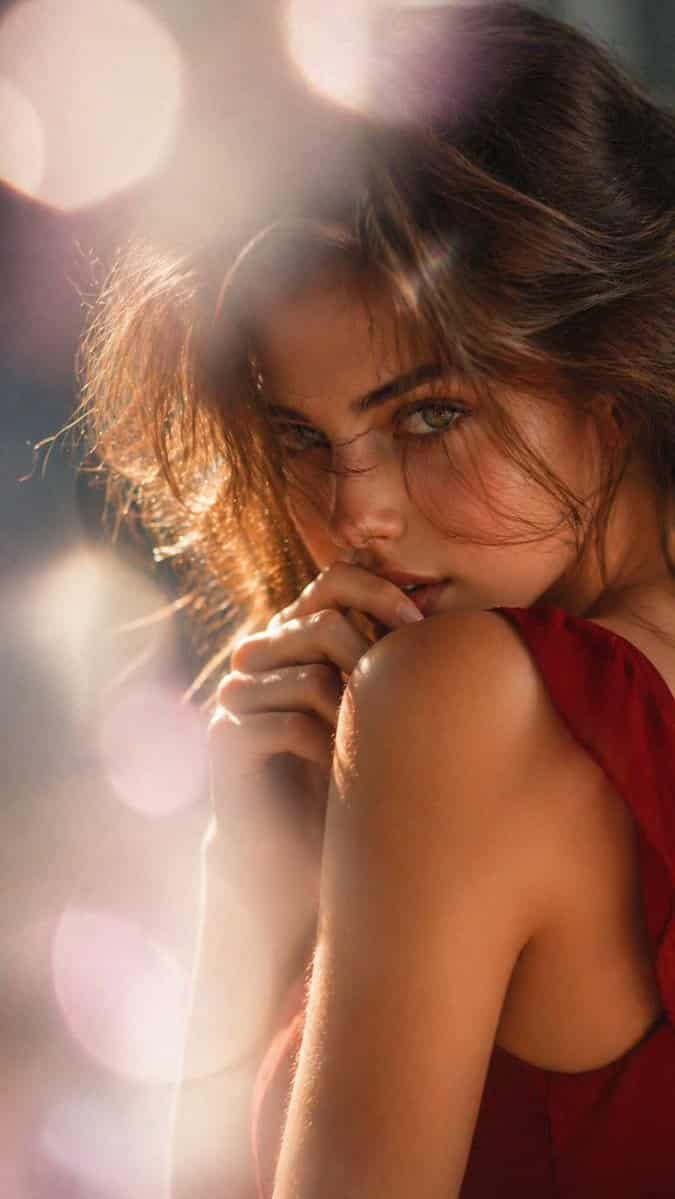
بورتريه تحريري حالم بإضاءة خلفية
بورتريه سينمائي ناعم البؤرة لامرأة من الخلف وقليلاً من الجانب، مؤطرة من الجزء العلوي للجذع وما فوق في تكوين عمودي. لديها شعر {argument name="hair color" default="dark brown"} مصفف في تسريحة فضفاضة فوضوية مرفوعة مع خصلات…
موجه
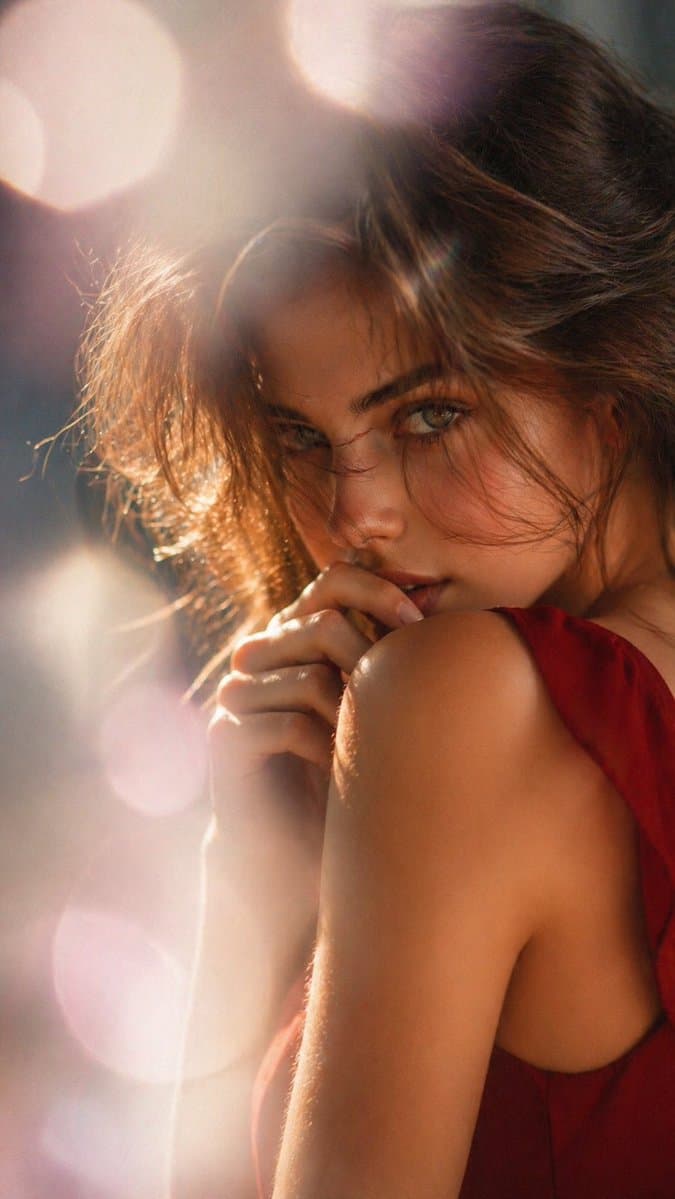
بورتريه سينمائي ناعم البؤرة لامرأة من الخلف وقليلاً من الجانب، مؤطرة من الجزء العلوي للجذع وما فوق في تكوين عمودي. لديها شعر {argument name="hair color" default="dark brown"} مصفف في تسريحة فضفاضة فوضوية مرفوعة مع خصلات رفيعة تلتقط الضوء. وجهها مخفي في معظمه بسبب وضعيتها وشعرها، مع جزء صغير فقط من خد واحد مرئي. ترتدي فستاناً بدون أكمام بلون {argument name="dress color" default="deep red"} بظهر مفتوح أو جانب منخفض القص، يبرز كتفها العاري وأعلى ظهرها. يد واحدة مرفوعة بلطف بالقرب من رقبتها أو كتفها، الأصابع مرتاحة. استخدم إضاءة خلفية دافئة قوية وضوء حافة، مع أبرازات ذهبية متوهجة حول الشعر والبشرة، وهج عدسة حالم، وبوكيه دائري كبير في الخلفية الضبابية. يجب أن تشعر الصورة بالحميمية، الأناقة، والقليل من الإحساسية، مثل تحرير أزياء أو جمال راقٍ، مع عمق ميدان ضحل، ضباب كريمي، نغمات عنبرية ووردية دافئة، وتوهج سينمائي ناعم.
كيفية استخدام هذه المطالبة
اقرأ المطالبة بورتريه تحريري حالم بإضاءة خلفية الكاملة وحدد متطلبات الموضوع والنمط والكاميرا والإضاءة والتركيب قبل الإنشاء.
استبدل العناصر النائبة بين قوسين أو على شكل وسيطة بمتطلبات المنتج أو الشخصية أو العلامة التجارية أو المشهد أو لوحة الألوان أو نسبة العرض إلى الارتفاع.
افتح https://www.gptimagehub.com/ar/generate?promptId=cmogwygeb009vzpdyrvpsnhgr، وقم بإنشاء الصورة، ثم قم بتحسين المطالبة باستخدام موضوع أو نص أو تخطيط أو قيود سلبية أكثر تحديدًا إذا لزم الأمر.
الأسئلة الشائعة السريعة
ما هو أفضل استخدام للموجه بورتريه تحريري حالم بإضاءة خلفية؟
يتم استخدام هذه المطالبة بشكل أفضل مع صور البورتريه والتصوير حيث تريد بنية قابلة لإعادة الاستخدام، واتجاه مرئي مفصل، وجودة إخراج متسقة.
هل يمكنني تعديل المطالبة قبل الإنشاء؟
نعم. يظهر نص المطالبة الكامل في هذه الصفحة حتى تتمكن من تغيير الموضوعات وأسماء المنتجات والألوان والتركيب ومصطلحات الكاميرا ونسبة العرض إلى الارتفاع وملاحظات النمط قبل الإنشاء.
ما النموذج الذي يجب أن أستخدمه مع هذه المطالبة؟
استخدم النموذج الموضح في بيانات تعريف المطالبة كنقطة بداية افتراضية. إذا كان نموذج صورة آخر يدعم نفس نسبة العرض إلى الارتفاع ونمط التعليمات، فيمكنك تعديل المطالبة ومقارنة النتائج.