
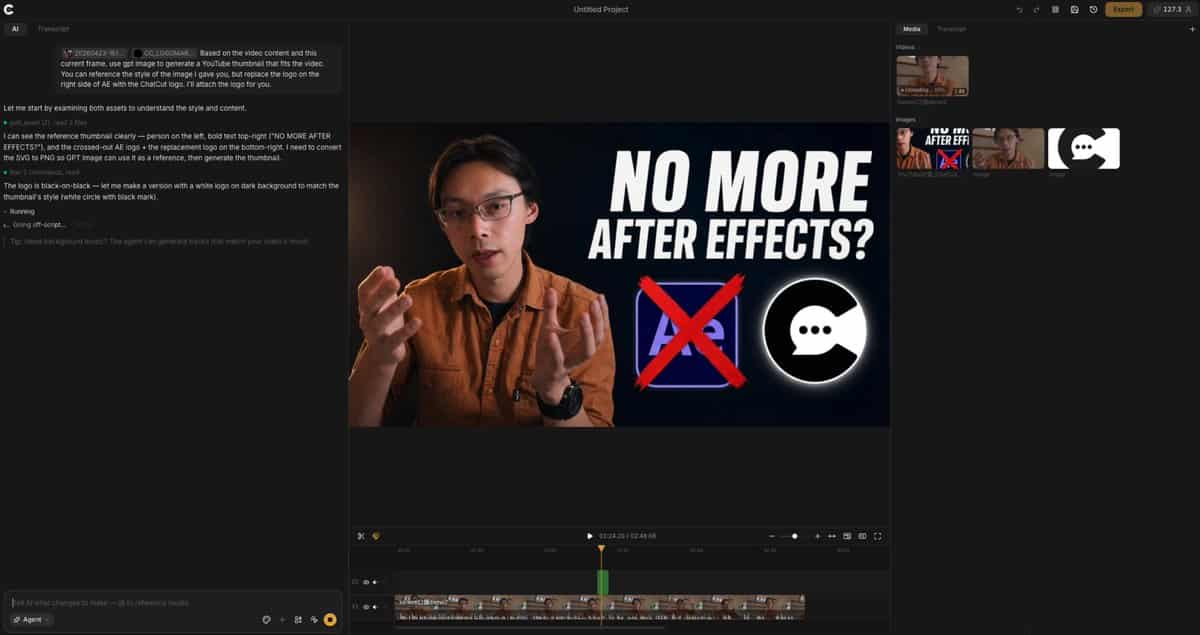
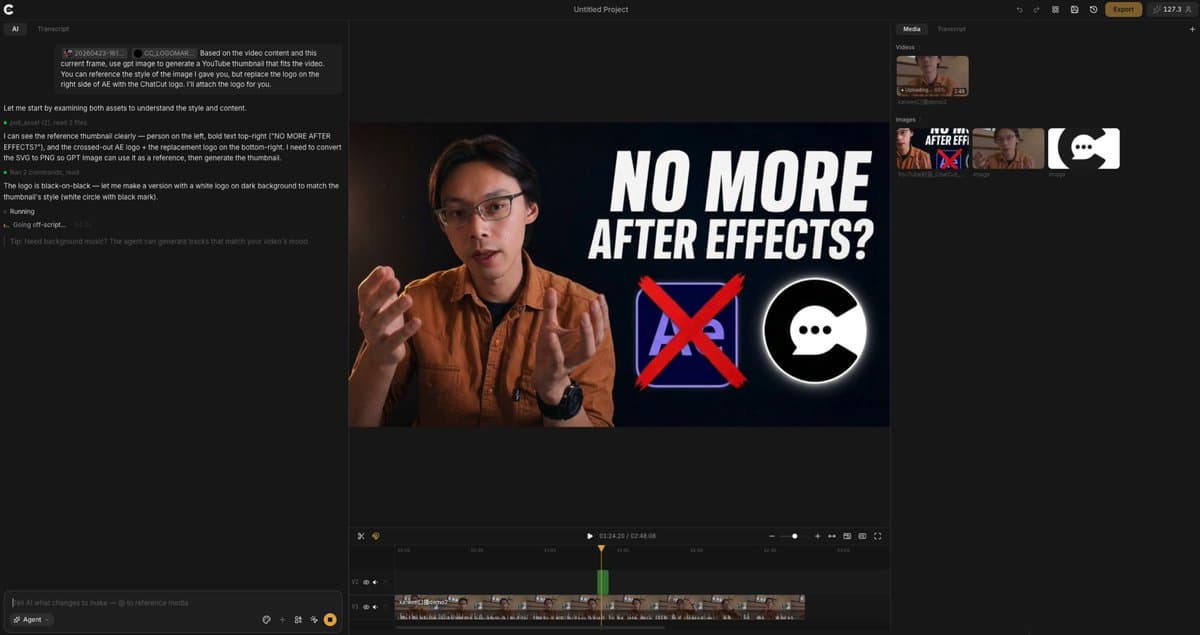
ตามเนื้อหาวิดีโอและเฟรมปัจจุบันนี้ ใช้ GPT เพื่อสร้าง YouT...
จากเนื้อหาวิดีโอและเฟรมปัจจุบันนี้ ให้ใช้ GPT เพื่อสร้างภาพขนาดย่อของ YouTube ที่เหมาะกับวิดีโอ คุณสามารถอ้างอิงสไตล์ของรูปภาพที่ฉันให้คุณ แต่แทนที่โลโก้ทางด้านขวาของ AE ด้วยโลโก้ ChatCut ฉันจะแนบโลโก้ให้กับคุณ
พรอมต์
จากเนื้อหาวิดีโอและเฟรมปัจจุบันนี้ ให้ใช้ GPT เพื่อสร้างภาพขนาดย่อของ YouTube ที่เหมาะกับวิดีโอ คุณสามารถอ้างอิงสไตล์ของรูปภาพที่ฉันให้คุณ แต่แทนที่โลโก้ทางด้านขวาของ AE ด้วยโลโก้ ChatCut ฉันจะแนบโลโก้ให้กับคุณ
วิธีการใช้งานพร้อมท์นี้
อ่านข้อความแจ้ง ตามเนื้อหาวิดีโอและเฟรมปัจจุบันนี้ ใช้ GPT เพื่อสร้าง YouT... ฉบับสมบูรณ์ และระบุวัตถุ สไตล์ กล้อง แสง และข้อกำหนดองค์ประกอบก่อนสร้าง
แทนที่ตัวยึดตำแหน่งแบบวงเล็บเหลี่ยมหรือแบบอาร์กิวเมนต์ด้วยข้อกำหนดเกี่ยวกับผลิตภัณฑ์ ตัวละคร แบรนด์ ฉาก ชุดสี หรืออัตราส่วนภาพ
เปิด https://www.gptimagehub.com/th/generate?promptId=cmogwxgoa007vzpdygpxklxfs สร้างรูปภาพ จากนั้นปรับแต่งข้อความแจ้งด้วยหัวข้อ ข้อความ เค้าโครง หรือข้อจำกัดเชิงลบที่เฉพาะเจาะจงมากขึ้น หากจำเป็น
คำถามที่พบบ่อยพร้อมท์
พรอมต์ ตามเนื้อหาวิดีโอและเฟรมปัจจุบันนี้ ใช้ GPT เพื่อสร้าง YouT... ใช้ทำอะไรได้ดีที่สุด
ข้อความแจ้งนี้เหมาะที่สุดสำหรับอิมเมจ ออกแบบ ui / ux ที่คุณต้องการโครงสร้างที่นำมาใช้ซ้ำได้ ทิศทางของภาพโดยละเอียด และคุณภาพเอาต์พุตที่สม่ำเสมอ
ฉันสามารถแก้ไขพรอมต์ก่อนสร้างได้หรือไม่
ใช่ ข้อความแจ้งแบบเต็มจะปรากฏบนหน้านี้ เพื่อให้คุณสามารถเปลี่ยนชื่อเรื่อง ชื่อผลิตภัณฑ์ สี องค์ประกอบ ข้อกำหนดของกล้อง อัตราส่วนภาพ และหมายเหตุสไตล์ก่อนการสร้าง
ฉันควรใช้รุ่นใดกับข้อความแจ้งนี้
ใช้โมเดลที่แสดงในข้อมูลเมตาของพรอมต์เป็นจุดเริ่มต้นเริ่มต้น หากรูปภาพรุ่นอื่นรองรับอัตราส่วนภาพและรูปแบบคำสั่งเดียวกัน คุณสามารถปรับข้อความแจ้งและเปรียบเทียบผลลัพธ์ได้