
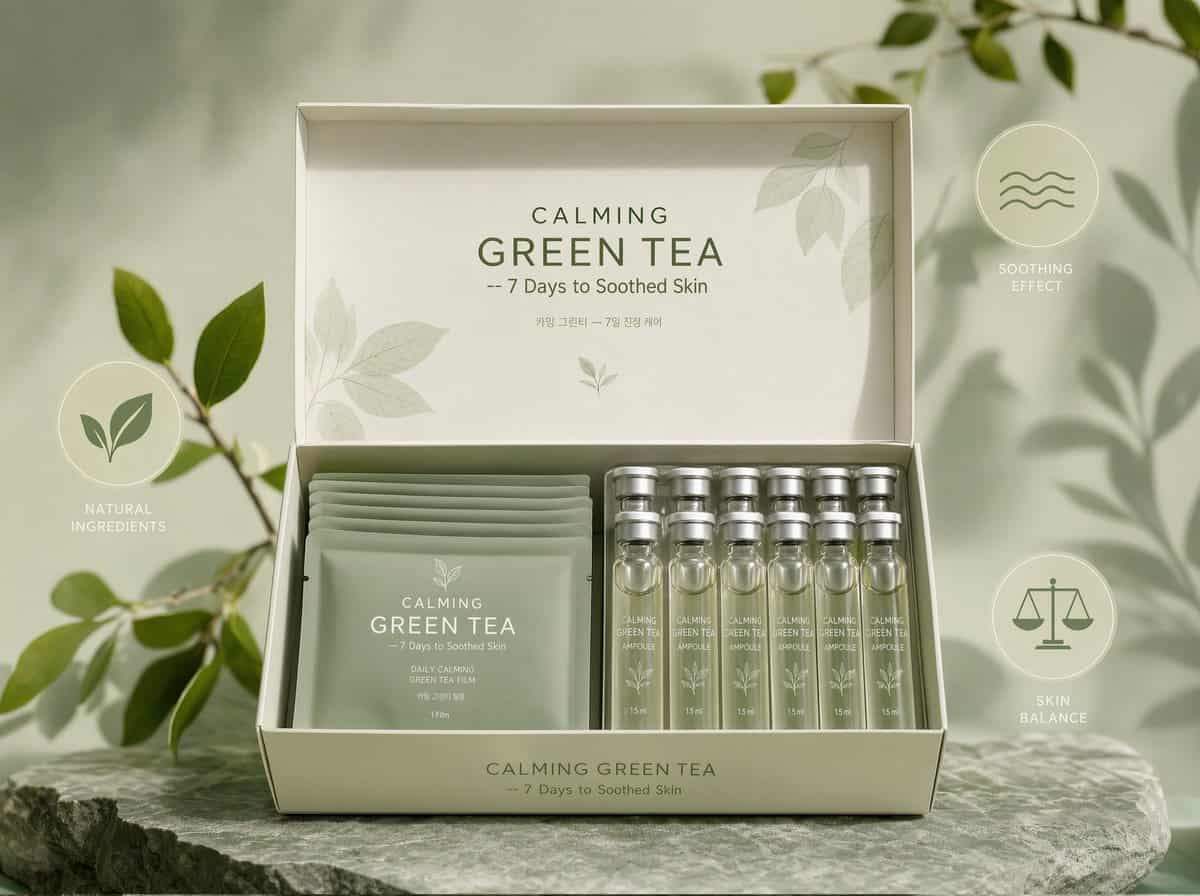
Kit Film CALMING GREEN TEA mostrado frontalmente, la caja abierta muestra sua...
Kit Film CALMING GREEN TEA mostrado frontalmente, la caja abierta muestra suaves bolsitas de film verde salvia y ampollas translúcidas con tapas mate plateadas, producto colocado centralmente con la marca clara CALMING…
rápido
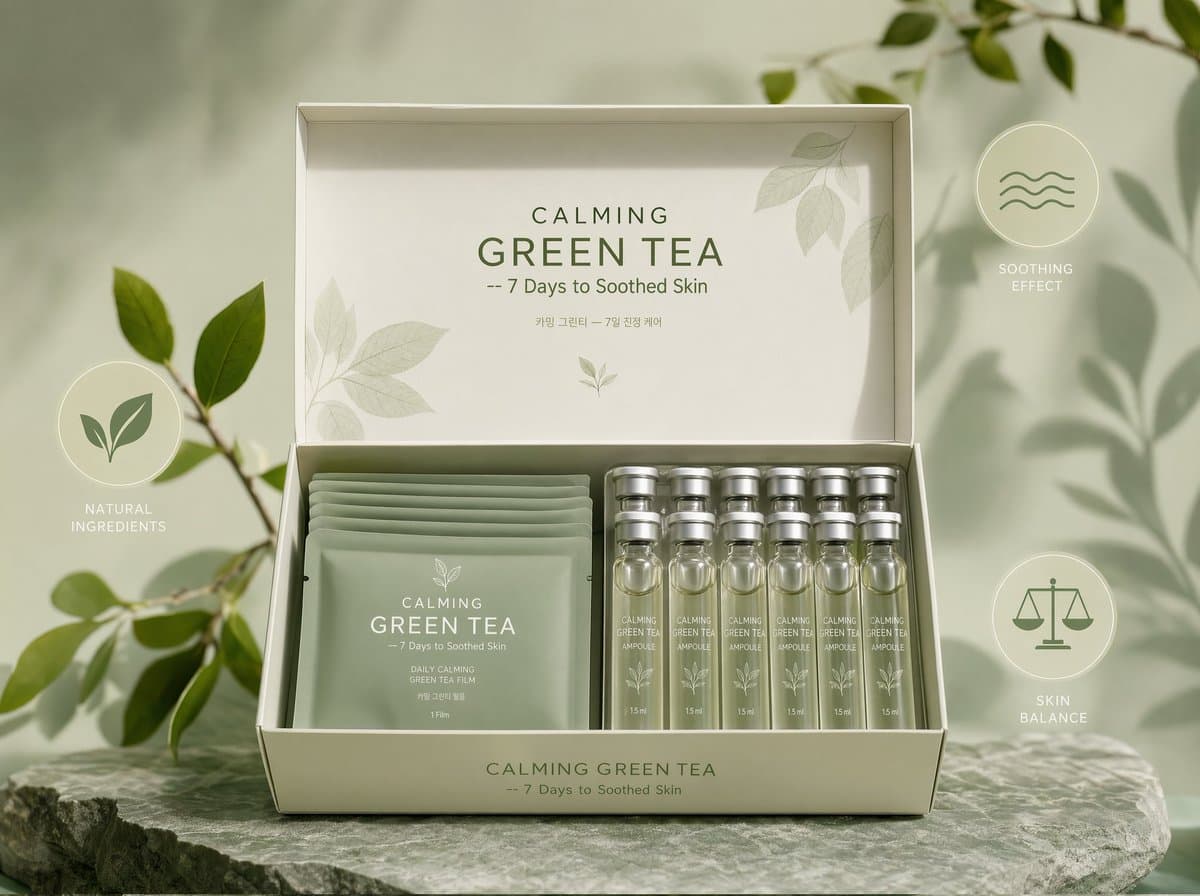
Kit Film CALMING GREEN TEA mostrado frontalmente, la caja abierta muestra suaves bolsitas de film verde salvia y ampollas translúcidas con tapas mate plateadas, producto colocado centralmente con la marca clara CALMING GREEN TEA -- 7 Days to Soothed Skin, fondo verde pastel con acentos gráficos botánicos, tres iconos minimalistas (hoja, ola, equilibrio) flotando alrededor del producto para enfatizar los beneficios, fotográfico, hiperdetallado, ultrarrealista, real, 8k, alto detalle, suave iluminación profesional.
Cómo utilizar este mensaje
Lea el mensaje Kit Film CALMING GREEN TEA mostrado frontalmente, la caja abierta muestra sua... completo e identifique los requisitos del tema, el estilo, la cámara, la iluminación y la composición antes de generarlo.
Reemplace los marcadores de posición entre corchetes o estilo argumento con sus requisitos de producto, personaje, marca, escena, paleta de colores o relación de aspecto.
Abra https://www.gptimagehub.com/es/generate?promptId=cmogws0s1001lzpdyrz3ivdpw, genere la imagen y luego refine el mensaje con un tema, texto, diseño o restricciones negativas más específicas si es necesario.
Preguntas frecuentes inmediatas
¿Para qué se utiliza mejor el mensaje Kit Film CALMING GREEN TEA mostrado frontalmente, la caja abierta muestra sua...?
Este mensaje se utiliza mejor para imágenes retrato y fotografía donde desea una estructura reutilizable, una dirección visual detallada y una calidad de salida consistente.
¿Puedo editar el mensaje antes de generarlo?
Sí. El texto completo del mensaje está visible en esta página para que pueda cambiar temas, nombres de productos, colores, composición, términos de la cámara, relación de aspecto y notas de estilo antes de la generación.
¿Qué modelo debo usar con este mensaje?
Utilice el modelo que se muestra en los metadatos del mensaje como punto de partida predeterminado. Si otro modelo de imagen admite la misma relación de aspecto y estilo de instrucción, puede adaptar el mensaje y comparar los resultados.