
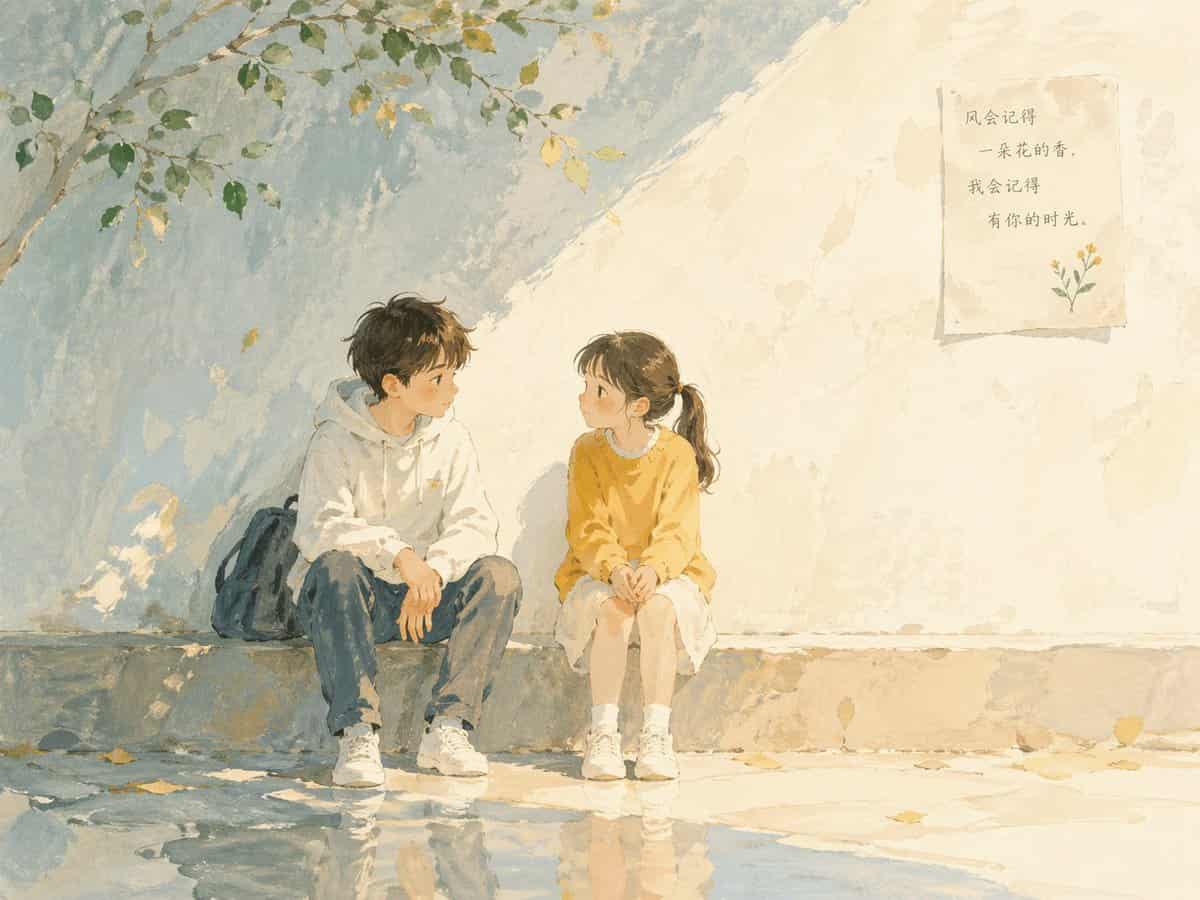
رسم توضيحي لكتاب الأطفال الشعري الناعم باستخدام الألوان المائية وأنسجة الغواش...
رسم توضيحي لكتاب الأطفال الشعري الناعم باستخدام ألوان مائية وقوام الغواش. ضوء نهار لطيف واضح مع إضاءة أكثر سطوعًا قليلاً. ألوان باستيل صامتة مع درجات زرقاء ناعمة ودافئة. ضربات فرشاة مرئية وحبيبات ورقية. تكوين بسيط مع مس…
موجه
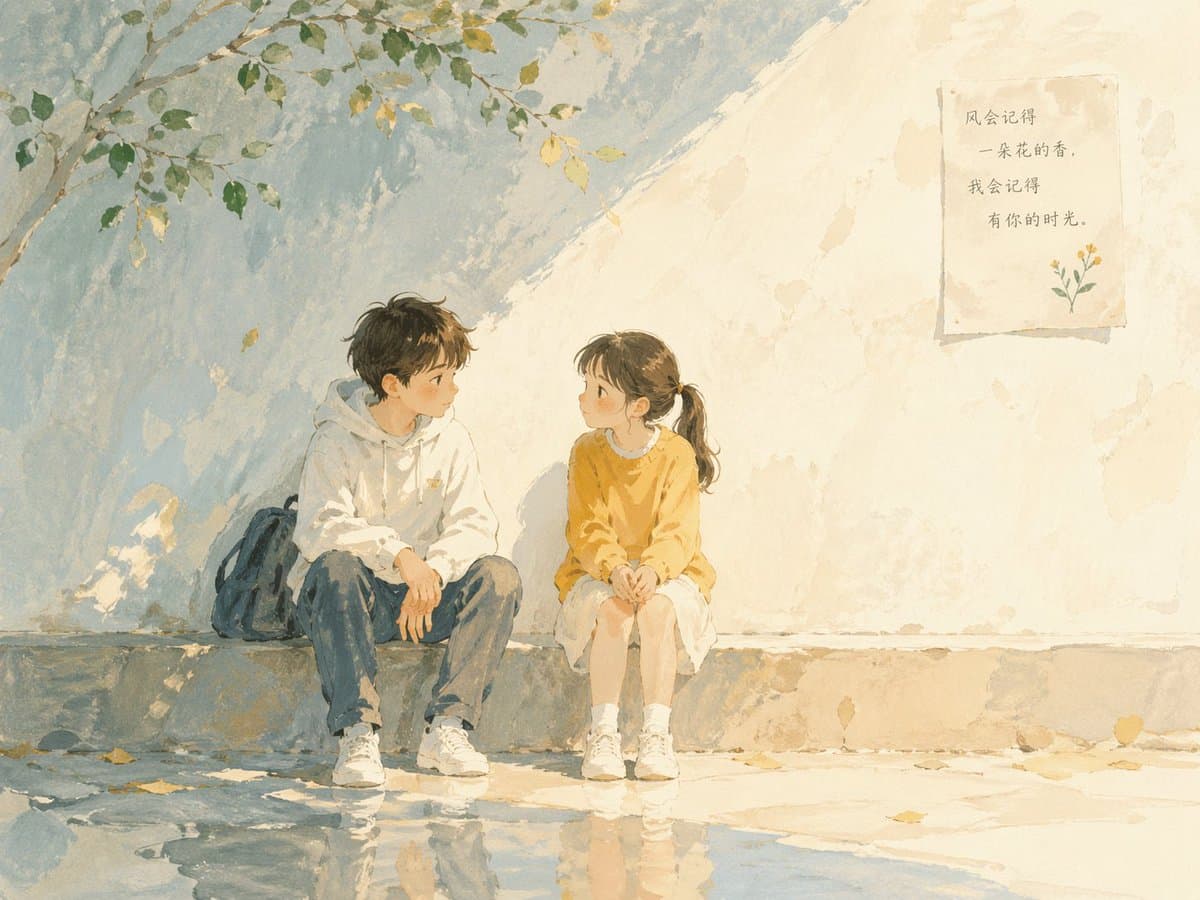
رسم توضيحي لكتاب الأطفال الشعري الناعم باستخدام ألوان مائية وقوام الغواش. ضوء نهار لطيف واضح مع إضاءة أكثر سطوعًا قليلاً. ألوان باستيل صامتة مع درجات زرقاء ناعمة ودافئة. ضربات فرشاة مرئية وحبيبات ورقية. تكوين بسيط مع مساحة سلبية كبيرة. جو هادئ ومدروس ومفتوح قليلاً. شخصية طفل (حوالي 12 عامًا). استعارات بصرية دقيقة مثل الضوء والظل والمنظور والانعكاس. نمط كتاب مصور مرسومة يدويًا، وليس رسوم متحركة، وليس أنيمي، وليس ثلاثي الأبعاد. طفلان في محادثة هادئة، وتكوين اتصال ناعم.
كيفية استخدام هذه المطالبة
اقرأ المطالبة رسم توضيحي لكتاب الأطفال الشعري الناعم باستخدام الألوان المائية وأنسجة الغواش... الكاملة وحدد متطلبات الموضوع والنمط والكاميرا والإضاءة والتركيب قبل الإنشاء.
استبدل العناصر النائبة بين قوسين أو على شكل وسيطة بمتطلبات المنتج أو الشخصية أو العلامة التجارية أو المشهد أو لوحة الألوان أو نسبة العرض إلى الارتفاع.
افتح https://www.gptimagehub.com/ar/generate?promptId=cmogwumon004fzpdyofo034x6، وقم بإنشاء الصورة، ثم قم بتحسين المطالبة باستخدام موضوع أو نص أو تخطيط أو قيود سلبية أكثر تحديدًا إذا لزم الأمر.
الأسئلة الشائعة السريعة
ما هو أفضل استخدام للموجه رسم توضيحي لكتاب الأطفال الشعري الناعم باستخدام الألوان المائية وأنسجة الغواش...؟
يتم استخدام هذه المطالبة بشكل أفضل مع صور الملصقات والرسوم التوضيحية حيث تريد بنية قابلة لإعادة الاستخدام، واتجاه مرئي مفصل، وجودة إخراج متسقة.
هل يمكنني تعديل المطالبة قبل الإنشاء؟
نعم. يظهر نص المطالبة الكامل في هذه الصفحة حتى تتمكن من تغيير الموضوعات وأسماء المنتجات والألوان والتركيب ومصطلحات الكاميرا ونسبة العرض إلى الارتفاع وملاحظات النمط قبل الإنشاء.
ما النموذج الذي يجب أن أستخدمه مع هذه المطالبة؟
استخدم النموذج الموضح في بيانات تعريف المطالبة كنقطة بداية افتراضية. إذا كان نموذج صورة آخر يدعم نفس نسبة العرض إلى الارتفاع ونمط التعليمات، فيمكنك تعديل المطالبة ومقارنة النتائج.